51YUNJI / BUY WITH CONTEXT

Cloud device knowledge hub — Page 30

Complete English guides to cloud PCs and cloud phones. Find answers by device, brand or task.

531 articles in English

Page 30 of 45
What should I do if the cloud phone sound and picture are out of sync? Sound paths for applications, remote sessions, and local devices; application's own audio and video; remote session audio channels; local playback and network comparison
CLOUD PHONES

Cloud phone audio and video are out of sync: what to check

First, compare other applications and distinguish between the problem of the source media itself being out of sync and the problem of the remote transmission process. This guide uses everyday examples, practical checks and common pitfalls to help you decide what to do next.
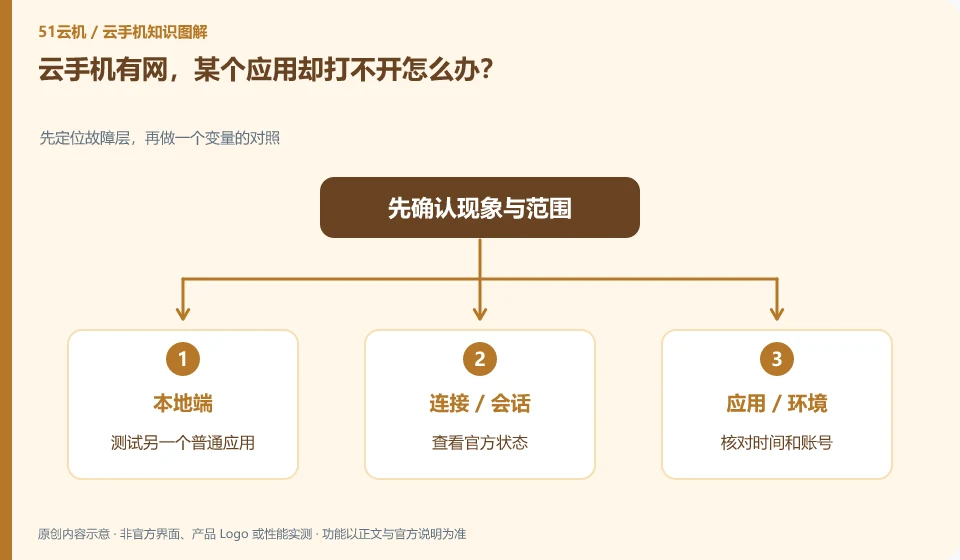
What should I do if my cloud phone has internet but a certain application cannot be opened? First locate the fault layer, then compare a variable; test another common application; check the official status; check the time and account number; record the specific links.
CLOUD PHONES

Cloud phone is online, but one app cannot connect

First check whether other applications can access the network, and then determine whether it is an application service, account or compatibility issue. This guide uses everyday examples, practical checks and common pitfalls to help you decide what to do next.
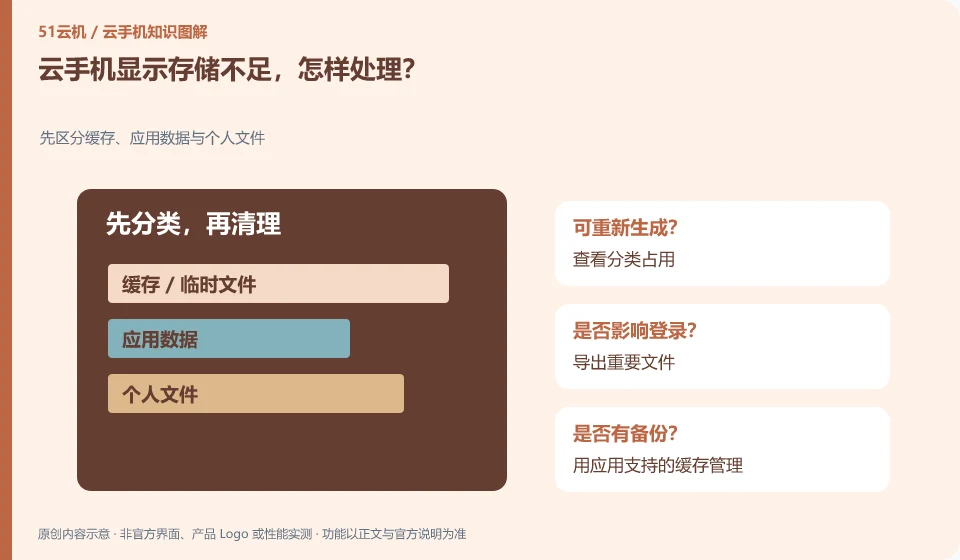
Cloud phone shows insufficient storage, what should I do? First distinguish cache, application data and personal files; check the category occupation; export important files; use the cache management supported by the application; and recheck the remaining space after cleaning.
CLOUD PHONES

What to do when cloud phone storage is full

First distinguish between installation packages, downloads, media and application cache usage, and then process the confirmed unnecessary content. Do not delete system directories at will. This guide uses everyday examples, practical checks and common pitfalls to help you decide what to do next.
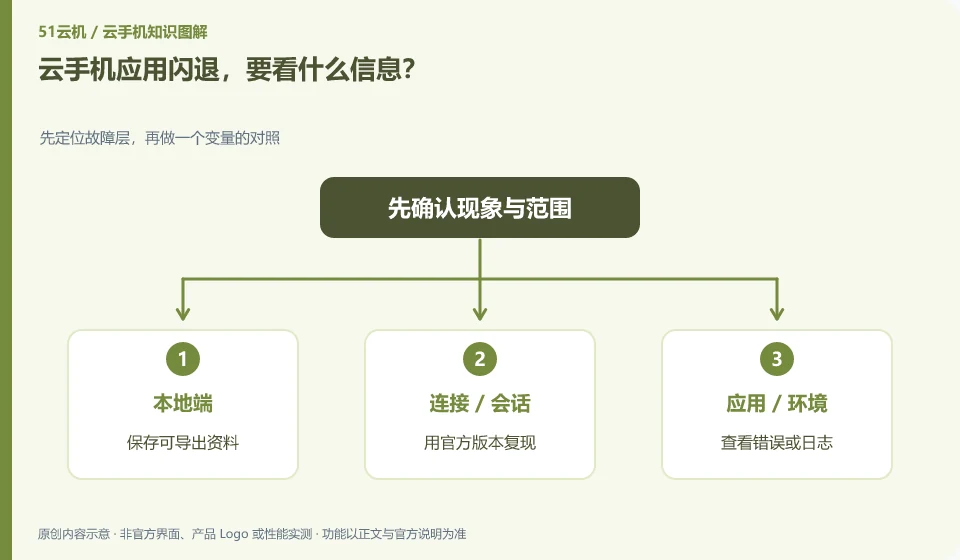
Cloud phone app crashes, what information should I see? Locate the fault layer first, and then compare the variables; save the exportable data; use the official version to reproduce; check errors or logs; and provide the minimum steps to support personnel.
CLOUD PHONES

Cloud phone app crashes: what information to check

Record whether it occurred at startup, login or a certain function, and check the system, application version and resource status. Crash is just the result, not the cause. This guide uses everyday examples, practical checks and common pitfalls to help you decide what to do next.
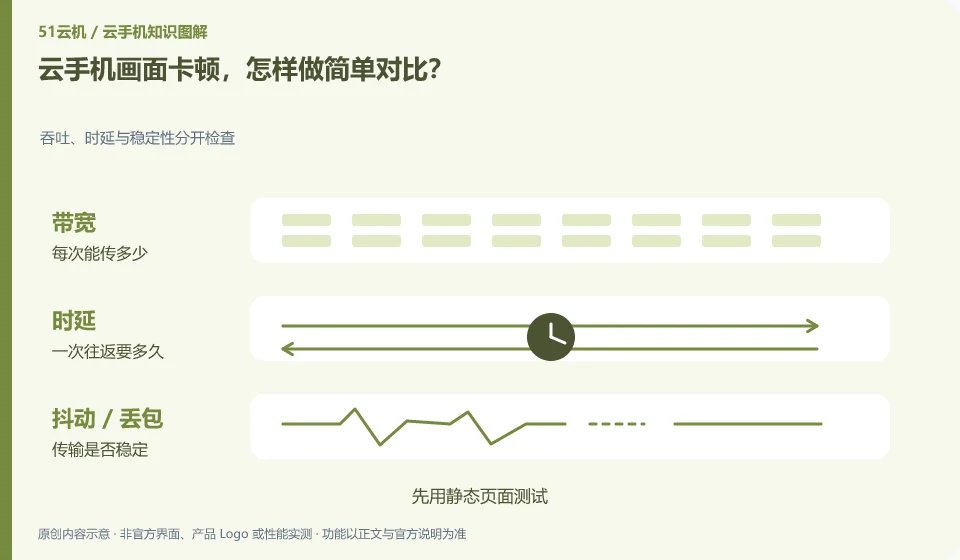
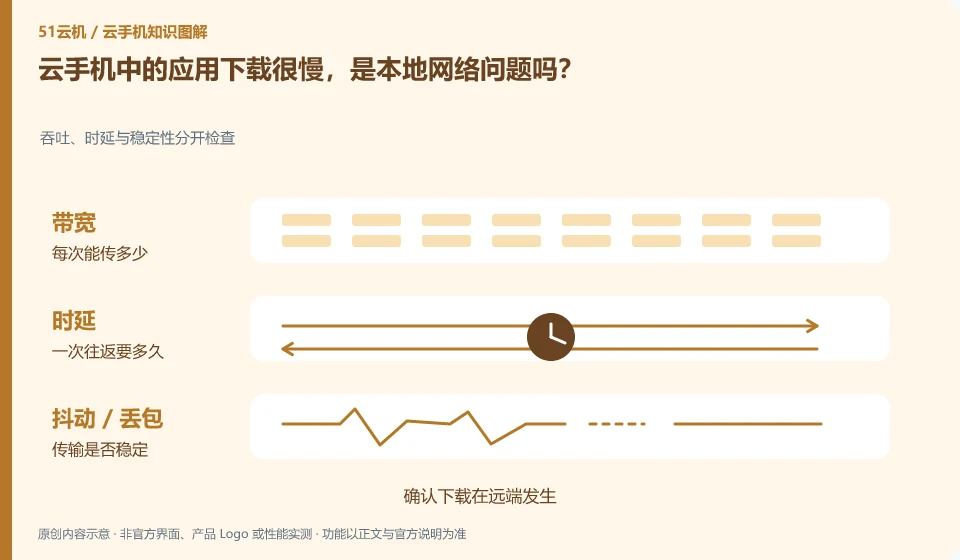
Cloud phone screen freezes, how to make a simple comparison? Throughput, latency and stability are checked separately; test with static pages first; record input and images; compare networks; then look at remote load and sharing specifications.
CLOUD PHONES

Cloud phone screen lag: a simple comparison test

Fix the instance and application, change only one condition, such as changing the network or reducing the supported image quality, and observe whether there is an improvement. This guide uses everyday examples, practical checks and common pitfalls to help you decide what to do next.
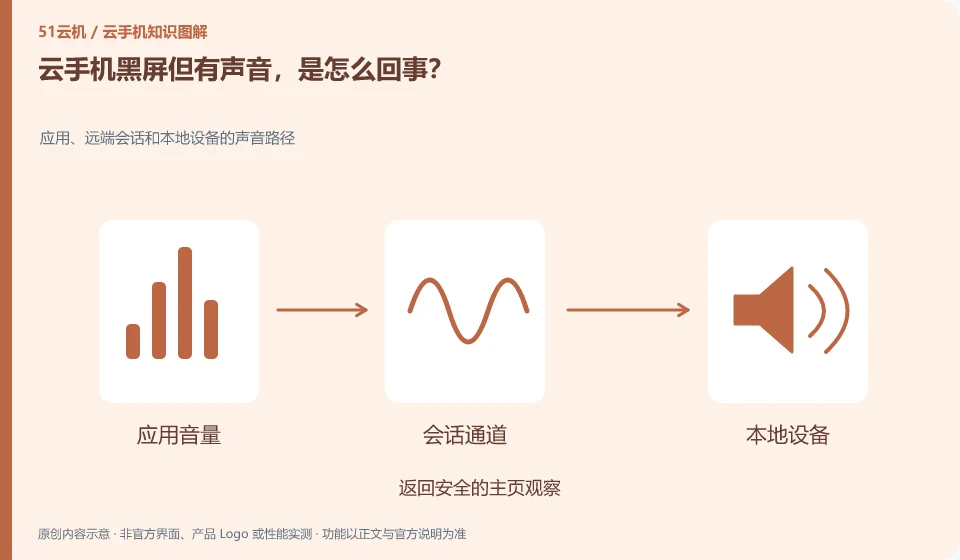
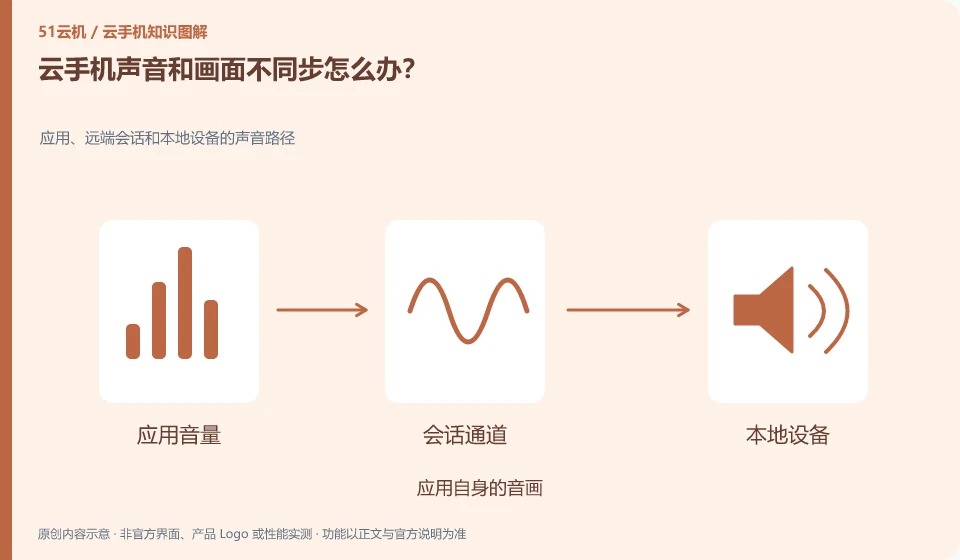
Cloud phone has black screen but sound, what's going on? Sound paths for applications, remote sessions, and local devices; return to the secure home page for observation; change to a normal test application; reconnect to an instance; record whether it is related to landscape or image quality.
CLOUD PHONES

Cloud phone has sound but a black screen: possible causes

Note that some audio links may still be present, and display or application rendering needs to be checked separately. This cannot be used to conclude that the system is completely normal. This guide uses everyday examples, practical checks and common pitfalls to help you decide what to do next.