
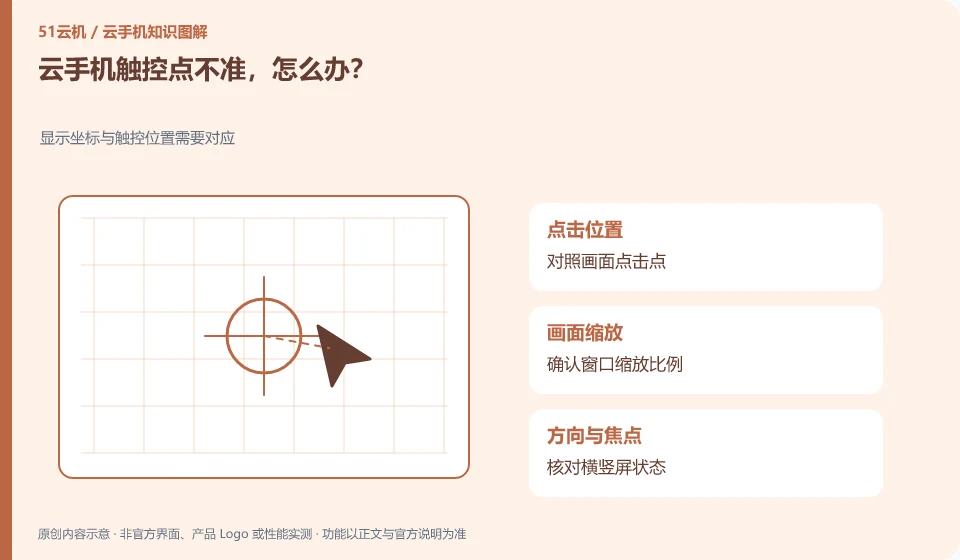
First check the scaling, rotation and window ratio to see if the input coordinates match the screen. It's not necessarily an app button malfunction.
Understand the essentials
Client scaling or orientation changes may affect coordinate transformations, especially after the window is quickly resized.
A practical example
Hypothetical example: after horizontal screen, click to the side position, return to normal proportion and then test again to help judge.
What to check or try
- Use Wuying ring page test.
- Switch back to default display.
- Reconnect.
- Compare to other official entrances.
- Record the steps to reproduce.
If there is a shift after changing orientation, re-entering or restoring the default scale may help confirm, but it should not be tested by repeatedly clicking the real submit button. Screenshots of problem recurrence can indicate the expected click points and actual results, giving support personnel a clear correspondence.
An easy-to-miss detail
Don’t go through delete, payment, or authorization pages again and again, test the controls first.
Continue reading
- Cloud phone screen lag: a simple comparison test
- Chinese input on a cloud phone is garbled or loses characters
Back to Cloud phones: troubleshooting
Notes and further reading
Wuying Cloud Phone FAQ;Tencent Cloud Phone quick start。
This introductory guide was prepared by 51Yunji from public information with AI-assisted drafting. Examples are hypothetical, not hands-on product tests or promises of results. Follow the current product, version and official instructions for specific features and procedures. Compiled on October 26, 2026.