
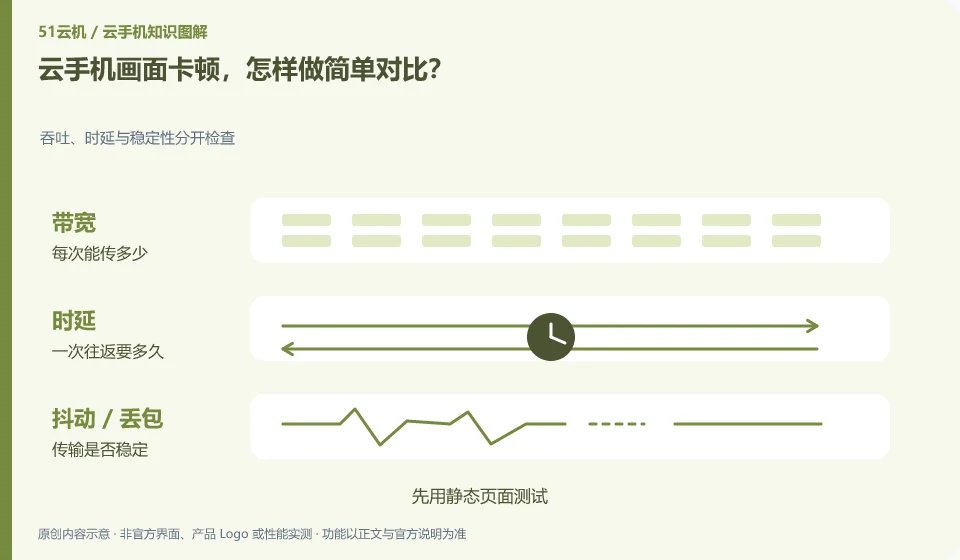
Fix the instance and application, change only one condition, such as changing the network or reducing the supported image quality, and observe whether there is an improvement.
Understand the essentials
Changing packages, apps, and clients at the same time makes it impossible to tell which factor is at play.
A practical example
Hypothetical example: the same page has smooth access to a wired computer and a weak signal network card on a mobile phone, which can provide specific clues.
What to check or try
- Test with a static page first.
- Record input and screen.
- Compare the network.
- Let’s look at the remote load and sharing specifications.
When observing, you can use the same scroll or the same set of clicks to avoid different tasks every time. Static clarity and fast scrolling lags provide different clues than consistent input sluggishness. It is more useful to record phenomena than simply "fluent or disfluent".
An easy-to-miss detail
Do not draw conclusions about the entire product based on one experience. The time period and environment must be recorded.
Continue reading
- Cloud phone has sound but a black screen: possible causes
- Cloud phone taps land in the wrong place: what to check
Back to Cloud phones: troubleshooting
Notes and further reading
Wuying Cloud Phone FAQ;Tencent Cloud Phone quick start。
This introductory guide was prepared by 51Yunji from public information with AI-assisted drafting. Examples are hypothetical, not hands-on product tests or promises of results. Follow the current product, version and official instructions for specific features and procedures. Compiled on October 26, 2026.