
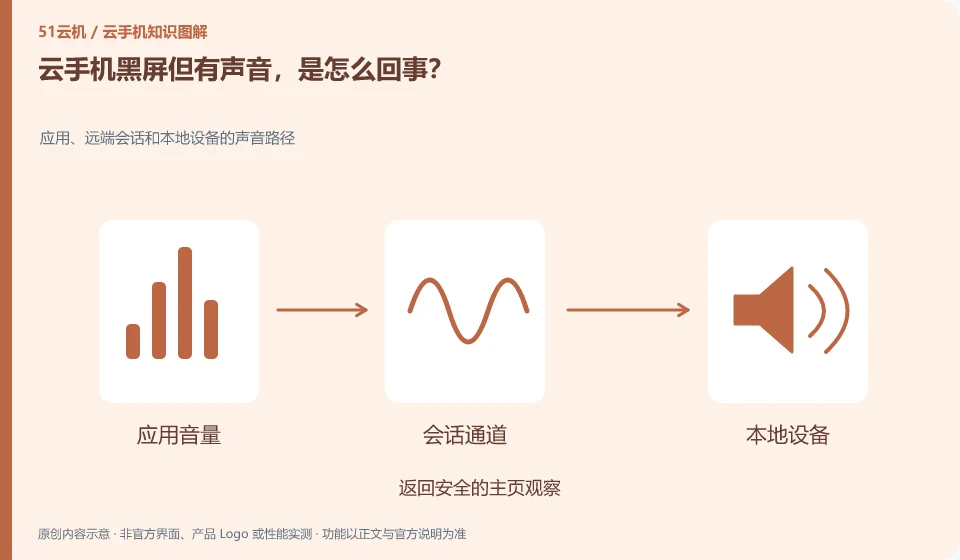
Note that some audio links may still be present, and display or application rendering needs to be checked separately. This cannot be used to conclude that the system is completely normal.
Understand the essentials
Abnormalities may occur in application screens, remote desktops, and client video channels.
A practical example
Hypothetical example: only a certain application has a black screen, but the homepage can be displayed normally. You should also check the application compatibility or content restrictions.
What to check or try
- Return to safe homepage for observation.
- Change to a normal test application.
- Reconnect the same instance.
- Note whether it is related to landscape or image quality.
If the home page displays normally, you can limit the exception to the target application or content and provide a version and shortest recurrence. If the entire interface is not displayed, check the client video channel again. Separating these two situations can reduce unnecessary data cleaning.
An easy-to-miss detail
Do not clear application data first, exclude display links and compatibility ranges first.
Continue reading
- What to do when a cloud phone stays on the loading screen
- Cloud phone screen lag: a simple comparison test
Back to Cloud phones: troubleshooting
Notes and further reading
Wuying Cloud Phone FAQ;Tencent Cloud Phone quick start。
This introductory guide was prepared by 51Yunji from public information with AI-assisted drafting. Examples are hypothetical, not hands-on product tests or promises of results. Follow the current product, version and official instructions for specific features and procedures. Compiled on October 26, 2026.