
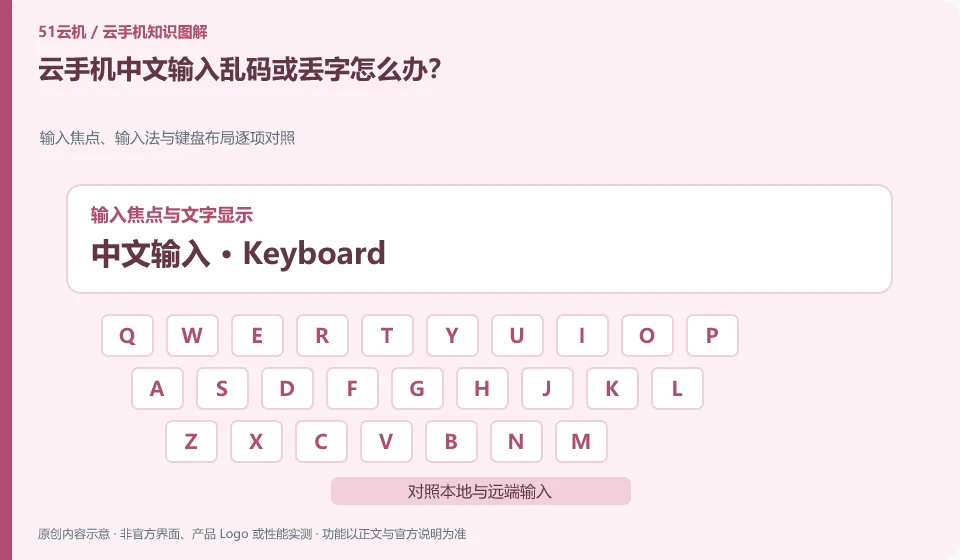
First confirm the input method, focus and application support, and compare direct typing with service-supported text sending.
Understand the essentials
Keyboard events, clipboard and input method candidates are not processed in the same path.
A practical example
Hypothetical example: English is normal but the Chinese candidate is not on the screen. You should focus on checking the remote input method and incoming method.
What to check or try
- Tested in simple note taking application.
- Fixed an input method.
- Try short sentences and punctuation.
- Document client and Android versions.
After successful input, you must also check spaces, line breaks, and punctuation, especially when sending text across terminals. Different input methods may produce different results. Keep a standard test sentence that does not contain sensitive information and repeat it when changing settings later.
An easy-to-miss detail
Don’t try the entire content directly in an important form, verify the sample first and check the results.
Continue reading
- Cloud phone taps land in the wrong place: what to check
- Cloud phone app crashes: what information to check
Back to Cloud phones: troubleshooting
Notes and further reading
Wuying Cloud Phone FAQ;Tencent Cloud Phone quick start。
This introductory guide was prepared by 51Yunji from public information with AI-assisted drafting. Examples are hypothetical, not hands-on product tests or promises of results. Follow the current product, version and official instructions for specific features and procedures. Compiled on October 26, 2026.