
First, compare other applications and distinguish between the problem of the source media itself being out of sync and the problem of the remote transmission process.
Understand the essentials
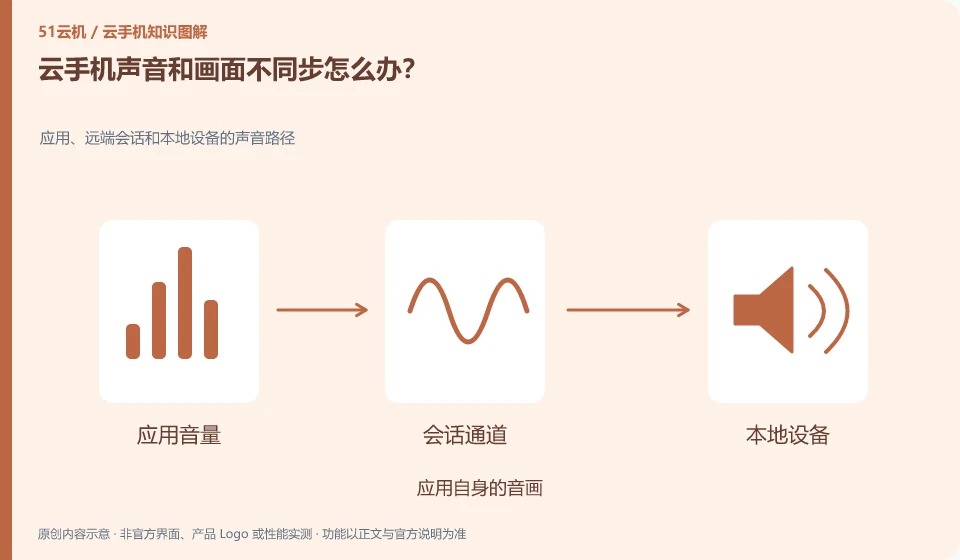
Encoding, network buffering, client decoding and local output may all affect synchronization, and you cannot just adjust the Android volume.
A practical example
Hypothetical example: the same video is normal in the original application file, but if it is misaligned when viewed remotely, it depends on the interactive link.
What to check or try
- Replay the clip.
- Fixed image quality.
- Check local headphones.
- Change supported entry controls.
- Log whether delays accumulate gradually.
When testing, fix a short piece of content with the same output device and compare whether there are the same differences every time. If it only appears in a piece of media, check the source content first. Don't change all settings at the same time, otherwise it will be difficult to find a repeatable fix.
An easy-to-miss detail
Do not directly regard the delay in the secondary playback of the screen recording as the real-time delay of the original service.
Continue reading
- Slow app downloads on a cloud phone: is the local network responsible?
- Cloud phone camera stays black despite permission being enabled
Back to Cloud phones: troubleshooting
Notes and further reading
Wuying Cloud Phone FAQ;Tencent Cloud Phone quick start。
This introductory guide was prepared by 51Yunji from public information with AI-assisted drafting. Examples are hypothetical, not hands-on product tests or promises of results. Follow the current product, version and official instructions for specific features and procedures. Compiled on October 26, 2026.