
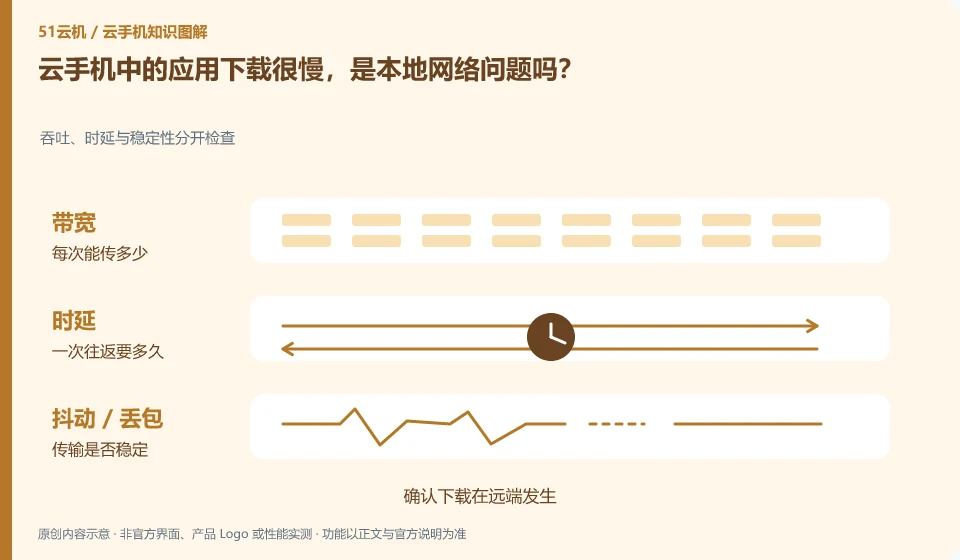
Not necessarily. When the application download occurs at the remote system, the path from the remote system to the download service is mainly looked at; the local one is mainly responsible for viewing and control.
Understand the essentials
The local network to the cloud phone and the cloud phone to the application server are two different networks, and the slow ones are in different locations.
A practical example
Hypothetical example: the screen feedback is very fast, but the application download progress is slow. You cannot just change the local wireless network.
What to check or try
- Confirm that the download occurs on the remote system.
- Compare supported download sources.
- Check space and service status.
- Record speed and period.
Download progress and display progress should sometimes be observed separately to first confirm whether the task is still in progress. Duplicate point downloads may result in multiple copies. If the official source is temporarily abnormal, it is safer to keep the status and wait for support instructions than to switch to an unknown source.
An easy-to-miss detail
Do not switch to installation packages or download sites from unknown sources for the purpose of speeding up.
Continue reading
- Cloud phone is online, but one app cannot connect
- Cloud phone audio and video are out of sync: what to check
Back to Cloud phones: troubleshooting
Notes and further reading
Wuying Cloud Phone FAQ;Tencent Cloud Phone quick start。
This introductory guide was prepared by 51Yunji from public information with AI-assisted drafting. Examples are hypothetical, not hands-on product tests or promises of results. Follow the current product, version and official instructions for specific features and procedures. Compiled on October 26, 2026.