
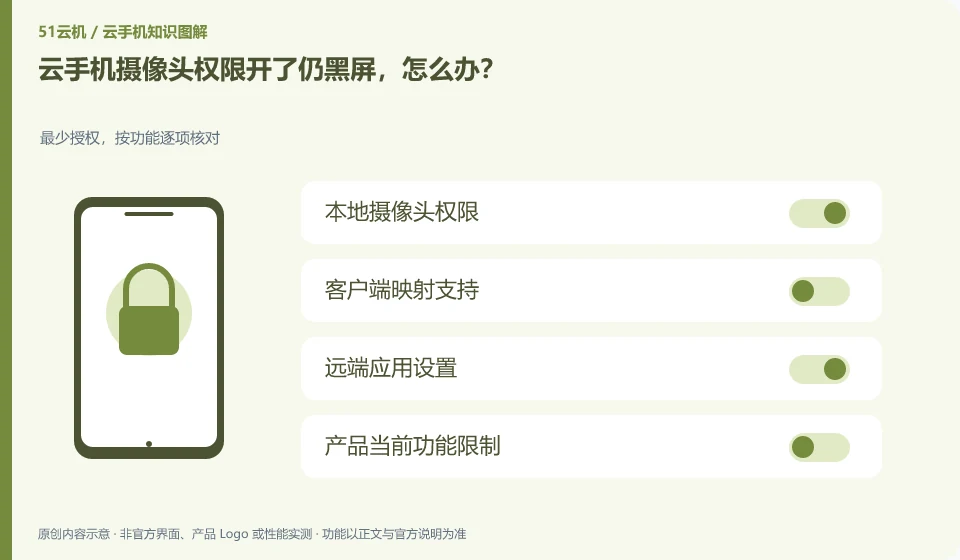
Android application permissions are only one layer, and local device, client authorization, and product redirection functions must also be confirmed.
Understand the essentials
Allowing one layer does not mean that the entire link is open; it may also be affected if the camera is occupied by other programs.
A practical example
Hypothetical example: the remote icon display is allowed, but the local browser disables the camera, and there is still no picture.
What to check or try
- Test the local camera first.
- Check client permissions.
- Check official support coverage.
- Use a normal viewfinder app to compare.
If ordinary viewfinding is available but the target business fails, the problem may involve the support scope of the target application, and you should confirm with its official support. Do not continue to add other irrelevant permissions just because the camera has been authorized, and there is no guarantee that all authentications will pass.
An easy-to-miss detail
Do not upload identity materials to unknown testing sites for this purpose.
Continue reading
- Cloud phone audio and video are out of sync: what to check
- Cannot paste a file into a cloud phone: does that mean it is broken?
Back to Cloud phones: troubleshooting
Notes and further reading
Android app storage overview;Android app permissions overview。
This introductory guide was prepared by 51Yunji from public information with AI-assisted drafting. Examples are hypothetical, not hands-on product tests or promises of results. Follow the current product, version and official instructions for specific features and procedures. Compiled on October 26, 2026.