
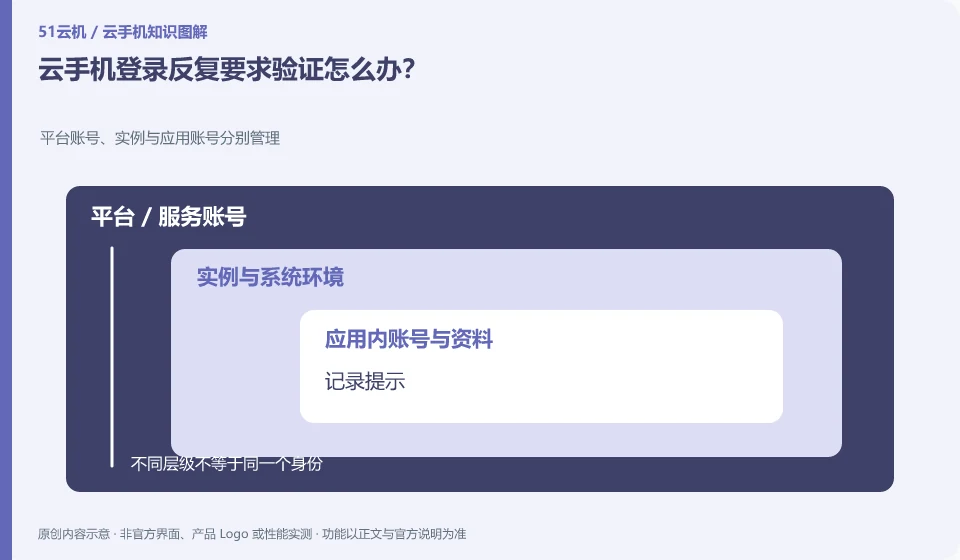
First check whether the application is a normal new device verification, session expiration or account restriction, and then follow the official process.
Understand the essentials
Cloud environment changes, application updates, or multi-end logins may trigger verification, but the specific reasons cannot be determined by guesswork.
A practical example
Hypothetical example: the instance is treated as a new device after it has just been rebuilt, which is different from the original session that was temporarily disconnected.
What to check or try
- Record the prompt.
- Check recent logins.
- Use the verification method you have.
- Stop trying again and again.
- Contact application support if necessary.
Before continuous verification, check to see if there are any abnormal login reminders, and confirm that your number and recovery method are available. The need for additional verification does not necessarily indicate a malfunction. If a device appears that is unrelated to your operation, session security should be prioritized rather than continuing to automate.
An easy-to-miss detail
Don't turn off security or use unknown tools to bypass verification.
Continue reading
- Cannot paste a file into a cloud phone: does that mean it is broken?
- Cloud phone looks like a new environment after restart: what to verify
Back to Cloud phones: troubleshooting
Notes and further reading
Wuying Cloud Phone FAQ;Tencent Cloud Phone quick start。
This introductory guide was prepared by 51Yunji from public information with AI-assisted drafting. Examples are hypothetical, not hands-on product tests or promises of results. Follow the current product, version and official instructions for specific features and procedures. Compiled on October 26, 2026.