
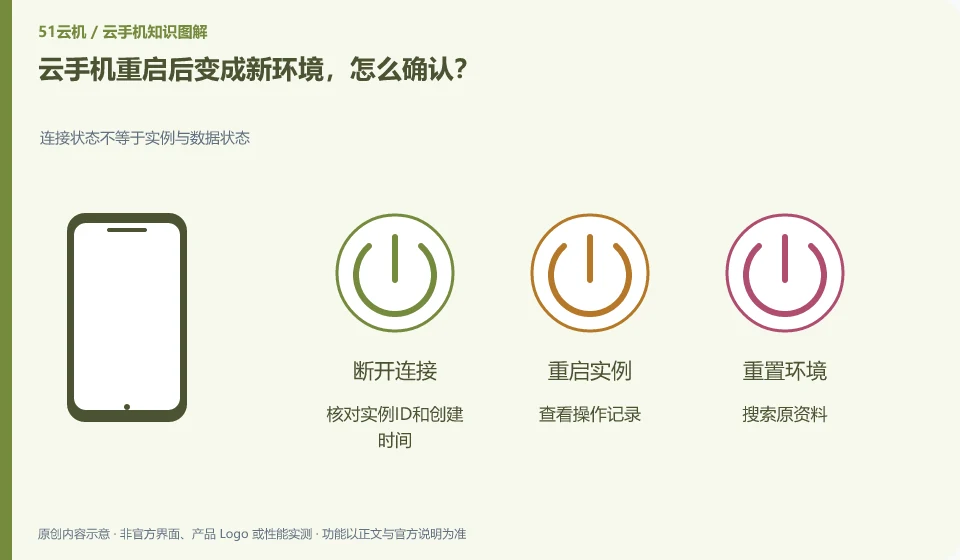
First confirm whether the wrong instance has been connected, the image has been changed, or a rebuild has occurred, and then check the life cycle record. Do not overwrite new data immediately.
Understand the essentials
Similar names, changes in the order of multiple instances, or account switching may cause people to mistakenly believe that the environment has been cleared.
A practical example
As a hypothetical example: another instance in the platform list holds the original application, and you might just be entering the wrong target.
What to check or try
- Check the instance ID and creation time.
- View operation records.
- Search for source material.
- Contact support to confirm status.
- Keep a log.
Save the current page and operation records first, and do not immediately reinstall all applications to cover the scene. Confirming whether the wrong target is connected is sometimes a higher priority than studying recovery. If reconstruction does occur, it will be processed according to the backup and platform support range. There is no guarantee that the unbacked up data can be retrieved.
An easy-to-miss detail
Do not try to retrieve the files by rebuilding again, as this may further reduce the chance of recovery.
Continue reading
- Repeated verification prompts when logging in to a cloud phone
- Uploaded photos missing from a cloud phone: how to troubleshoot
Back to Cloud phones: troubleshooting
Notes and further reading
Anbox instances and backup boundaries;Redfinger International Version FAQ。
This introductory guide was prepared by 51Yunji from public information with AI-assisted drafting. Examples are hypothetical, not hands-on product tests or promises of results. Follow the current product, version and official instructions for specific features and procedures. Compiled on October 26, 2026.