51YUNJI / BUY WITH CONTEXT

Cloud phone troubleshooting: a reading route guides

Explore English articles for this topic.

20 articles in English

Page 1 of 2
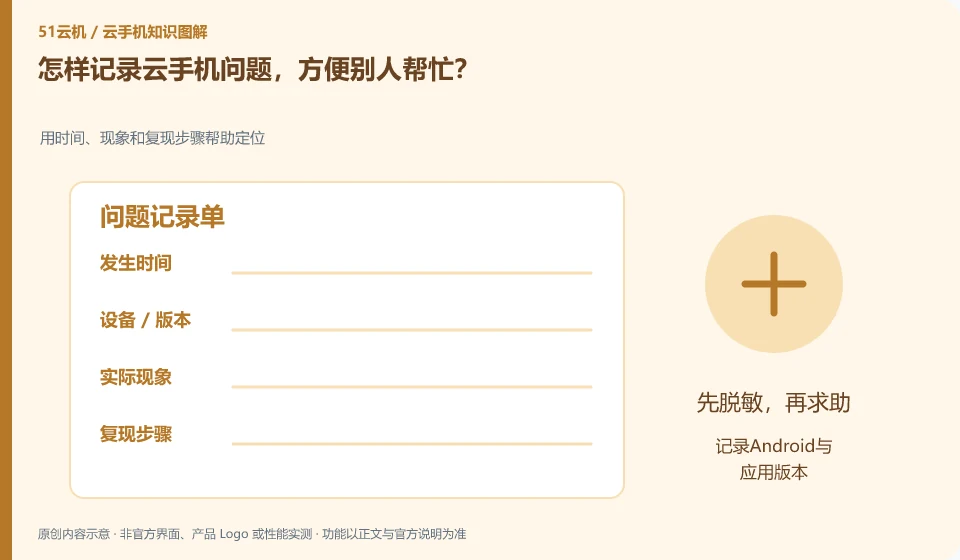
How to record cloud phone problems so that others can help? Use time, phenomenon and recurrence steps to help locate; record Android and application versions; list the shortest steps; attach errors; describe tried methods
CLOUD PHONES

How to record a cloud phone problem so others can help

Write down the instance, version, time, actions and results clearly, and use desensitized screenshots to show errors. It would be best if it could be reproduced on test materials. This guide uses everyday examples, practical checks and common pitfalls to help you decide what to do next.
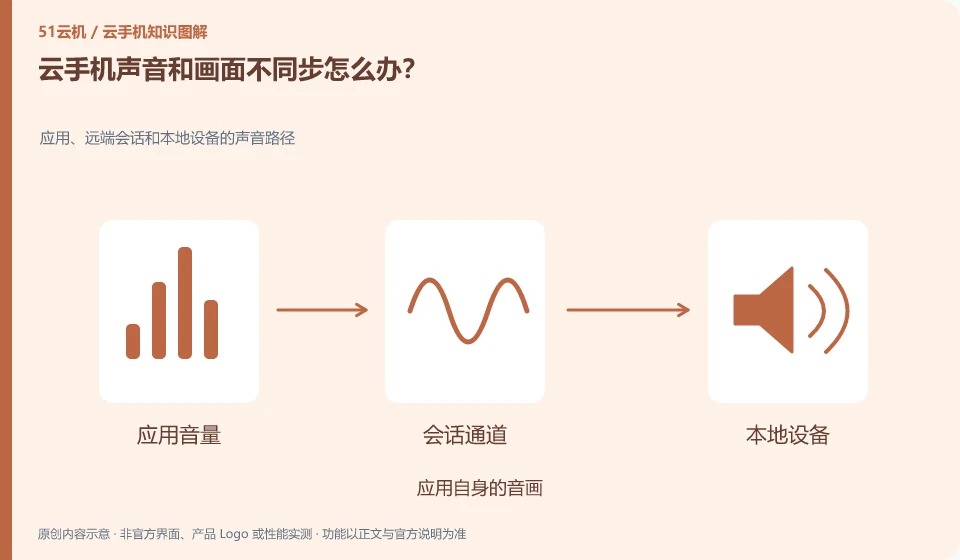
What should I do if the cloud phone sound and picture are out of sync? Sound paths for applications, remote sessions, and local devices; application's own audio and video; remote session audio channels; local playback and network comparison
CLOUD PHONES

Cloud phone audio and video are out of sync: what to check

First, compare other applications and distinguish between the problem of the source media itself being out of sync and the problem of the remote transmission process. This guide uses everyday examples, practical checks and common pitfalls to help you decide what to do next.
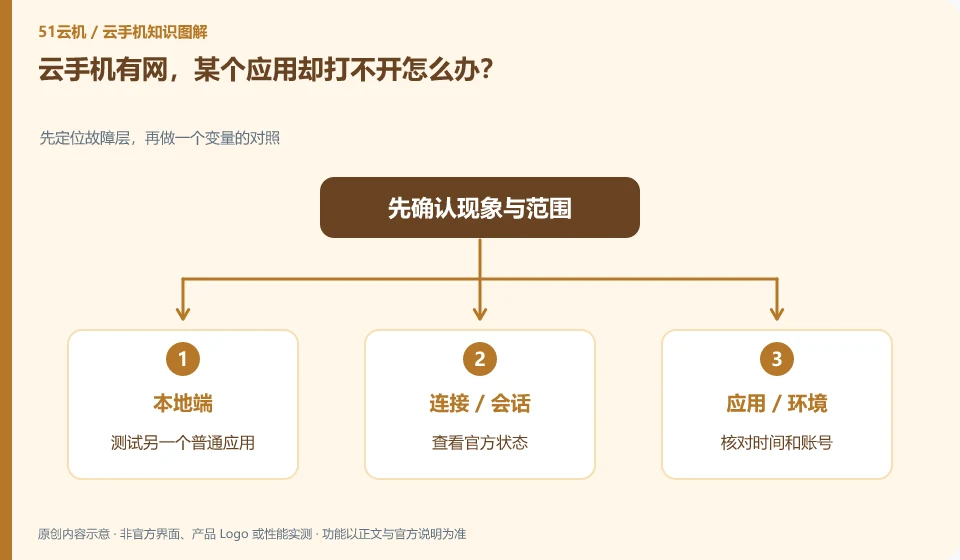
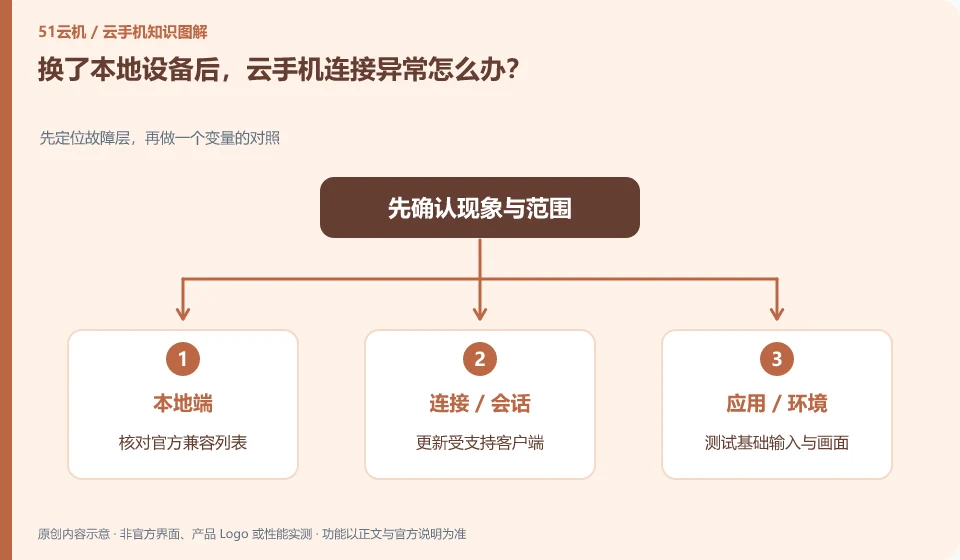
What should I do if my cloud phone has internet but a certain application cannot be opened? First locate the fault layer, then compare a variable; test another common application; check the official status; check the time and account number; record the specific links.
CLOUD PHONES

Cloud phone is online, but one app cannot connect

First check whether other applications can access the network, and then determine whether it is an application service, account or compatibility issue. This guide uses everyday examples, practical checks and common pitfalls to help you decide what to do next.