51YUNJI / BUY WITH CONTEXT

Latest articles & insights — Page 43

The latest published tutorials, product notes and buying advice from the 51Yunji archive.

531 articles in English

Page 43 of 45
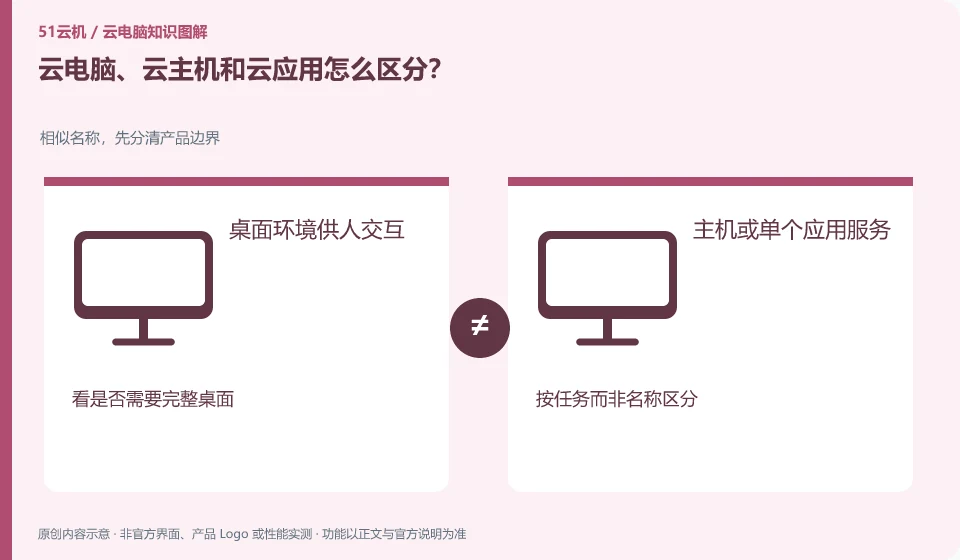
How to distinguish cloud PC, cloud host and cloud application? Similar names, first distinguish product boundaries; desktop environment for human interaction; host or single application service; see if a complete desktop is needed; distinguish by task rather than name
CLOUD PCS

Cloud PCs, cloud servers and cloud apps: how to tell them apart

Cloud hosts tend to provide computing resources, cloud PCs tend to deliver available desktops, and cloud applications may only present a certain software. Actual services may combine these capabilities. This guide uses everyday examples, practical checks and common pitfalls to help you decide what to do next.
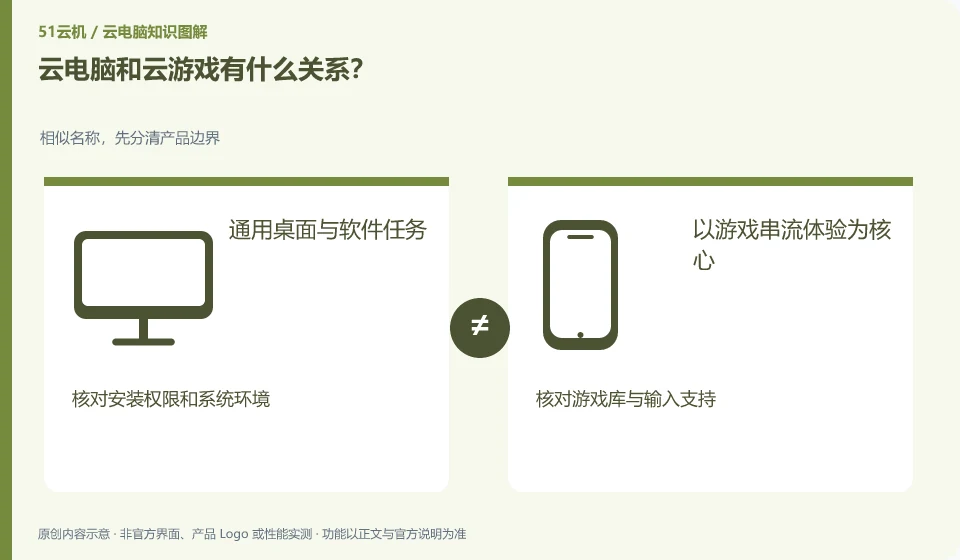
What is the relationship between cloud PC and cloud gaming? Similar names, first distinguish product boundaries; common desktop and software tasks; focus on game streaming experience; check installation permissions and system environment; check game library and input support
CLOUD PCS

How are cloud PCs and cloud gaming related?

Both can run remotely and send back images, but cloud gaming is designed around game content and interaction, while cloud PC is more focused on complete desktops and general-purpose software. This guide uses everyday examples, practical checks and common pitfalls to help you decide what to do next.
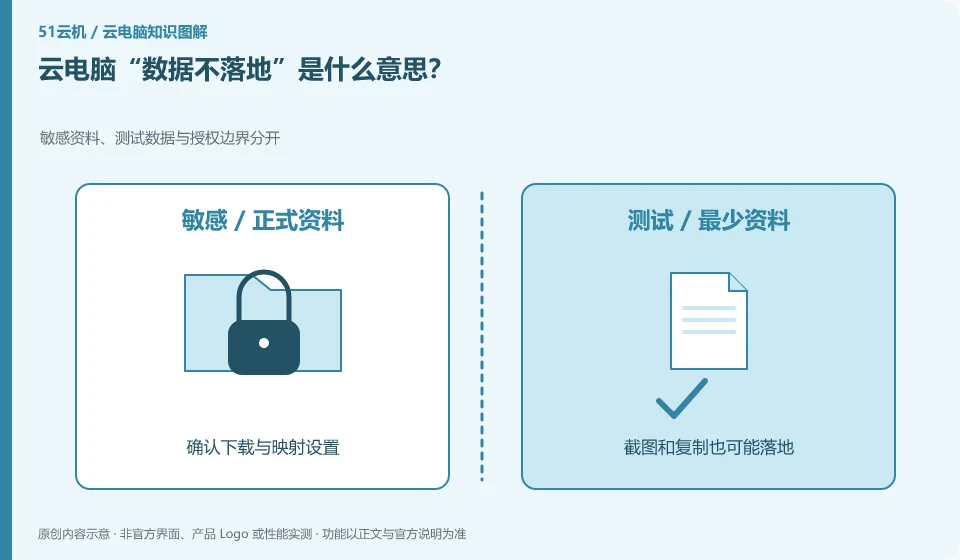
What does "data not landing" mean in cloud PC? Sensitive data, test data and authorization boundaries are separated; download and mapping settings are confirmed; screenshots and copies may also be implemented; outgoing capabilities are turned off as needed
CLOUD PCS

What does “no data stored locally” mean for a cloud PC?

It generally means that the main business data remains in a controlled remote environment, but whether downloading, copying, printing or caching is allowed depends on the actual policy. It doesn't leave absolutely no trace. This guide uses everyday examples, practical checks and common pitfalls to help you decide what to do next.
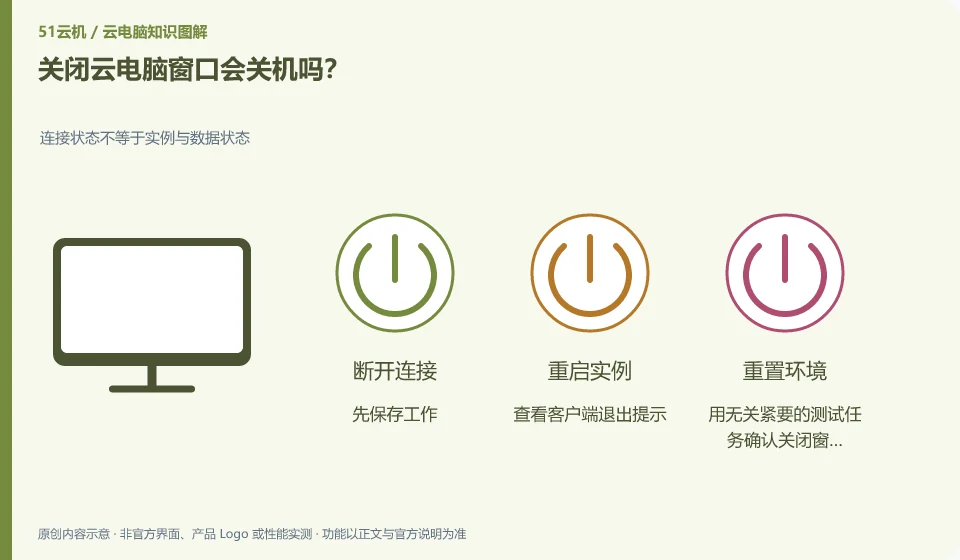
What is the difference between restarting, resetting and restoring a cloud PC? Connection status is not equal to instance and data status; restart usually re-runs; reset may affect data; recovery depends on backup strategy
CLOUD PCS

Restart, reset or restore: what is the difference on a cloud PC?

Restart is restarting the system, reset often involves reconfiguring the environment, and recovery is returning to a usable state or recovery point. The specific impact must be seen in the product instructions. This guide uses everyday examples, practical checks and common pitfalls to help you decide what to do next.
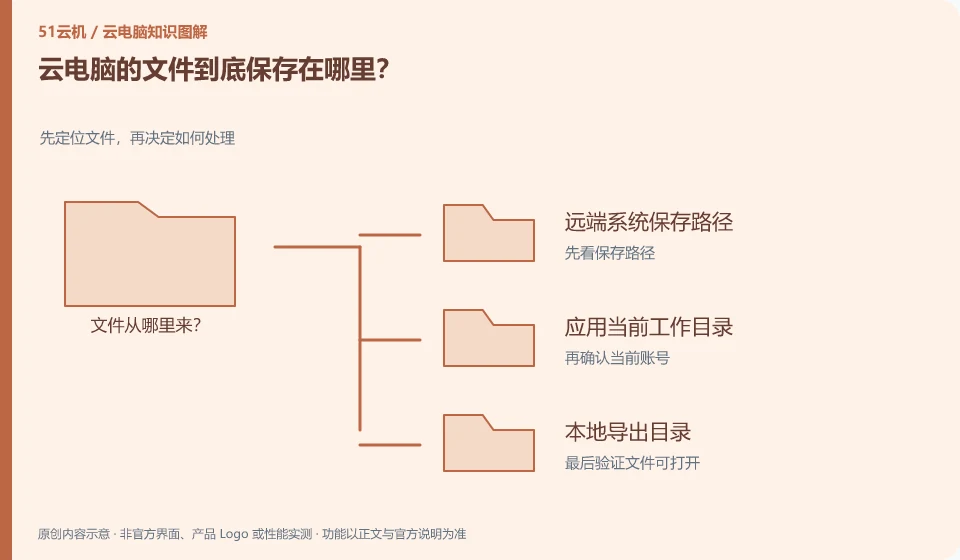
Where are cloud PC files stored? Locate the file first and then decide how to process it; save the path of the remote system; apply the current working directory; local export directory
CLOUD PCS

Where are files on a cloud PC actually stored?

Usually saved on the remote system or its connected storage, but downloads, synchronizations and shared disks may place copies elsewhere. Depends on the actual path. This guide uses everyday examples, practical checks and common pitfalls to help you decide what to do next.

Can I still use cloud PC with my old laptop? Conduct a small-scale trial to confirm key capabilities item by item; check system and client support; do a short-term test first; confirm heating, input and disconnection recovery before considering long-term use.
CLOUD PCS

Can an old laptop still access a cloud PC?

It's possible, but system, client, decoding and network should be verified first. The reduced performance requirements of old equipment do not mean that there is no need for any local capabilities. This guide uses everyday examples, practical checks and common pitfalls to help you decide what to do next.
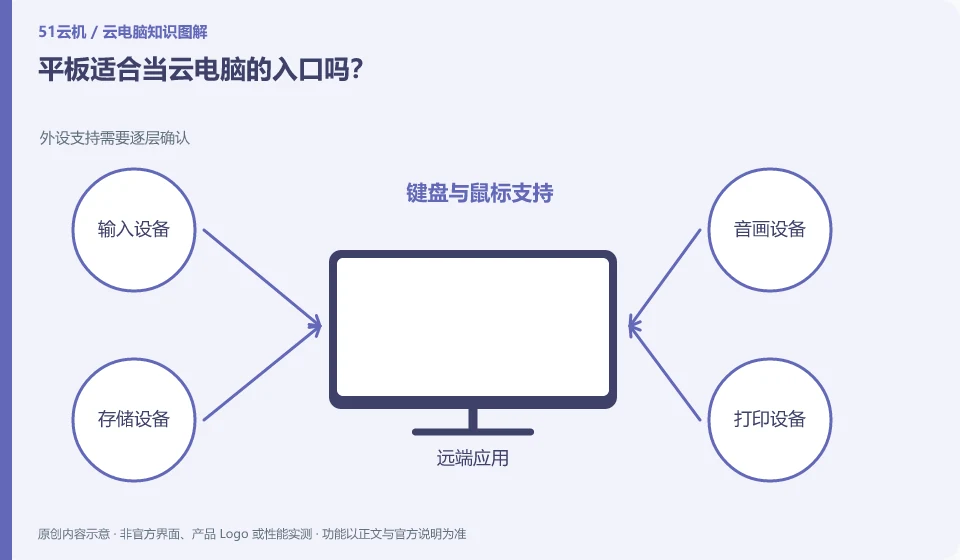
Is a tablet suitable as the entrance to cloud PC? Peripheral support needs to be confirmed layer by layer; keyboard and mouse support; touch and zoom experience; verified with real tasks
CLOUD PCS

Is a tablet a good way to access a cloud PC?

Tablets can become portable portals, especially suitable for reading and light modification; whether they are suitable for main work depends on the keyboard, mouse, screen and commonly used applications. This guide uses everyday examples, practical checks and common pitfalls to help you decide what to do next.
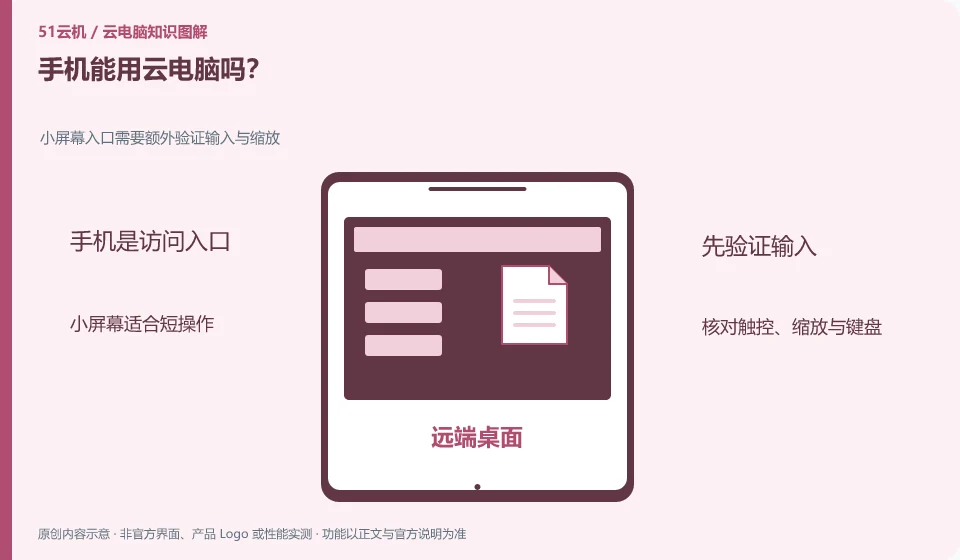
Can mobile phones be used with cloud PC? Small screen entrance requires additional verification of input and zoom; small screen is suitable for short operations; check touch, zoom and keyboard; use appropriate terminal for complex tasks
CLOUD PCS

Can you access a cloud PC from a phone?

Some products support mobile clients or mobile browsers, but being able to display the desktop and being able to complete work efficiently are two different things. Small screen and input methods are key. This guide uses everyday examples, practical checks and common pitfalls to help you decide what to do next.
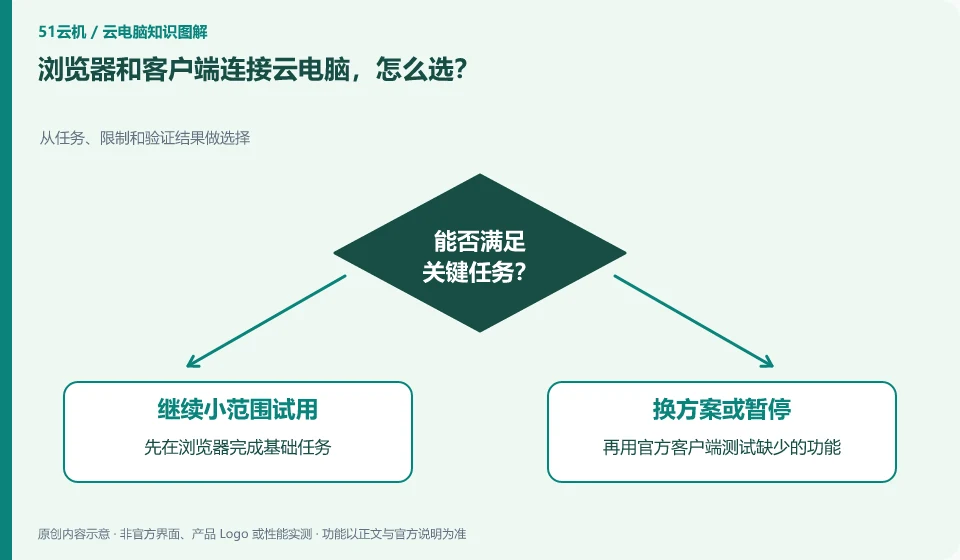
How to choose between browser and client to connect to cloud PC? Make choices from tasks, restrictions and verification results; complete basic tasks in the browser first; then use the official client to test missing functions; record the version and do not install connection tools from unknown sources.
CLOUD PCS

Browser or dedicated client: how should you connect to a cloud PC?

Browsers are suitable for quick attempts and temporary access, and dedicated clients may provide different shortcut keys, peripherals and display capabilities. The specific difference depends on the compatibility instructions of the same product. This guide uses everyday examples, practical checks and common pitfalls to help you decide what to do next.
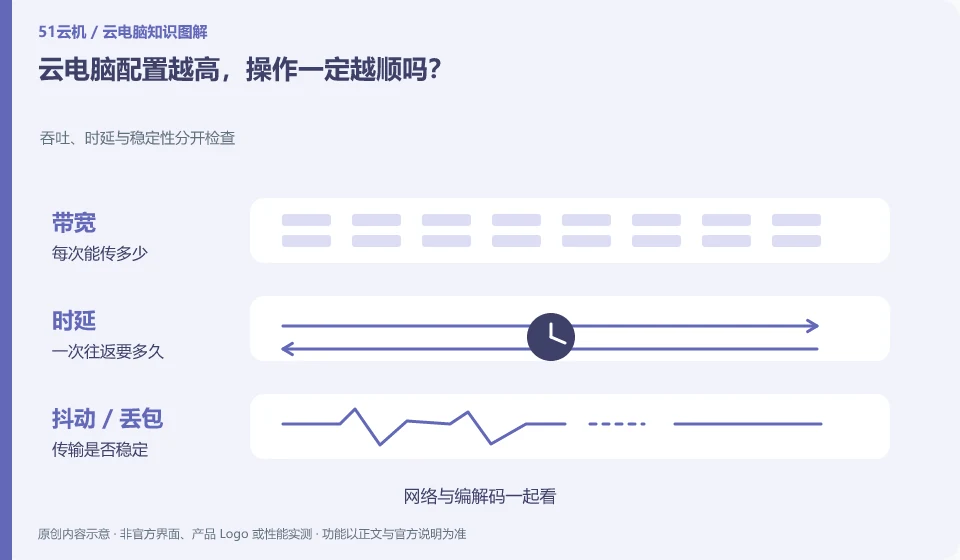
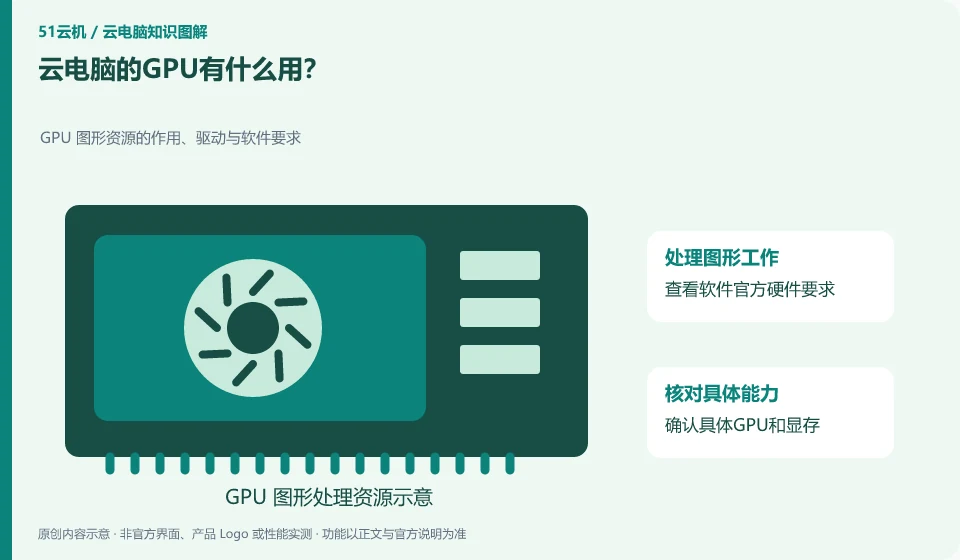
What is the use of cloud PC’s GPU? The role, driver and software requirements of GPU graphics resources; check the official hardware requirements of the software; confirm the specific GPU and VRAM; test the three links of opening, interaction and export, and record bottlenecks.
CLOUD PCS

What does a GPU do in a cloud PC?

GPUs are commonly used for graphics processing, some video work, and compatible parallel computing. Whether you need it or not depends on the software and tasks you use, not the name "cloud PC". This guide uses everyday examples, practical checks and common pitfalls to help you decide what to do next.