
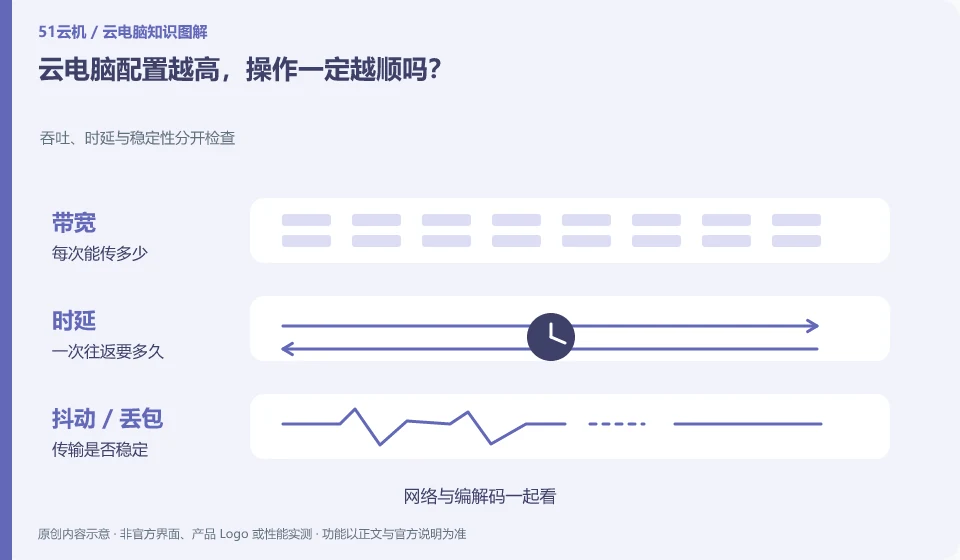
Not necessarily. Resource configuration affects only part of it; network, client, application, and shared resource states also change the experience.
Understand the essentials
"The calculation is fast but the picture is very late" and "the click is timely but the program takes a long time to calculate" require different treatments. Attributing all lags to configuration will cost money but not solve the problem.
A practical example
Hypothetical example: the same picture is exported quickly at the remote system, but there is a significant delay in dragging the window. You should first observe the connection quality.
What to check or try
- Test input, file opening and calculation tasks separately.
- Record local network and remote occupancy.
- Change only one condition and compare the results.
You can use a blank document to test input without upgrading, and then use a representative file to test opening and processing. If the two results are different, it means that the problem cannot be explained by a "low configuration". Keep the conditions before and after the change to avoid mistakenly thinking that the upgrade is effective just by changing the time period.
An easy-to-miss detail
There are no fixed specifications that guarantee all software will run smoothly in all locations, and test conditions must be documented together.
Continue reading
Back to Cloud PCs: getting started
Notes and further reading
Azure Virtual Desktop overview;Windows 365 Enterprise。
This introductory guide was prepared by 51Yunji from public information with AI-assisted drafting. Examples are hypothetical, not hands-on product tests or promises of results. Follow the current product, version and official instructions for specific features and procedures. Compiled on October 26, 2026.