
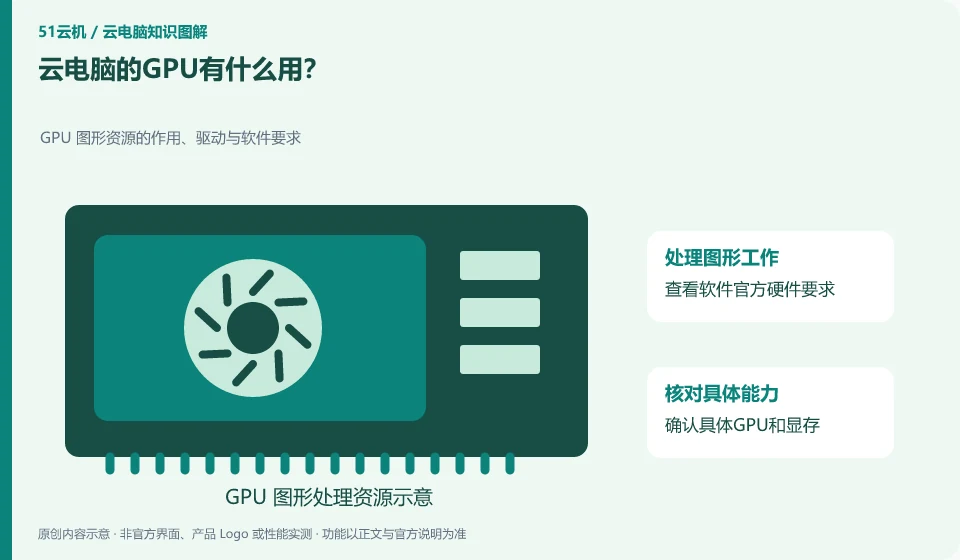
GPUs are commonly used for graphics processing, some video work, and compatible parallel computing. Whether you need it or not depends on the software and tasks you use, not the name "cloud PC".
Understand the essentials
Just because the screen can be displayed does not mean that you have purchased independent GPU resources; having a GPU does not mean that any renderer, driver or model is suitable.
A practical example
Hypothetical example: writing ordinary documents and rotating complex 3D models usually have different requirements for graphics resources. You should test it with your own sample project.
What to check or try
- Check the official hardware requirements for the software.
- Confirm specific GPU and VRAM.
- Test the three links of opening, interaction, and export, and record bottlenecks.
When selecting a test project, you should not only check whether the software can be opened, but also complete common actions. For example, 3D tasks test selection, rotation, modification, and export. It is more effective to note which step you are stuck on and then compare it with the graphics requirements of the software than just asking "Is there a GPU?"
An easy-to-miss detail
Even faster remote rendering cannot eliminate the interaction delay from local to cloud. Don't just look at the results of a single export.
Continue reading
- Understanding cloud PC CPU, memory and disk specifications
- Do higher cloud PC specifications always mean a smoother experience?
Back to Cloud PCs: getting started
Notes and further reading
Azure Virtual Desktop overview;Windows 365 Enterprise。
This introductory guide was prepared by 51Yunji from public information with AI-assisted drafting. Examples are hypothetical, not hands-on product tests or promises of results. Follow the current product, version and official instructions for specific features and procedures. Compiled on October 26, 2026.