
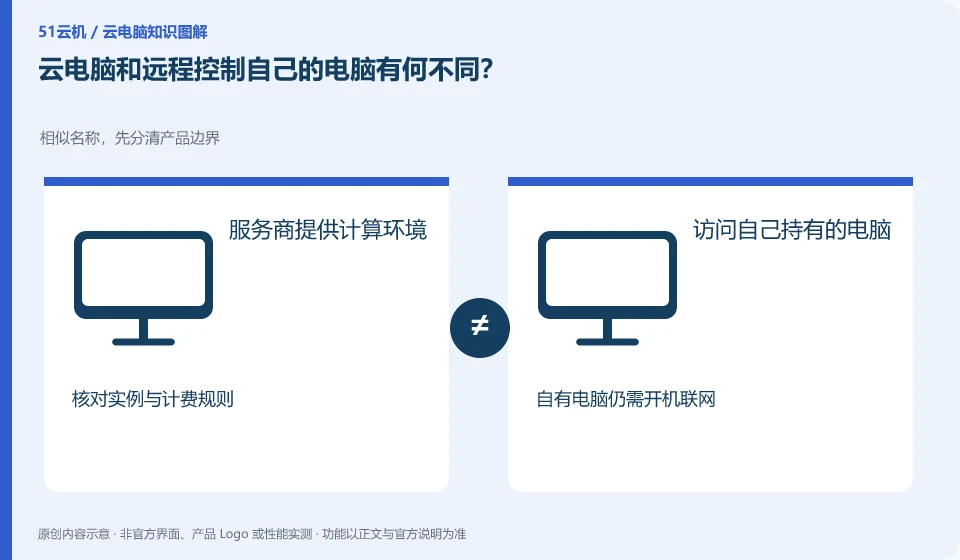
Remote control of your own computer usually still relies on the machine at home or in the office; the running resources of the cloud PC are provided by the corresponding platform or deployer. Both can interact remotely.
Understand the essentials
The main differences lie in who looks after the hardware, who handles failures, and who is responsible for powering on and networking. Remotely owned computers do not automatically become hosted cloud services.
A practical example
Hypothetical example: when you go out to access your home desktop, it may be unable to connect if it is shut down or disconnected from the Internet; hosted desktops must abide by the platform's resource and maintenance rules.
What to check or try
- Confirm which machine is actually connected.
- Document who is responsible for outages, upgrades, and backups.
- Test whether the person can re-enter while outside.
You can also make a list based on fault responsibilities: who will deal with a power outage at home, who will decide on remote system upgrades, and where to recover lost files. Write these answers out, and the differences between the two methods will be closer to daily use than a function comparison table.
An easy-to-miss detail
Remote control does not mean that the management port should be directly exposed to the Internet. Security access methods supported by the service are preferred.
Continue reading
- Cloud PCs and cloud storage: what is the difference?
- Does a cloud PC need a constant internet connection?
Back to Cloud PCs: getting started
Notes and further reading
Azure Virtual Desktop overview;Windows 365 Enterprise。
This introductory guide was prepared by 51Yunji from public information with AI-assisted drafting. Examples are hypothetical, not hands-on product tests or promises of results. Follow the current product, version and official instructions for specific features and procedures. Compiled on October 26, 2026.