
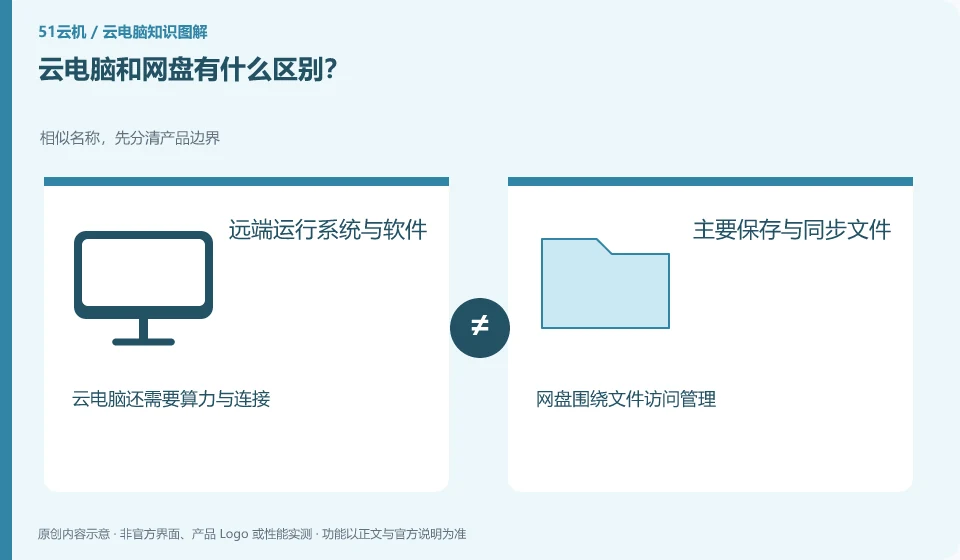
Cloud disk mainly helps you save, synchronize and share files; cloud PC provides a desktop that can run software. The two can be used together, but they are not the same thing.
Understand the essentials
Files are like books, and the software running environment is like a desk. Storing books in the repository does not mean that the repository automatically completes the editing work for you. Some cloud storages come with online editing, which only covers specific applications.
A practical example
Hypothetical example: after putting the presentation into the cloud storage, you may still need a computer or an online editor to modify it; the cloud PC can run compatible editing software.
What to check or try
- List whether you just want to save files or need to run a program.
- Check if the file can be downloaded to other devices.
- View the cost of storage space and computing resources separately.
If your main concern is losing photos, you should look into backup and storage first; if you need to run desktop software that your local device doesn't support, look further into your computing environment. If you clarify the problem first, it will not be easy to maintain an entire desktop for a single file synchronization requirement.
An easy-to-miss detail
Don’t assume that buying one service will include the full capabilities of the other just because it has “cloud” in the name.
Continue reading
- What is a cloud PC? Start with where the software actually runs
- How is a cloud PC different from remotely controlling your own computer?
Back to Cloud PCs: getting started
Notes and further reading
Azure Virtual Desktop overview;Windows 365 Enterprise。
This introductory guide was prepared by 51Yunji from public information with AI-assisted drafting. Examples are hypothetical, not hands-on product tests or promises of results. Follow the current product, version and official instructions for specific features and procedures. Compiled on October 26, 2026.