
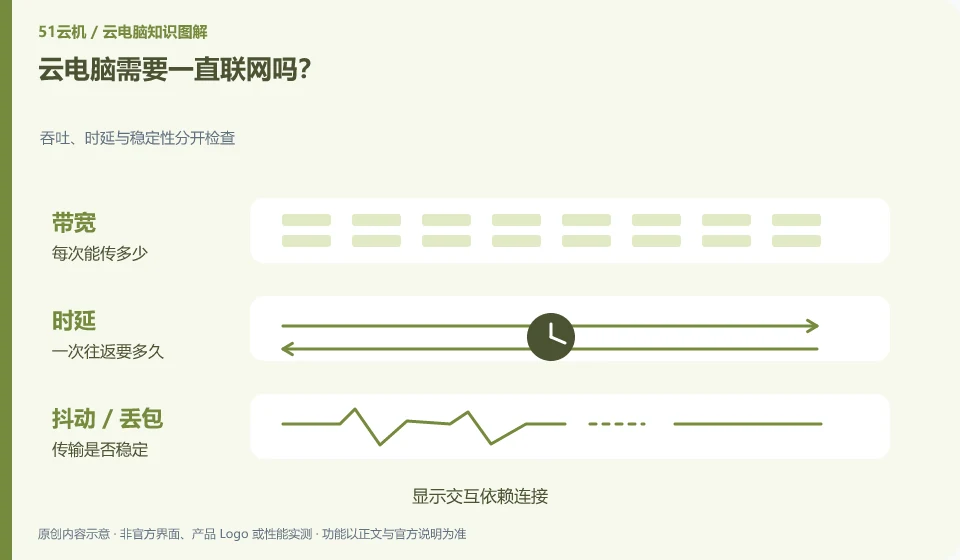
Continuous interaction generally requires an available network because images and keyboard and mouse operations are passed between the local and remote sites. Whether the remote task continues to run is another matter.
Understand the essentials
When there is no local Internet connection, not being able to see the desktop does not mean that the remote system must be shut down; conversely, having an Internet connection does not mean that the instance has not hibernated, shut down, or expired.
A practical example
Hypothetical example: the download task may continue after you leave, or it may be affected by automatic shutdown rules. You cannot just see whether the client window is closed.
What to check or try
- Use small files to test the task status before and after disconnection.
- Check idle shutdown and billing rules.
- Save important work first and then exit automatically.
When comparing, you can separately record "Can I still see and operate the desktop?" and "Do the remote tasks have final results?" Don't deliberately disconnect from the network to experiment on important documents; use a small task that can be reconstructed, and note the disconnection time and re-entry time.
An easy-to-miss detail
Do not interpret the product description of "still running offline" to mean that it will not be interrupted under any failure.
Continue reading
- How is a cloud PC different from remotely controlling your own computer?
- Does your local computer still matter when using a cloud PC?
Back to Cloud PCs: getting started
Notes and further reading
Azure Virtual Desktop overview;Windows 365 Enterprise。
This introductory guide was prepared by 51Yunji from public information with AI-assisted drafting. Examples are hypothetical, not hands-on product tests or promises of results. Follow the current product, version and official instructions for specific features and procedures. Compiled on October 26, 2026.