
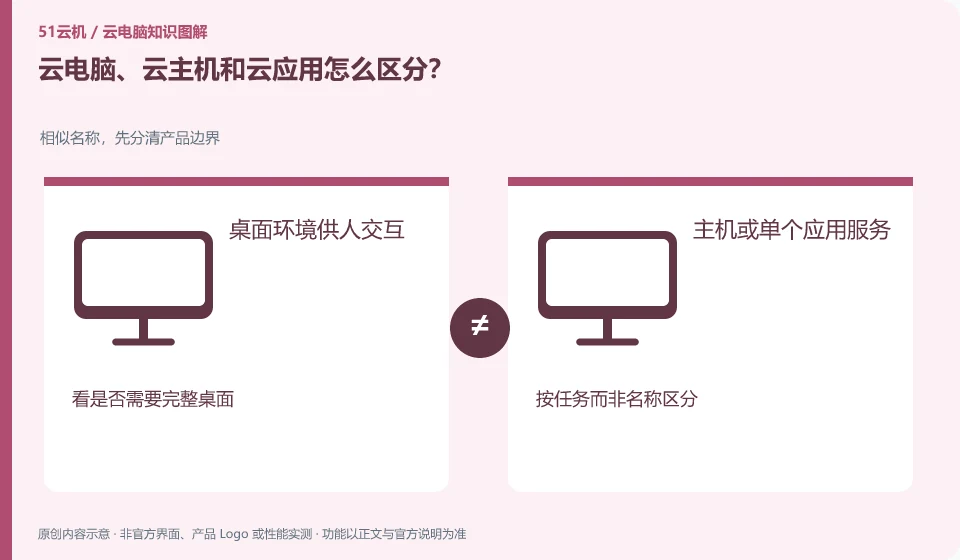
Cloud hosts tend to provide computing resources, cloud PCs tend to deliver available desktops, and cloud applications may only present a certain software. Actual services may combine these capabilities.
Understand the essentials
The difference is between delivery and management responsibilities: who installs the system, maintains the desktops, handles users and permissions, and ultimately what you see.
A practical example
Hypothetical example: when you only need one teaching software, a single application entrance may be enough; if you need to install multiple tools, you need to check the complete environment permissions.
What to check or try
- List apps to run.
- Confirm whether you want to maintain the system.
- Double check that graphical interface, storage and licensing are included.
When you encounter "instance", "desktop" and "workspace" in the product introduction, first replace the name with the actual delivery result: do you get a system that you have to manage yourself, or a configured portal? Only by clarifying this point can we correctly estimate the learning and maintenance burden.
An easy-to-miss detail
Don't think that when you buy a cloud host, it automatically comes with a complete cloud desktop suitable for ordinary people to use directly.
Continue reading
Back to Cloud PCs: getting started
Notes and further reading
Azure Virtual Desktop overview;Windows 365 Enterprise。
This introductory guide was prepared by 51Yunji from public information with AI-assisted drafting. Examples are hypothetical, not hands-on product tests or promises of results. Follow the current product, version and official instructions for specific features and procedures. Compiled on October 26, 2026.