
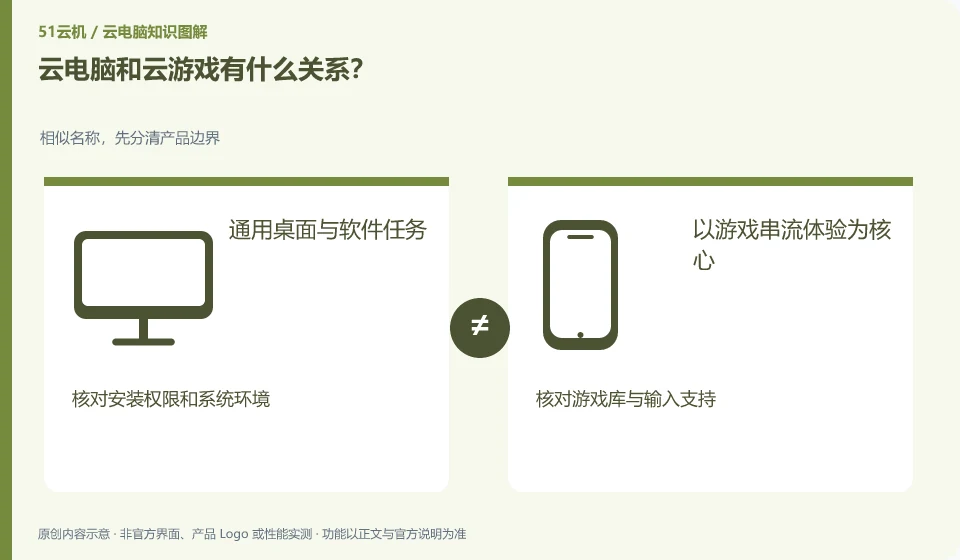
Both can run remotely and send back images, but cloud gaming is designed around game content and interaction, while cloud PC is more focused on complete desktops and general-purpose software.
Understand the essentials
The game library, account and controller support of cloud gaming are not equivalent to the software installation rights of cloud PC; conversely, ordinary desktops may not be suitable for games.
A practical example
Hypothetical example: Just because you can run a certain work in cloud gaming, it doesn’t mean that you can install office software into the same service.
What to check or try
- First decide whether you need a specific game or a general desktop.
- Check content and authorization.
- Try input latency and graphics, not just resolution.
Also see whether you can install apps and manage files yourself, and whether you can only access them from a specified content list. This difference affects what can be done in the future, and also affects whether the account and results can be retrieved. They should not be classified as the same service just by "all can see the remote screen".
An easy-to-miss detail
Don't directly apply gaming services' low-latency claims to all desktop tasks.
Continue reading
- What does “no data stored locally” mean for a cloud PC?
- Cloud PCs, cloud servers and cloud apps: how to tell them apart
Back to Cloud PCs: getting started
Notes and further reading
Azure Virtual Desktop overview;Windows 365 Enterprise。
This introductory guide was prepared by 51Yunji from public information with AI-assisted drafting. Examples are hypothetical, not hands-on product tests or promises of results. Follow the current product, version and official instructions for specific features and procedures. Compiled on October 26, 2026.