
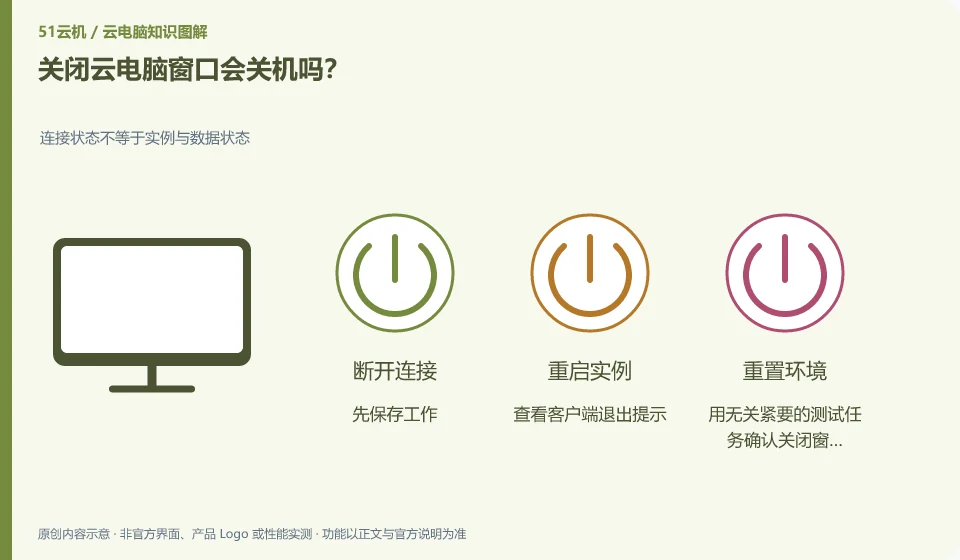
Usually just close the connection window, but this experience should not be regarded as a rule for all products. Disconnect, logoff, shutdown, and resource expiration are different.
Understand the essentials
Disconnecting may retain the session, logging off will end the user session, and shutting down will stop the system; the platform may also have idle processing policies.
A practical example
Hypothetical example: If you close the window without saving the document, it may still be there after reconnecting, but if the session in the middle is ended, it may not be restored.
What to check or try
- Save your work first.
- Check the client exit prompt.
- Confirm the behavior after closing the window with a non-trivial test task.
The closing action can be divided into three questions: Is the content saved, should the application be terminated, and should the remote resource be stopped? The button for each question may be different. After you become familiar with it, form your own process. Don't use closing the window to replace saving, logging off, and shutting down at the same time.
An easy-to-miss detail
Don’t rely on “last time it was there” to judge long-term preservation rules. Formal documents should be proactively preserved.
Continue reading
- Where are files on a cloud PC actually stored?
- Restart, reset or restore: what is the difference on a cloud PC?
Back to Cloud PCs: getting started
Notes and further reading
Azure Virtual Desktop overview;Windows 365 Enterprise。
This introductory guide was prepared by 51Yunji from public information with AI-assisted drafting. Examples are hypothetical, not hands-on product tests or promises of results. Follow the current product, version and official instructions for specific features and procedures. Compiled on October 26, 2026.