
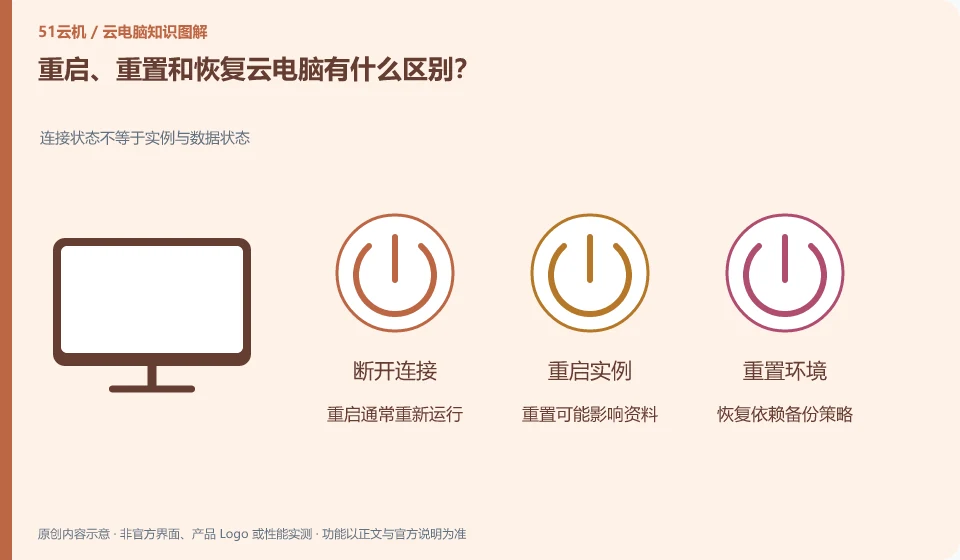
Restart is restarting the system, reset often involves reconfiguring the environment, and recovery is returning to a usable state or recovery point. The specific impact must be seen in the product instructions.
Understand the essentials
These buttons have similar names but can have significantly different effects on software, settings, and files. Reset cannot be treated as a normal refresh.
A practical example
Hypothetical example: when the client connection is abnormal, reconnecting first may be available, but you should not directly click on operations that may clear the environment.
What to check or try
- Record errors.
- Try troubleshooting without changing the data first.
- Check the scope of impact and save an independent backup before operating, and contact the administrator if necessary.
When reading the prompts, focus on three items: "What data to keep?" "What content to delete?" and "Can it be revoked?" The date of the recovery point should also be recorded, since returning to an old state may result in the loss of subsequent modifications. When formal operation is required, first confirm that the backup can be read independently.
An easy-to-miss detail
Before confirming the recovery point content and time, don't think that recovery will definitely retrieve the latest files.
Continue reading
- Does closing the cloud PC window shut down the remote computer?
- What does “no data stored locally” mean for a cloud PC?
Back to Cloud PCs: getting started
Notes and further reading
Restart, restore and reset Cloud PC;Azure Virtual Desktop overview。
This introductory guide was prepared by 51Yunji from public information with AI-assisted drafting. Examples are hypothetical, not hands-on product tests or promises of results. Follow the current product, version and official instructions for specific features and procedures. Compiled on October 26, 2026.