51YUNJI / BUY WITH CONTEXT

Latest articles & insights — Page 34

The latest published tutorials, product notes and buying advice from the 51Yunji archive.

531 articles in English

Page 34 of 45
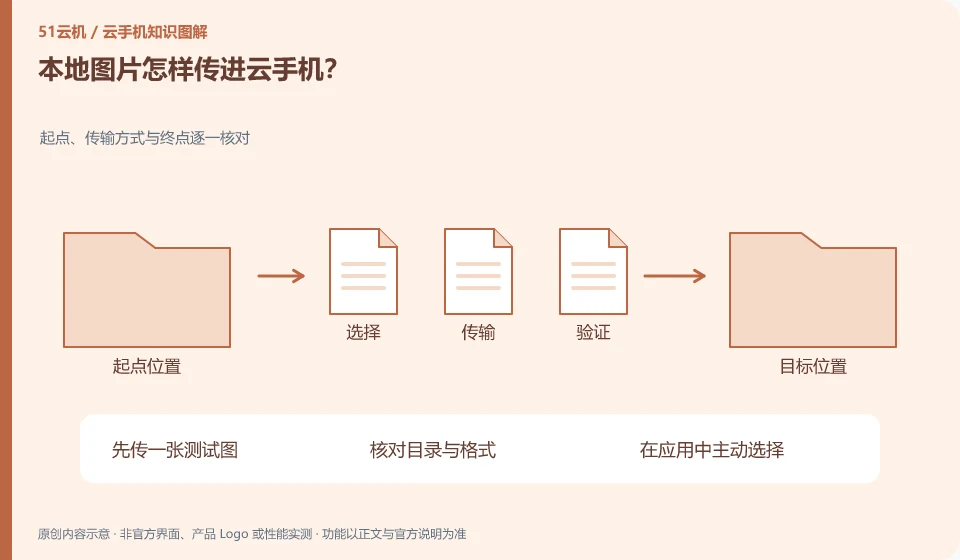
How to transfer local pictures to cloud phone? Check the starting point, transmission method and end point one by one; upload a test picture first; check the directory and format; actively select in the application; confirm the content before uploading the formal information.
CLOUD PHONES

How to upload local photos to a cloud phone

Prioritize using the upload or file transfer portal supported by the product, and then confirm whether the Android photo album or target application can be found after uploading. This guide uses everyday examples, practical checks and common pitfalls to help you decide what to do next.
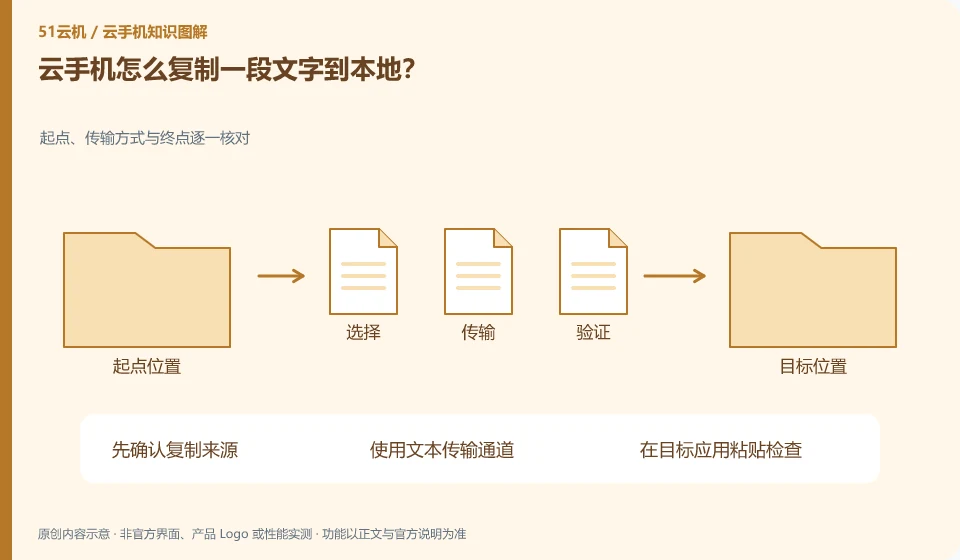
How to copy a piece of text to cloud phone locally? Check the starting point, transmission method and end point one by one; confirm the copy source first; use the text transmission channel; paste and check in the target application
CLOUD PHONES

How to copy text from a cloud phone to your local device

First confirm that the service supports clipboard or text transmission, and check the permissions. Cloud in-app copying does not necessarily automatically go to the local clipboard. This guide uses everyday examples, practical checks and common pitfalls to help you decide what to do next.
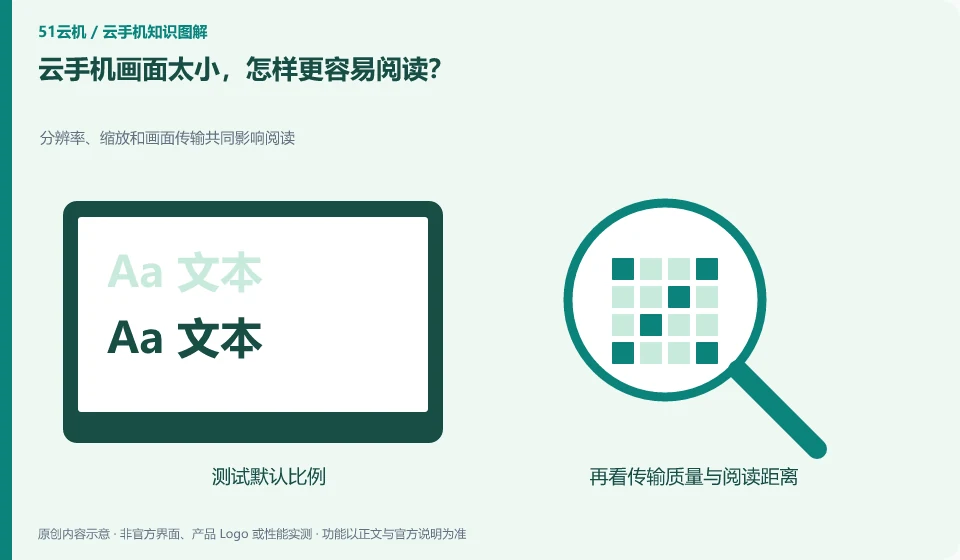
The cloud phone screen is too small, how can I make it easier to read? Resolution, scaling, and frame transfer all affect reading; test default ratios; adjust app fonts or system display; check supported resolutions; compare with frequently read pages.
CLOUD PHONES

Cloud phone screen too small: making content easier to read

First use the scaling and display settings supported by the client to distinguish between enlarging the window and changing the remote resolution. The former does not necessarily add detail. This guide uses everyday examples, practical checks and common pitfalls to help you decide what to do next.
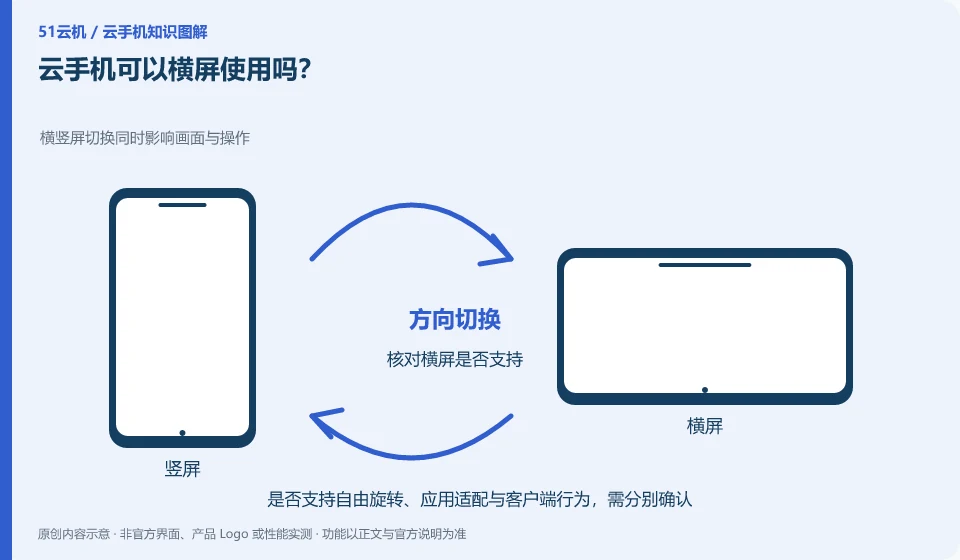
Can cloud phone be used in landscape orientation? Switching between horizontal and vertical screens affects both the screen and operations; check whether horizontal screens are supported; confirm application layout changes; compare touch positions
CLOUD PHONES

Can you use a cloud phone in landscape mode?

Depends on app, Android settings and client support. Some applications have a fixed orientation, and rotating the local device does not necessarily change the remote screen. This guide uses everyday examples, practical checks and common pitfalls to help you decide what to do next.
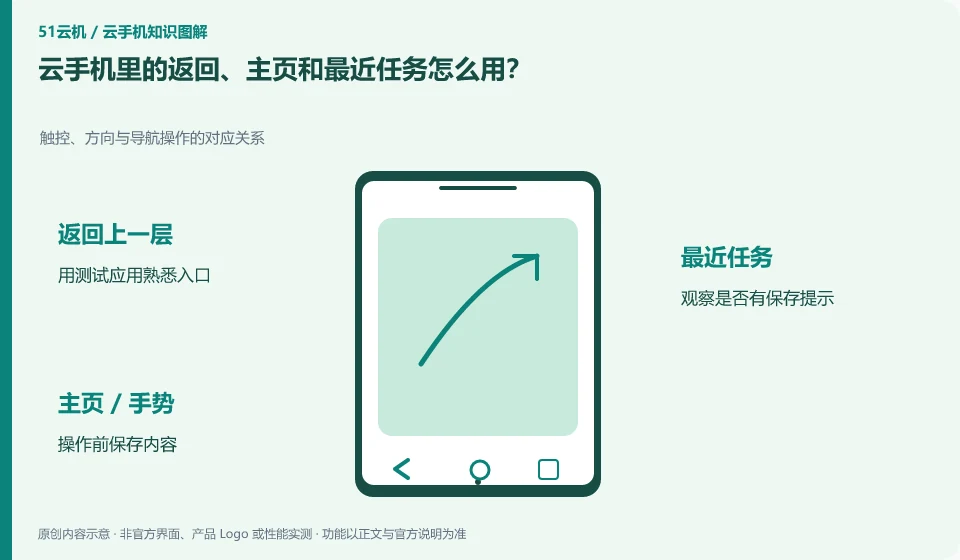
How to use return, home page and recent tasks in cloud phone? The corresponding relationship between touch, direction and navigation operations; use the test application to familiarize yourself with the entrance; observe whether there is a save prompt; save the content before operation; re-enter the confirmation state.
CLOUD PHONES

Using Back, Home and Recent Apps on a cloud phone

These actions are part of Android navigation and may be provided through on-screen buttons, gestures, or client tools. Returning does not always mean exiting the app. This guide uses everyday examples, practical checks and common pitfalls to help you decide what to do next.
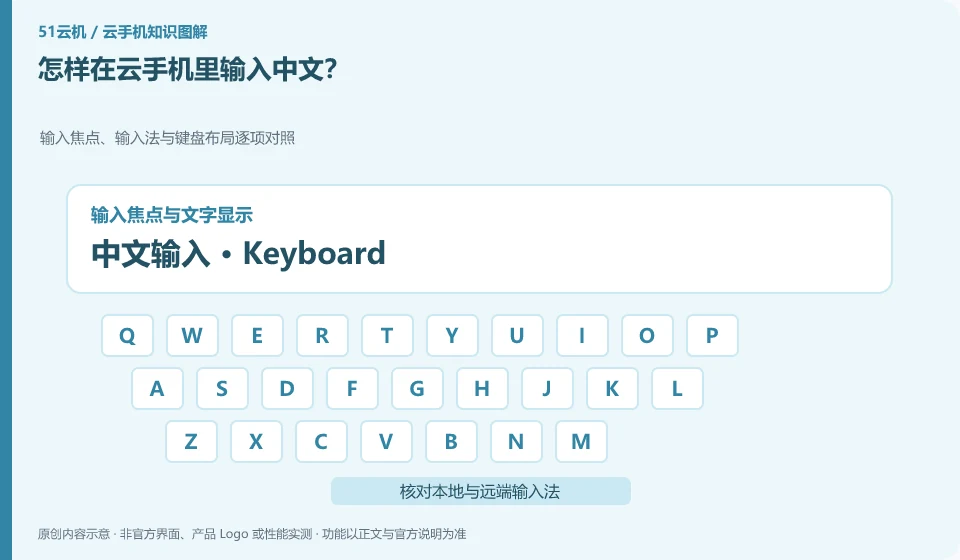
How to input Chinese in cloud phone? Compare input focus, input method and keyboard layout one by one; check local and remote input methods; test short text first; confirm input focus position
CLOUD PHONES

How to enter Chinese text on a cloud phone

First confirm the input focus and remote input method, and then check whether the client supports text input. Computer keyboard input and Android soft keyboard may be two paths. This guide uses everyday examples, practical checks and common pitfalls to help you decide what to do next.
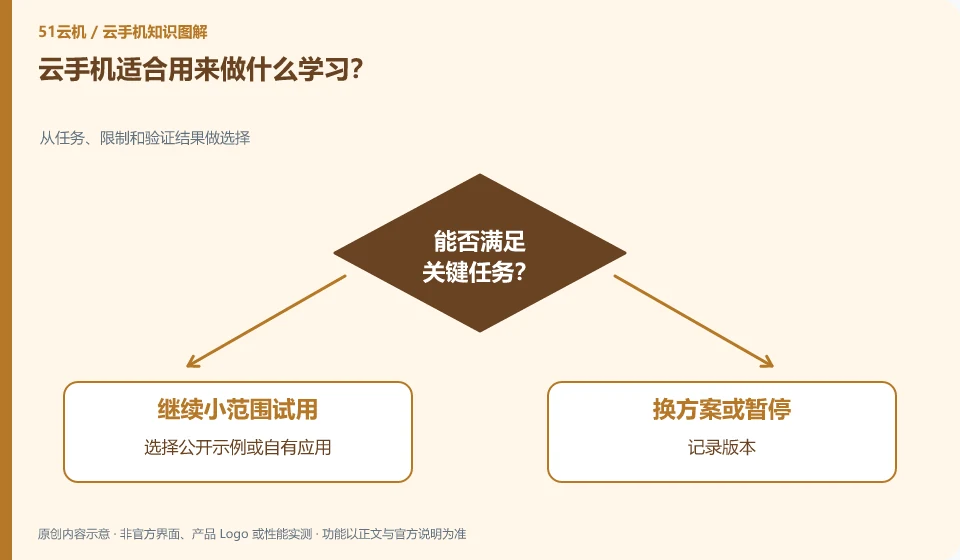
What kind of learning is cloud phone suitable for? Choose from tasks, constraints, and verification results; choose public examples or your own applications; record versions; design expected results; keep screenshots and processes.
CLOUD PHONES

What can you learn with a cloud phone?

Suitable for studying Android basics, application interfaces, file permissions and authorization testing processes. Start by choosing small tasks that will validate your results. This guide uses everyday examples, practical checks and common pitfalls to help you decide what to do next.
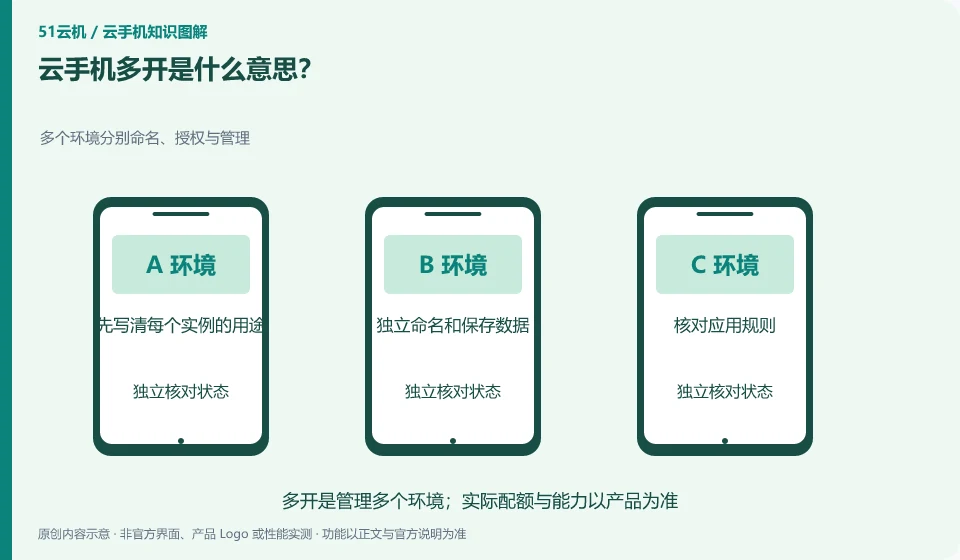
What does cloud phone multiple instances mean? Multiple environments are named, authorized and managed separately; first write down the purpose of each instance; name and save data independently; check application rules; compare all costs.
CLOUD PHONES

What does running multiple cloud phone instances mean?

Usually refers to having or running multiple Android environments at the same time. It is a resource and management capability and does not mean that the application automatically allows multiple accounts or batch operations. This guide uses everyday examples, practical checks and common pitfalls to help you decide what to do next.
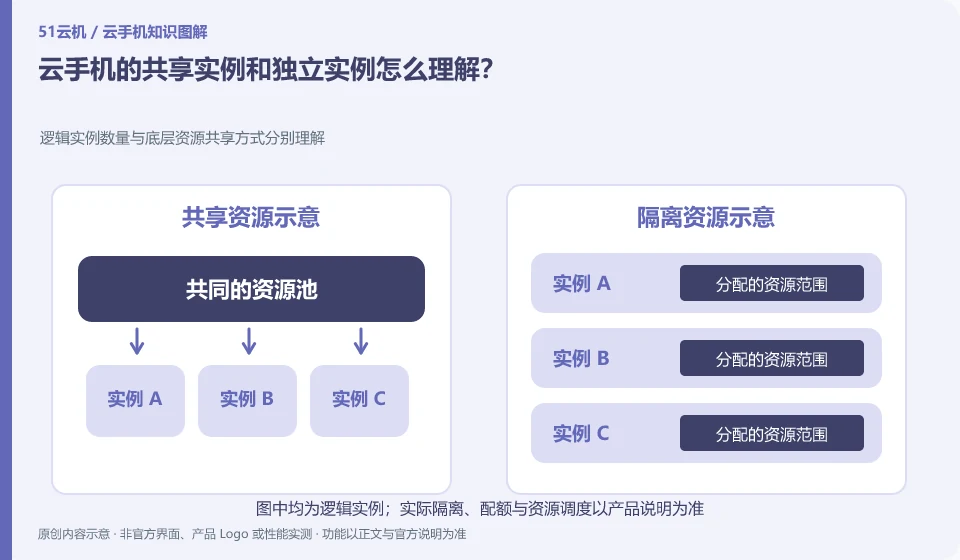
How to understand the shared instance and independent instance of cloud phone? Understand the number of logical instances and the underlying resource sharing method respectively; confirm the purchased instance type; view resource quotas and limits; check isolation and scheduling rules
CLOUD PHONES

Understanding shared and dedicated cloud phone instances

Ask about resource sharing and account access sharing separately. An independent interface or instance does not necessarily mean occupying the entire physical device. This guide uses everyday examples, practical checks and common pitfalls to help you decide what to do next.
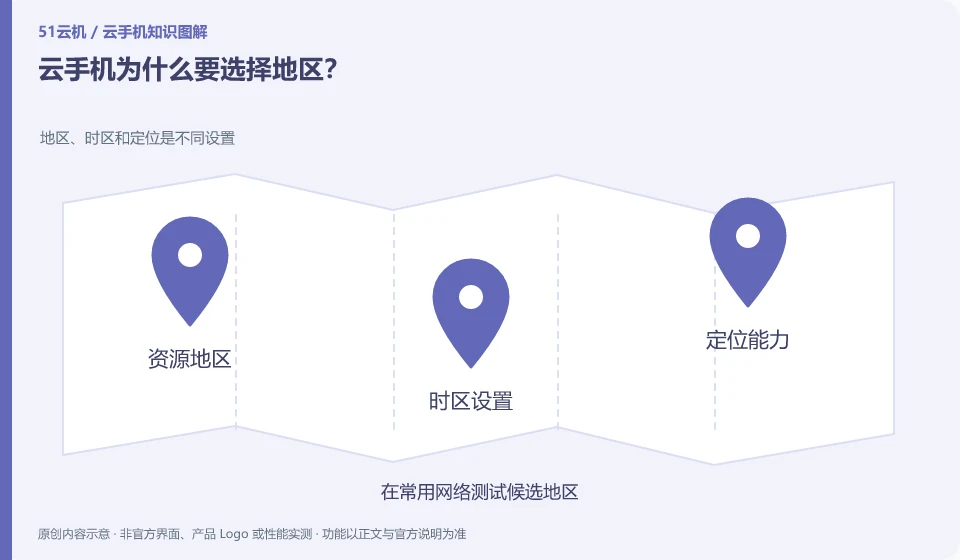
Why should cloud phone choose a region? Region, time zone and location are different settings; test candidate regions on common networks; record input and application access; check migration rules; confirm selection before official use.
CLOUD PHONES

Why do you need to choose a region for a cloud phone?

Zones affect the local network path to the instance and may also affect resource provisioning, functionality, and data location. Distance is not the only factor. This guide uses everyday examples, practical checks and common pitfalls to help you decide what to do next.
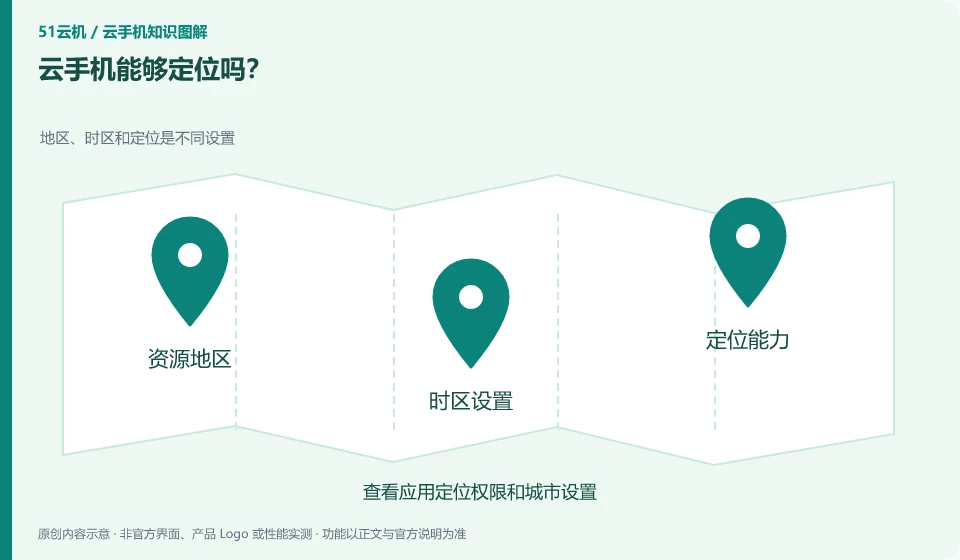
Can cloud phone be located? Region, time zone, and location are different settings; review app location permissions and city settings; verify product location capabilities; verify required capabilities in authorized testing only.
CLOUD PHONES

Can a cloud phone use location services?

Distinguish between remote network location, system location data, and local device location. What the application sees depends on the capabilities and environment settings it uses. This guide uses everyday examples, practical checks and common pitfalls to help you decide what to do next.