
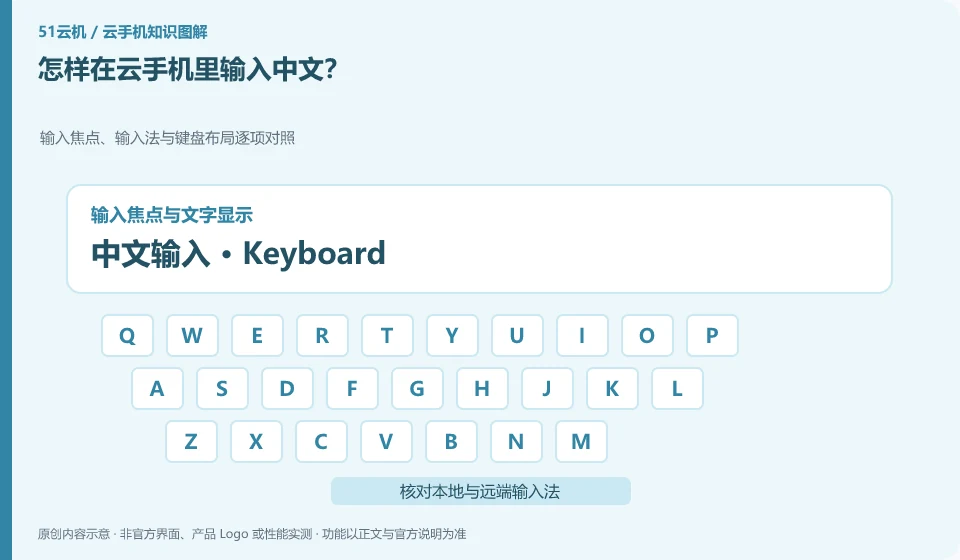
First confirm the input focus and remote input method, and then check whether the client supports text input. Computer keyboard input and Android soft keyboard may be two paths.
Understand the essentials
Sometimes the text is received by the local window, sometimes only the keystrokes are transmitted, and the performance will be different.
A practical example
Hypothetical example: Pinyin appears in the local candidate box, but the cloud input box has no content. Check the focus first instead of uninstalling the application.
What to check or try
- Click into the test box.
- Switch supported input methods.
- Enter a short sentence.
- Check for punctuation, line breaks and deletions.
When encountering input problems, first use a short sentence that can be disclosed, and observe where the candidate appears and which box the text finally enters. By separating these two things, you can see whether the local input method and the remote input method are mixed, without having to modify multiple system settings at once.
An easy-to-miss detail
Do not try the input method in the password box first, nor install unknown keyboard tools to process important information.
Continue reading
Back to Cloud phones: everyday use
Notes and further reading
Wuying Cloud Phone FAQ;Tencent Cloud Phone quick start。
This introductory guide was prepared by 51Yunji from public information with AI-assisted drafting. Examples are hypothetical, not hands-on product tests or promises of results. Follow the current product, version and official instructions for specific features and procedures. Compiled on October 26, 2026.