
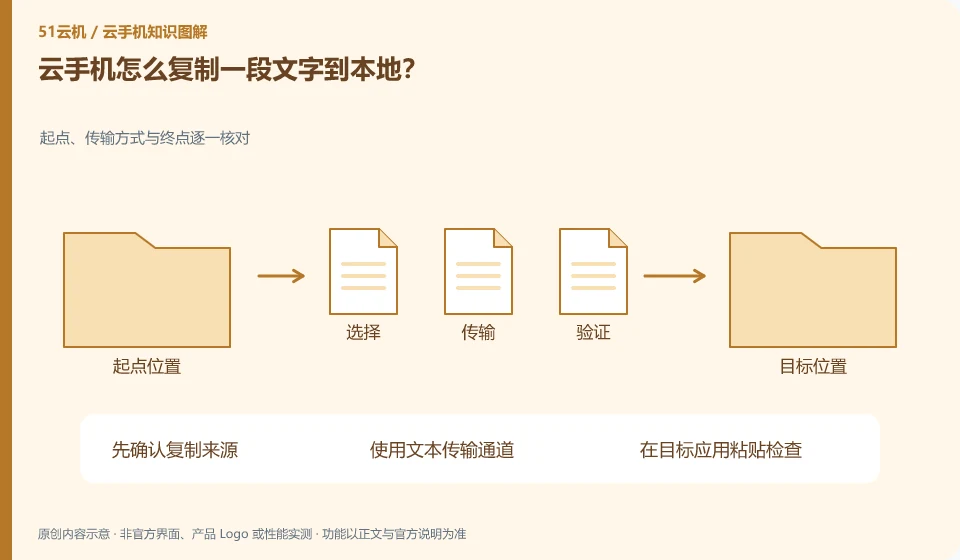
First confirm that the service supports clipboard or text transmission, and check the permissions. Cloud in-app copying does not necessarily automatically go to the local clipboard.
Understand the essentials
Cross-end transmission may be restricted by clients and policies, and content such as passwords may also be prohibited from being copied by the application.
A practical example
Hypothetical example: being able to paste in Android Notepad does not mean that the local computer can also paste immediately.
What to check or try
- Test with ordinary short sentences.
- Specify the direction of transmission.
- Confirm the pasted content.
- Sensitive information does not pass through public or unknown tools.
After copying, check the target content for missing words, extra line breaks, or old clipboard content. Do not paste important forms directly and submit them immediately; first check them in a viewable location before proceeding to the next step. In particular, avoid sending the last copied information by mistake.
An easy-to-miss detail
Don’t grant unnecessary permissions to all apps just to copy a piece of text.
Continue reading
- Cloud phone screen too small: making content easier to read
- How to upload local photos to a cloud phone
Back to Cloud phones: everyday use
Notes and further reading
Wuying Cloud Phone FAQ;Tencent Cloud Phone quick start。
This introductory guide was prepared by 51Yunji from public information with AI-assisted drafting. Examples are hypothetical, not hands-on product tests or promises of results. Follow the current product, version and official instructions for specific features and procedures. Compiled on October 26, 2026.