
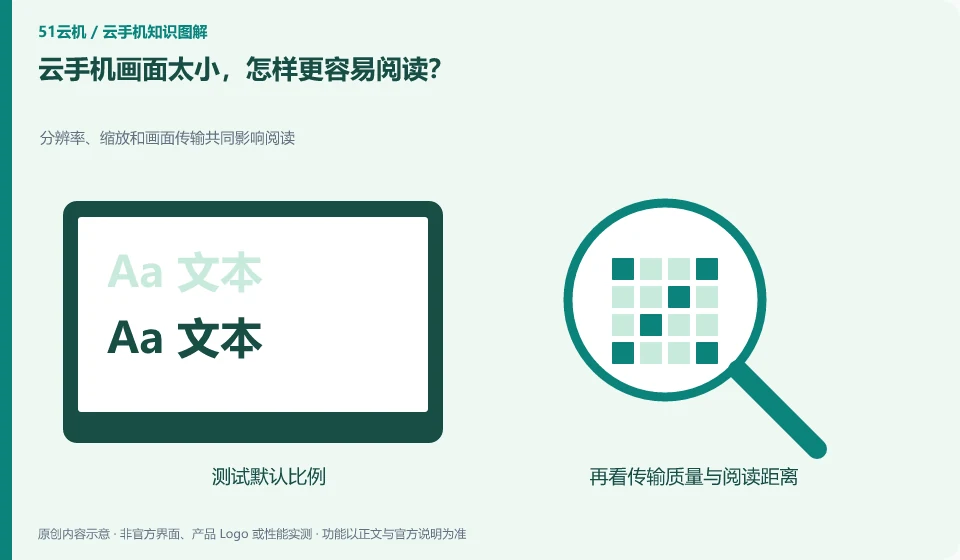
First use the scaling and display settings supported by the client to distinguish between enlarging the window and changing the remote resolution. The former does not necessarily add detail.
Understand the essentials
Text size, app layout, and transmitted image quality all affect readability.
A practical example
Hypothetical example: If a low-resolution image is spread across a large screen, the fonts may be larger but blurry.
What to check or try
- Test the default scale.
- Adjust app fonts or system display.
- Check supported resolutions.
- Use frequently read pages to compare.
Reading and precise clicking can be tested separately: large characters may not necessarily mean that the buttons are better, and the picture may be complete or the characters may be too small. Select a piece of frequently read text and compare it with a set of frequently used buttons to find the ratio that you can sustainably use, rather than copying other people's settings.
An easy-to-miss detail
Don’t just pursue the highest resolution, reading on a small screen also requires taking into account both input and traffic.
Continue reading
- Can you use a cloud phone in landscape mode?
- How to copy text from a cloud phone to your local device
Back to Cloud phones: everyday use
Notes and further reading
Wuying Cloud Phone FAQ;Tencent Cloud Phone quick start。
This introductory guide was prepared by 51Yunji from public information with AI-assisted drafting. Examples are hypothetical, not hands-on product tests or promises of results. Follow the current product, version and official instructions for specific features and procedures. Compiled on October 26, 2026.