
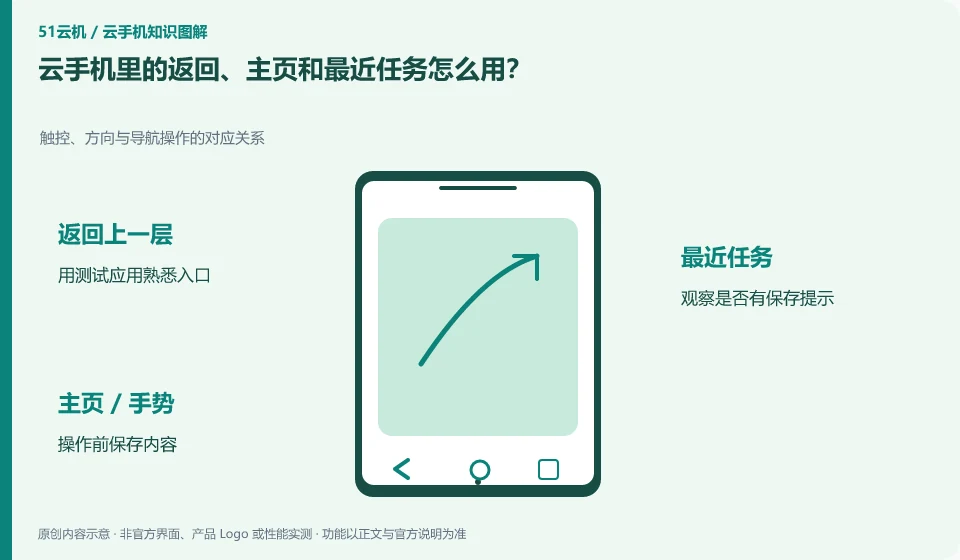
These actions are part of Android navigation and may be provided through on-screen buttons, gestures, or client tools. Returning does not always mean exiting the app.
Understand the essentials
The homepage usually leaves the current interface and recent tasks help switch; whether the application continues to run is also affected by its own and system rules.
A practical example
As a hypothetical example: pressing back from a form might throw away uncommitted content, while pressing home might just leave it temporarily.
What to check or try
- Use a test application to familiarize yourself with the portal.
- Observe whether there is a save prompt.
- Save content before operation.
- Re-enter the confirmation state.
When practicing for the first time, you can select a settings page that does not contain real data, try returning and homepage respectively, and then return to the original application state. Establishing a correspondence between actions and results can avoid mistakenly thinking that "leaving the page" is equivalent to "save and exit" in the formal form.
An easy-to-miss detail
Don't think of removing recent tasks as a reliable data cleanup or account logout.
Continue reading
Back to Cloud phones: everyday use
Notes and further reading
Wuying Cloud Phone FAQ;Tencent Cloud Phone quick start。
This introductory guide was prepared by 51Yunji from public information with AI-assisted drafting. Examples are hypothetical, not hands-on product tests or promises of results. Follow the current product, version and official instructions for specific features and procedures. Compiled on October 26, 2026.