
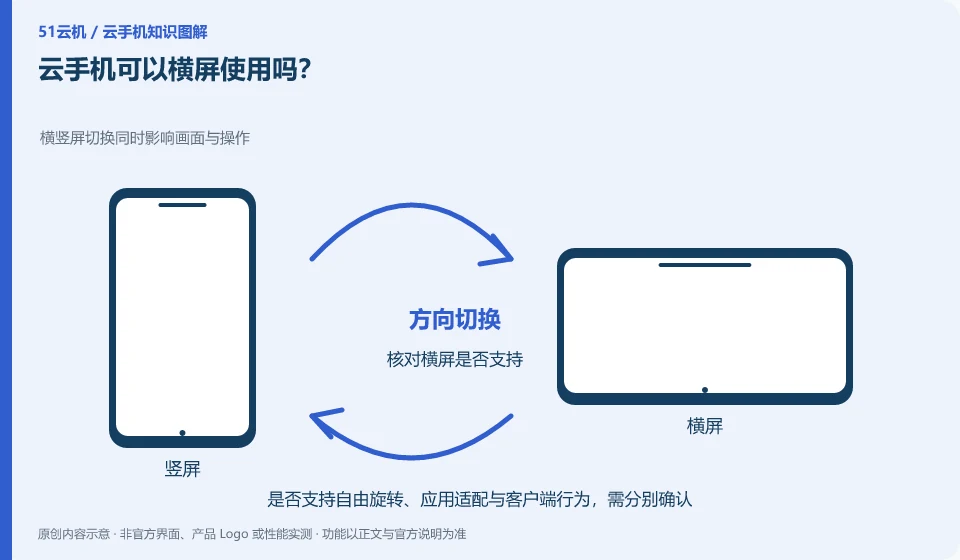
Depends on app, Android settings and client support. Some applications have a fixed orientation, and rotating the local device does not necessarily change the remote screen.
Understand the essentials
The remote resolution is different from the local window ratio, and black edges or scaling may appear.
A practical example
Hypothetical example: a video application can be displayed in landscape mode, but a certain vertical tool remains in portrait mode. This is not necessarily a fault.
What to check or try
- Check orientation lock.
- Use the client's rotation function.
- Check with an app that supports horizontal screen.
- Check the input location.
When applying a fixed portrait screen, client rotation may only change the display direction, but may not rearrange the layout. If the touch position is wrong after testing, restore the default direction first. Make a note of the appropriate directions; you don't have to pursue every application to run in the same mode.
An easy-to-miss detail
Do not directly modify unknown system parameters for the adaptation screen.
Continue reading
- Using Back, Home and Recent Apps on a cloud phone
- Cloud phone screen too small: making content easier to read
Back to Cloud phones: everyday use
Notes and further reading
Wuying Cloud Phone FAQ;Tencent Cloud Phone quick start。
This introductory guide was prepared by 51Yunji from public information with AI-assisted drafting. Examples are hypothetical, not hands-on product tests or promises of results. Follow the current product, version and official instructions for specific features and procedures. Compiled on October 26, 2026.