
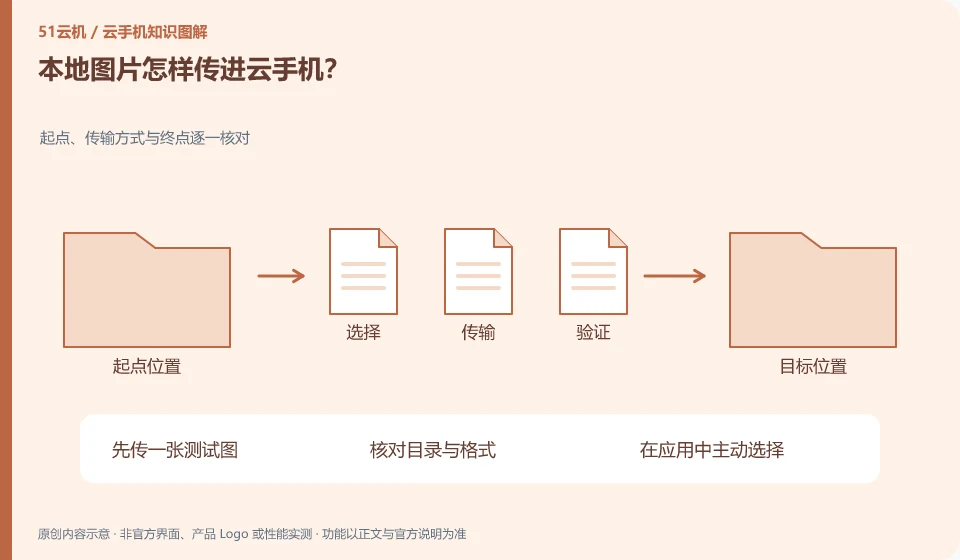
Prioritize using the upload or file transfer portal supported by the product, and then confirm whether the Android photo album or target application can be found after uploading.
Understand the essentials
The file entering the system directory is not the same step as being recognized by the album and authorized to be read by the application.
A practical example
Hypothetical example: the picture is already in the download folder, but the app only shows photos that are allowed to be accessed. You may need to reselect the file.
What to check or try
- First upload a test picture.
- Check the table of contents and format.
- Actively select within the application.
- Please confirm the content before sending the formal information.
After successful transfer, you can write down the actual directory, so you don't have to guess every time in the album. If only the target application cannot be found, check its file selection and authorization first. Confirm whether the original file already exists before re-uploading to reduce duplication and confusion.
An easy-to-miss detail
Remove unnecessary personal information before uploading, and don't upload the entire private album at once.
Continue reading
Back to Cloud phones: everyday use
Notes and further reading
Android app storage overview;Android app permissions overview。
This introductory guide was prepared by 51Yunji from public information with AI-assisted drafting. Examples are hypothetical, not hands-on product tests or promises of results. Follow the current product, version and official instructions for specific features and procedures. Compiled on October 26, 2026.