
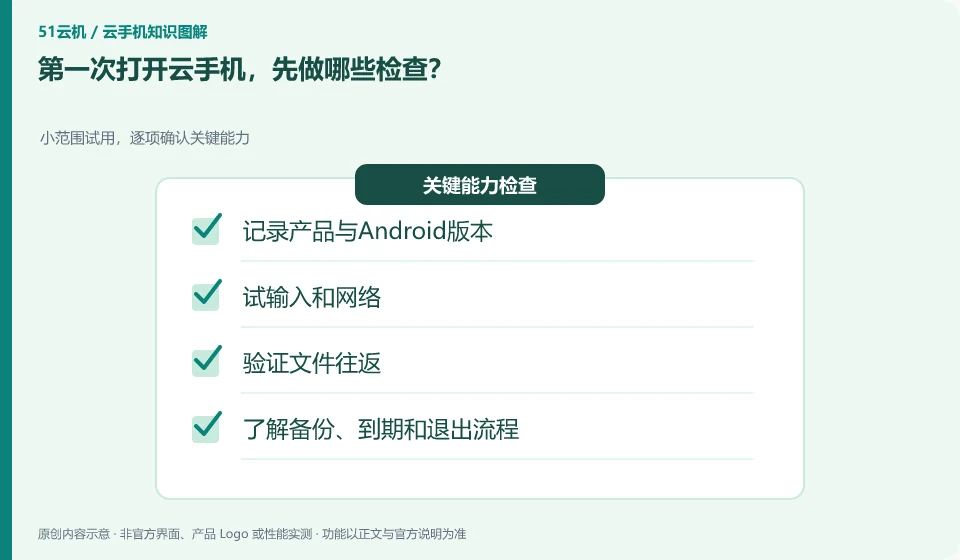
First check the instance, system, input, network and saving method before installing the official application. This makes it easier to find basic problems.
Understand the essentials
If you move in important accounts from the beginning, it will be more difficult to exit later when you encounter version or expiration restrictions.
A practical example
Hypothetical example: It is more meaningful to use a test file to confirm whether it is retained after uploading, downloading and restarting, rather than just seeing whether the homepage can slide.
What to check or try
- Document product and Android version.
- Try input and network.
- Verify file round trip.
- Understand backup, expiration, and exit processes.
After the first experience, you should be able to independently explain login, files, account recovery and expiration processing. Write these four items in your own brief description. If it is not clear which one, keep it for testing first, and then decide whether to put in long-term data after confirmation.
An easy-to-miss detail
Do not store unique data during the first use, and do not treat the demo environment as a long-term archive.
Continue reading
- What can you learn with a cloud phone?
- What is a cloud phone, and how is it different from your own phone?
Back to Cloud phones: getting started
Notes and further reading
Wuying Cloud Phone documentation;Tencent Cloud Phone quick start。
This introductory guide was prepared by 51Yunji from public information with AI-assisted drafting. Examples are hypothetical, not hands-on product tests or promises of results. Follow the current product, version and official instructions for specific features and procedures. Compiled on October 26, 2026.