
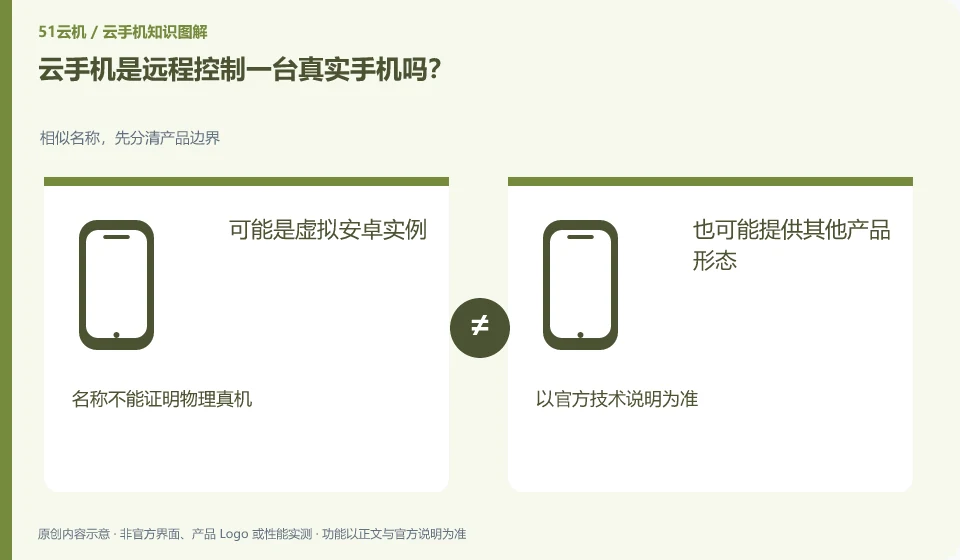
Not necessarily. A common cloud phone may be a virtual Android instance, while the remote real phone service connects to the actual physical device. Depends on the product description.
Understand the essentials
Virtual environments and physical devices may differ in sensors, system customization and test results and cannot replace each other for full verification.
A practical example
Hypothetical example: just because an application works fine in a virtual environment does not prove that it will work exactly the same on a certain brand of physical machine.
What to check or try
- Check the execution method first.
- Confirm if it is a physical device.
- List required hardware features.
- Apply testing by target.
If you are just learning the normal interface of an application, a virtual environment may provide sufficient observation; if you want to verify the behavior of actual cameras, vendor systems, or other hardware, you will need a more suitable target device. Decide on the verification problem first, then choose the environment.
An easy-to-miss detail
Don’t judge whether there is a real phone behind it just based on the screenshot of the phone’s appearance.
Continue reading
- What is a cloud phone, and how is it different from your own phone?
- Cloud phones and Android emulators: what is the difference?
Back to Cloud phones: getting started
Notes and further reading
Wuying Cloud Phone documentation;Tencent Cloud Phone quick start。
This introductory guide was prepared by 51Yunji from public information with AI-assisted drafting. Examples are hypothetical, not hands-on product tests or promises of results. Follow the current product, version and official instructions for specific features and procedures. Compiled on October 26, 2026.