51YUNJI / BUY WITH CONTEXT

Latest articles & insights — Page 33

The latest published tutorials, product notes and buying advice from the 51Yunji archive.

531 articles in English

Page 33 of 45
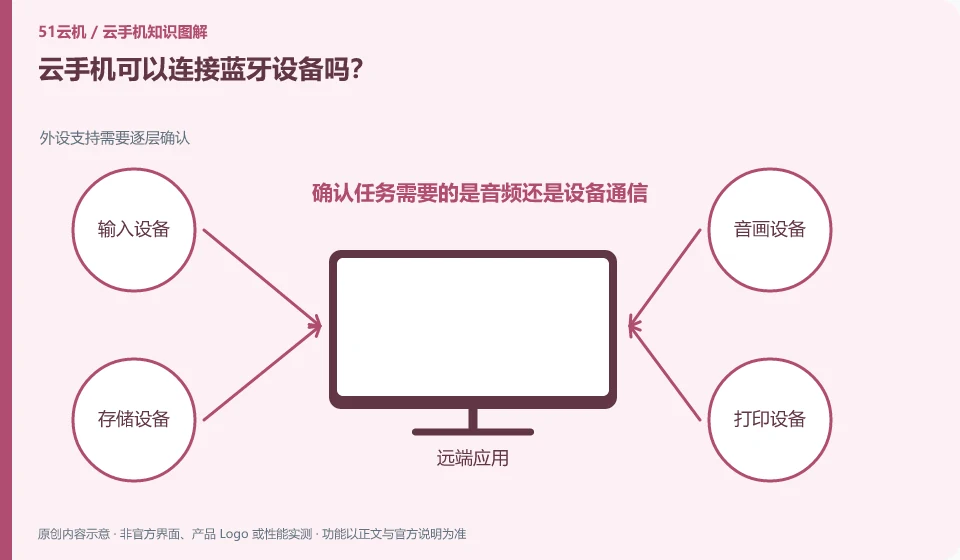
Can cloud phone connect to Bluetooth devices? Peripheral support needs to be confirmed layer by layer; confirm whether the task requires audio or device communication; check official support; test with low-risk equipment; record which functions are effective.
CLOUD PHONES

Can a cloud phone connect to Bluetooth devices?

It cannot be assumed that the remote Android can directly access all Bluetooth devices at hand. Whether there is mapping capability depends on product and client support. This guide uses everyday examples, practical checks and common pitfalls to help you decide what to do next.
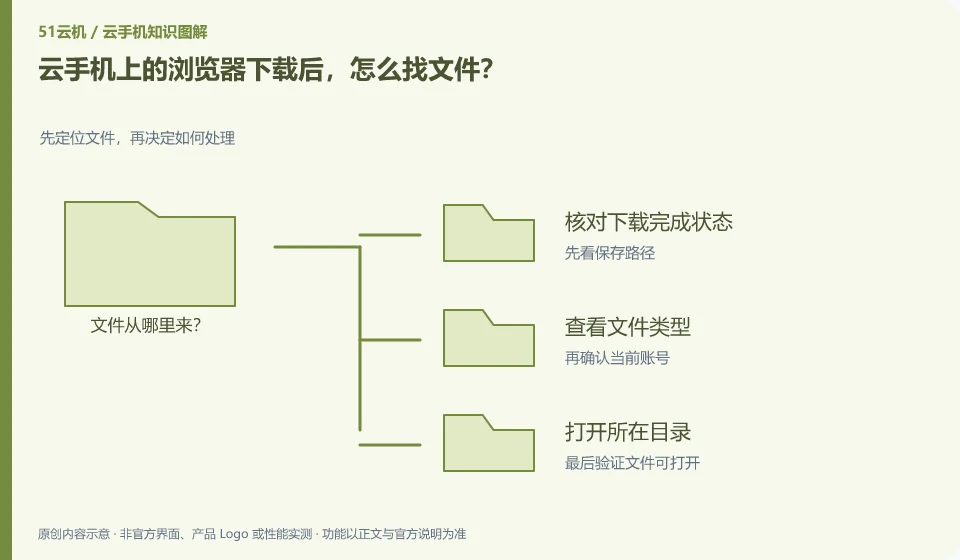
After downloading the browser on cloud phone, how to find the file? Locate the file first and then decide how to process it; check the download completion status; view the file type; open the directory where it is located; export to local and verify as needed.
CLOUD PHONES

How to find files downloaded in a cloud phone browser

First enter the file location from the download record of the remote browser, and then use the Android file application to view it. Do not search directly in the local download directory. This guide uses everyday examples, practical checks and common pitfalls to help you decide what to do next.
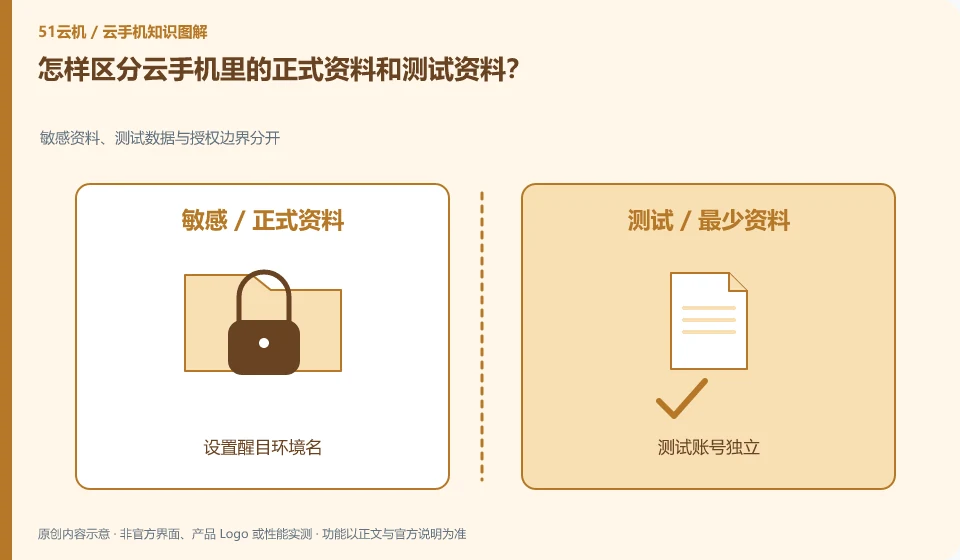
How to distinguish official data and test data in cloud phone? Separate sensitive data, test data and authorization boundaries; set eye-catching environment names; test accounts are independent; keep formal data backups; check instance IDs before high-impact operations.
CLOUD PHONES

Keeping real and test data separate on a cloud phone

It is best to separate instances or at least directories and accounts, and use obvious naming reminders. Testing operations should not affect the only official material. This guide uses everyday examples, practical checks and common pitfalls to help you decide what to do next.
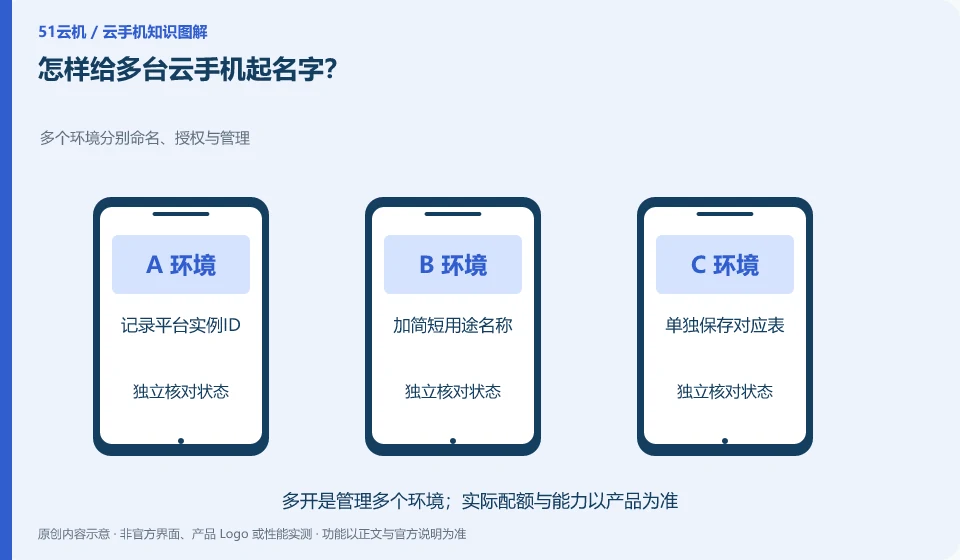
How to name multiple cloud phones? Multiple environments are named, authorized and managed separately; record the platform instance ID; add a short purpose name; save the corresponding table separately; check the target again before operating.
CLOUD PHONES

How to name several cloud phone instances clearly

Naming with purpose, context, and serial number is easier to distinguish than just using the default number. The name should not contain passwords or sensitive personal information. This guide uses everyday examples, practical checks and common pitfalls to help you decide what to do next.
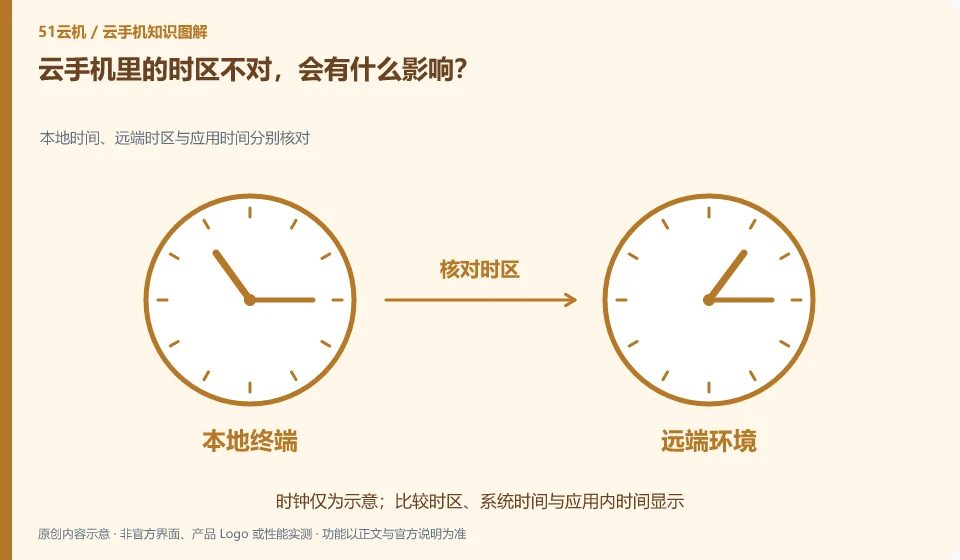
If the time zone in cloud phone is wrong, what will be the impact? Check the local time, remote time zone and application time respectively; compare the local system time; confirm the remote system time zone; check the time display in the application
CLOUD PHONES

What happens if a cloud phone has the wrong time zone?

Time displays, reminders, and file times can be misleading. First, distinguish between the displayed time zone and the actual recorded time. Don’t just change one application. This guide uses everyday examples, practical checks and common pitfalls to help you decide what to do next.
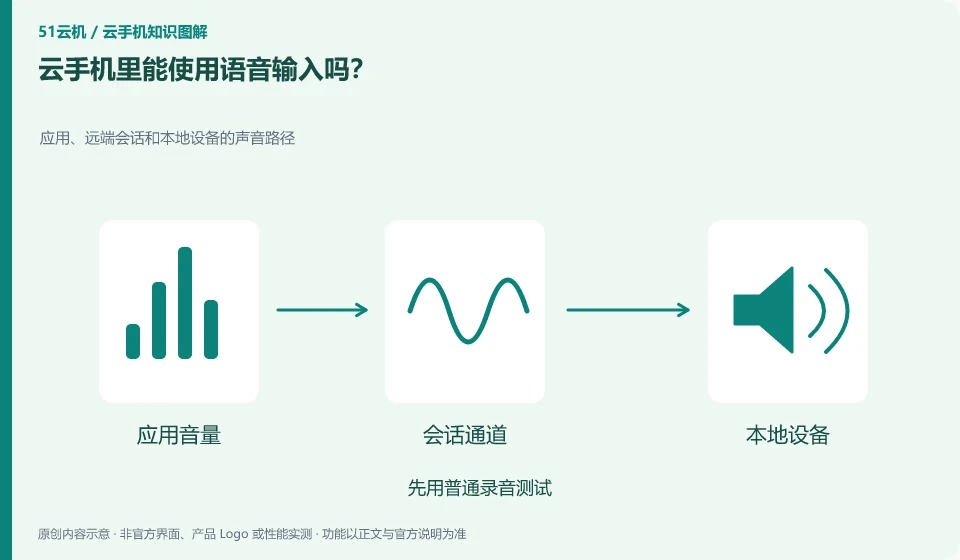
Can voice input be used in cloud phone? Sound paths for applications, remote sessions, and local devices; test with normal recording first; check necessary permissions; say a non-sensitive phrase; check the recognition results before submitting.
CLOUD PHONES

Can you use voice input on a cloud phone?

Requires input method support, microphone availability, and the client being able to pass audio. Whether it works offline also depends on the input tool. This guide uses everyday examples, practical checks and common pitfalls to help you decide what to do next.
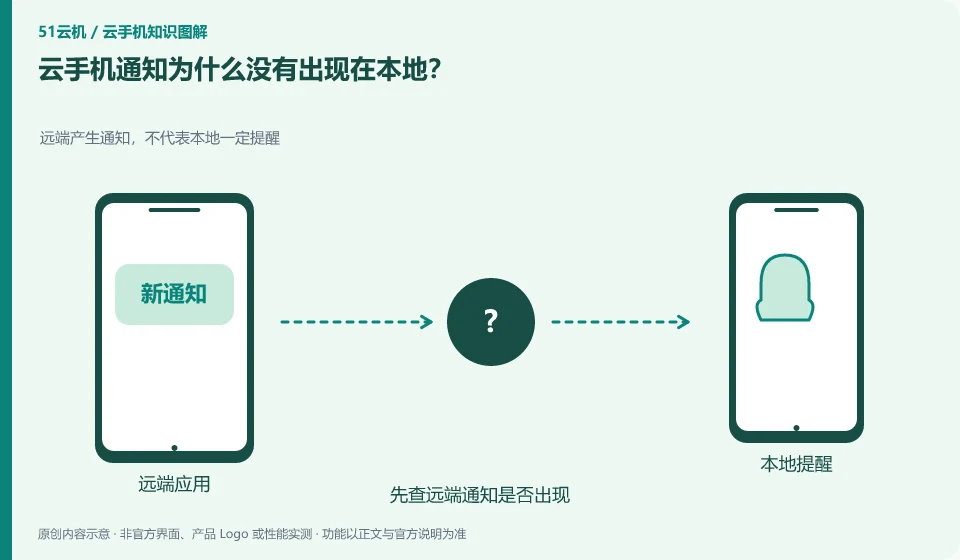
Why don't cloud phone notifications appear locally? The remote generation of notifications does not mean that the local notification must be reminded; first check whether the remote notification appears; then check the client's forwarding capabilities; check the necessary permissions; and verify with test messages.
CLOUD PHONES

Why don't cloud phone notifications appear on my local phone?

Just because a remote application generates a notification does not mean that the client will convert it into a notification on your local system. Both need to be explicitly supported by the product. This guide uses everyday examples, practical checks and common pitfalls to help you decide what to do next.
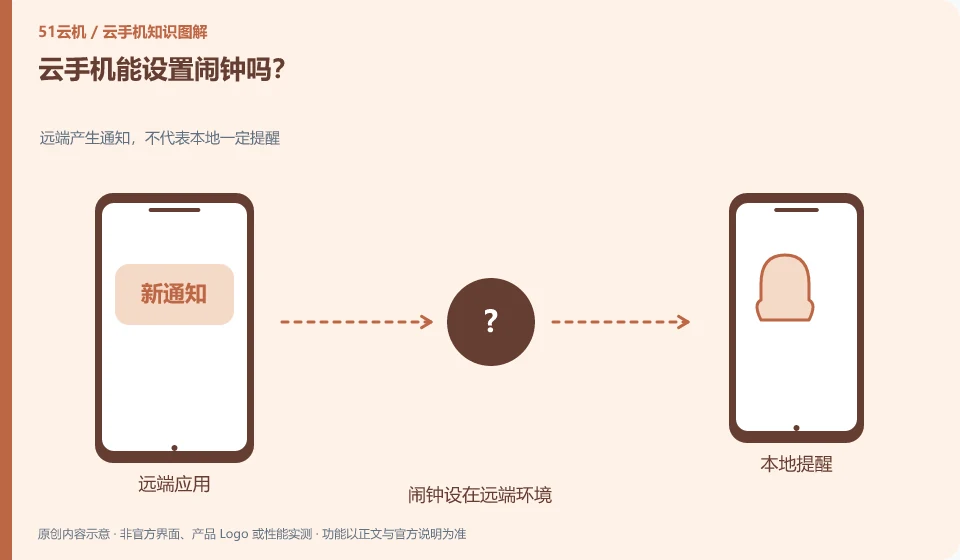
Can I set an alarm on cloud phone? Notifications generated remotely do not necessarily mean local reminders; the alarm clock is set in the remote environment; it is not bridged to the local by default; important reminders are set locally
CLOUD PHONES

Can you set an alarm on a cloud phone?

The system or application may provide an alarm clock function, but if it sounds at the remote system, there is no guarantee that the local alarm will be received in time. Notification and audio paths need to be verified. This guide uses everyday examples, practical checks and common pitfalls to help you decide what to do next.
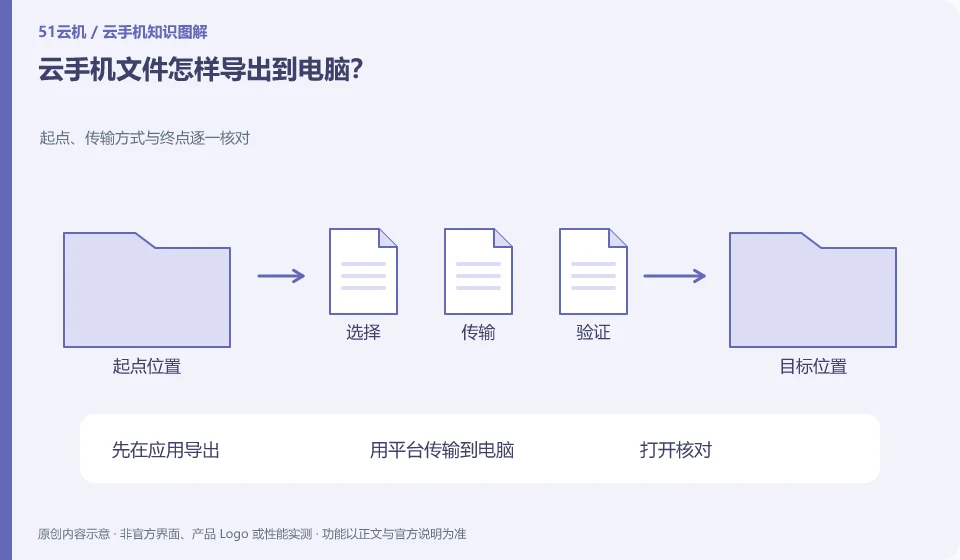
How to export cloud phone files to computer? Check the starting point, transfer method and end point one by one; export in the application first; transfer to the computer using the platform; open and check; save an independent copy before processing the original file.
CLOUD PHONES

How to export cloud phone files to a computer

Select a supported download or export method and make sure you get the actual file and not a link that can only be opened in the original app. This guide uses everyday examples, practical checks and common pitfalls to help you decide what to do next.
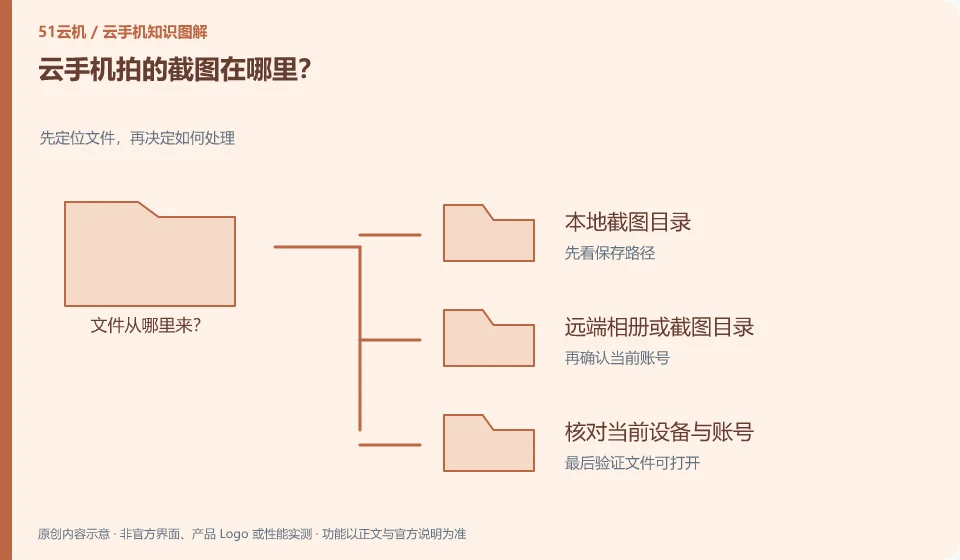
Where are the screenshots taken by cloud phone? Locate the file first and then decide how to process it; local screenshot directory; remote photo album or screenshot directory; check current device and account
CLOUD PHONES

Where are cloud phone screenshots saved?

First look at which end the screenshot was generated from. Android system screenshots, client screenshots and local system screenshots may be saved in different locations. This guide uses everyday examples, practical checks and common pitfalls to help you decide what to do next.