
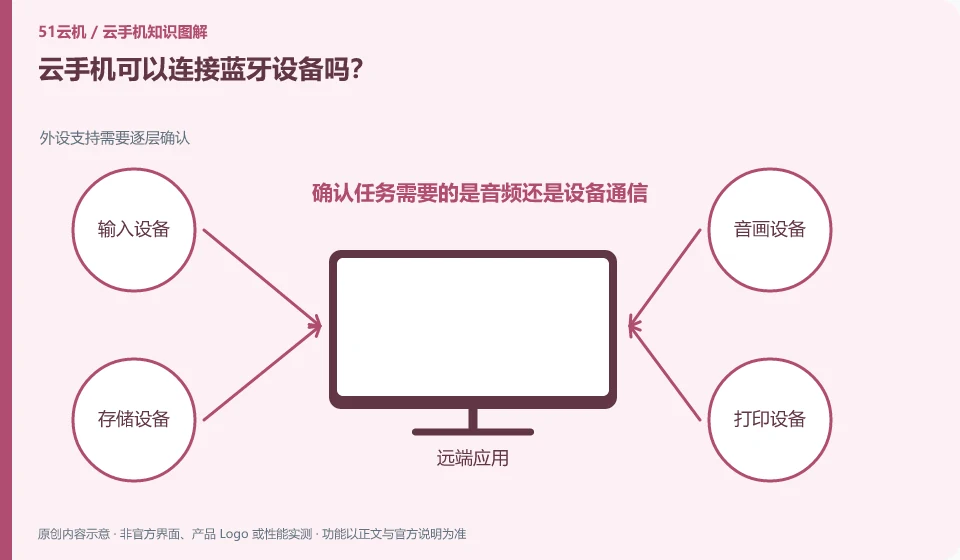
It cannot be assumed that the remote Android can directly access all Bluetooth devices at hand. Whether there is mapping capability depends on product and client support.
Understand the essentials
The local mobile phone's Bluetooth hardware is separated from the remote environment by a network, and the application may require real hardware or specific protocols.
A practical example
For example, if the local headset can play the client sound, it does not mean that the remote Android has directly paired the headset.
What to check or try
- Confirm whether the task requires audio or device communication.
- Check official support.
- Test with low-risk equipment.
- Keep track of which features work.
Write your requirements into specific actions, such as listening to sounds, receiving sensor data, or controlling devices, and you'll find relevant compatibility instructions. Being able to complete one of them does not mean that other Bluetooth capabilities have also been opened, and audio playback cannot be used as proof of full-featured pairing.
An easy-to-miss detail
Do not install unknown system components to adapt to unknown peripherals.
Continue reading
- How to find files downloaded in a cloud phone browser
- Improving awkward touch controls on a cloud phone
Back to Cloud phones: everyday use
Notes and further reading
Wuying Cloud Phone FAQ;Tencent Cloud Phone quick start。
This introductory guide was prepared by 51Yunji from public information with AI-assisted drafting. Examples are hypothetical, not hands-on product tests or promises of results. Follow the current product, version and official instructions for specific features and procedures. Compiled on October 26, 2026.