
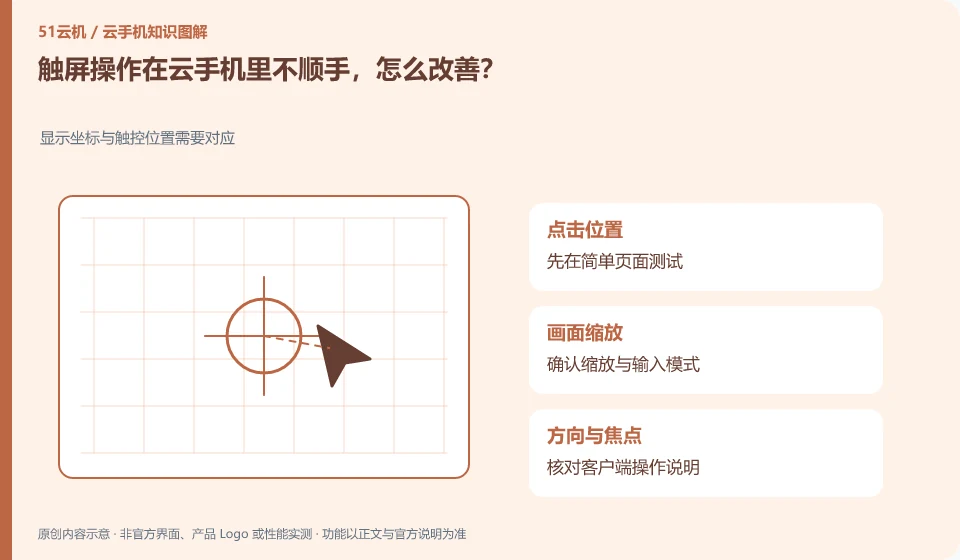
First learn the long press, drag, scroll and multi-finger substitution operations supported by the client, and then determine whether the application is suitable for remote use.
Understand the essentials
Mouse or single-finger mapping may not fully restore complex touch controls, and some app controls themselves are small.
A practical example
Hypothetical example: If you click too quickly and drag, it may be a malfunction in the input method rather than the application.
What to check or try
- Practice on the test page.
- Adjust supported display ratios.
- Try one gesture at a time.
- Check if the target is clicked.
If a control is always difficult to control, change the display ratio or select a supported entry first instead of accelerating the click. For complex gesture applications, the limitations of remote interaction should be acknowledged; when the task itself is not suitable, it is more reasonable to change tools rather than trial and error.
An easy-to-miss detail
Instead of practicing gestures on buttons like pay or delete, use Wuying's test interface.
Continue reading
Back to Cloud phones: everyday use
Notes and further reading
Wuying Cloud Phone FAQ;Tencent Cloud Phone quick start。
This introductory guide was prepared by 51Yunji from public information with AI-assisted drafting. Examples are hypothetical, not hands-on product tests or promises of results. Follow the current product, version and official instructions for specific features and procedures. Compiled on October 26, 2026.