
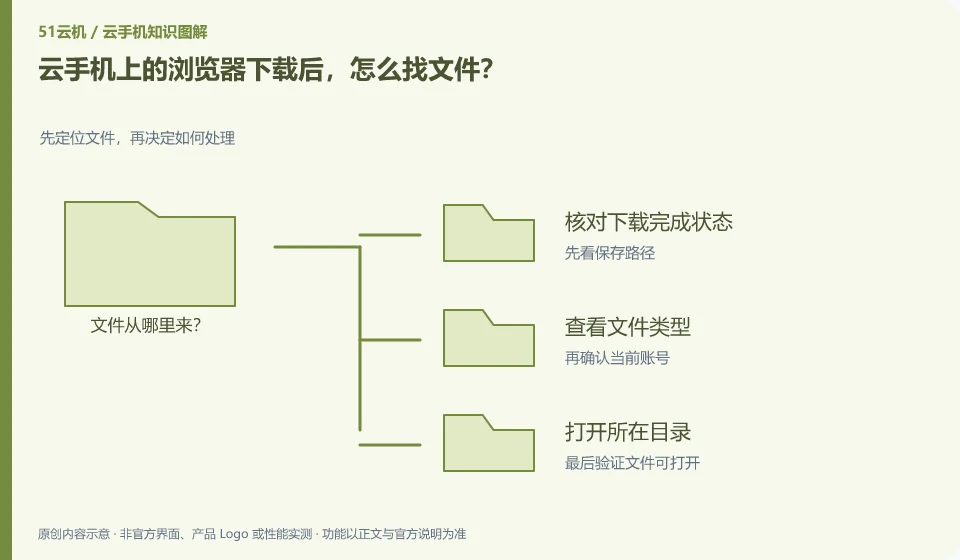
First enter the file location from the download record of the remote browser, and then use the Android file application to view it. Do not search directly in the local download directory.
Understand the essentials
The download directory, application private space and media album are different locations, and the application may also restrict access.
A practical example
Hypothetical example: the file name shows up in the download history, but not in the photo album, maybe it's just that it's not an image or it's not indexed by the media.
What to check or try
- Check download completion status.
- View the file type.
- Open the directory where you are located.
- Export to local and verify as needed.
If the original application is still required to open the file, it may not be in a universal export format. First confirm whether you are getting the file itself, an attachment or a link. Download history can help track the source, but files from unknown sources should not be used as security credentials.
An easy-to-miss detail
Do not install or execute unfamiliar files directly just because they are successfully downloaded.
Continue reading
Back to Cloud phones: everyday use
Notes and further reading
Android app storage overview;Android app permissions overview。
This introductory guide was prepared by 51Yunji from public information with AI-assisted drafting. Examples are hypothetical, not hands-on product tests or promises of results. Follow the current product, version and official instructions for specific features and procedures. Compiled on October 26, 2026.