
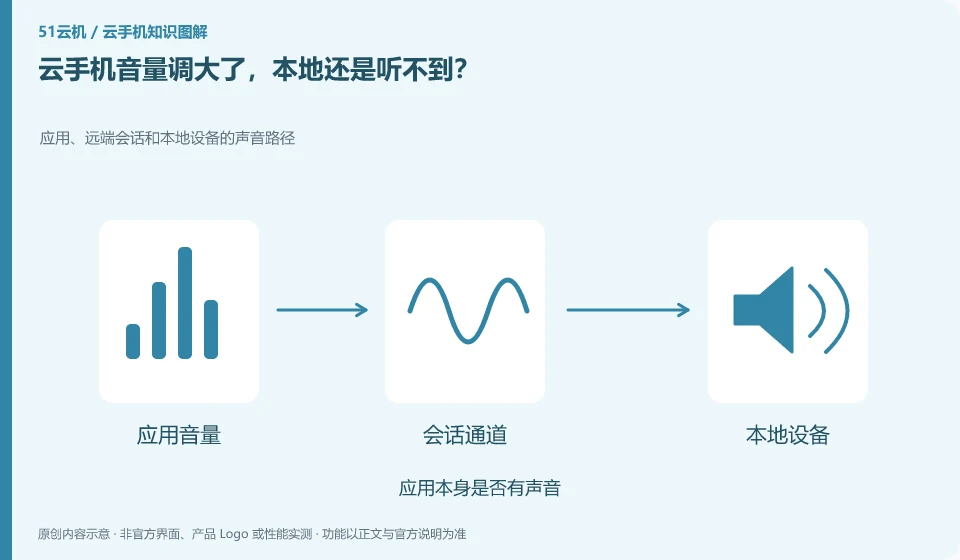
Check the remote media volume, local system volume and client audio switch. Simply adjusting the Android volume may not be enough.
Understand the essentials
Local headphone output selection, browser mute, and app mute also affect sound.
A practical example
Hypothetical example: the cloud volume bar changes, but the browser tab is muted, and the sound still does not come out.
What to check or try
- Play a normal test tone.
- Check layer by layer.
- Confirm the local output device.
- Compare another app to see if it has sound.
It is recommended to start with a fixed short test tone and confirm the output one by one. After finding the problem, restore the appropriate volume, and do not turn both ends to the maximum as the norm. After replacing the external headphones, also confirm the current actual output device and check whether it is accidentally transmitted to the public speakers.
An easy-to-miss detail
Don't change the system driver first, troubleshoot simple volume and permission issues first.
Continue reading
- Why can cloud phone video quality differ from the original video?
- Can you use voice input on a cloud phone?
Back to Cloud phones: everyday use
Notes and further reading
Wuying Cloud Phone FAQ;Tencent Cloud Phone quick start。
This introductory guide was prepared by 51Yunji from public information with AI-assisted drafting. Examples are hypothetical, not hands-on product tests or promises of results. Follow the current product, version and official instructions for specific features and procedures. Compiled on October 26, 2026.