
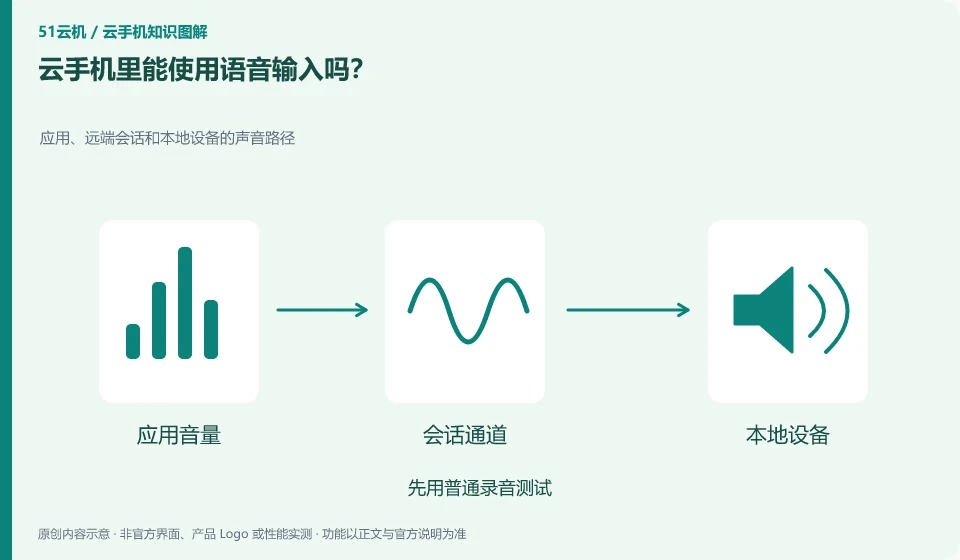
Requires input method support, microphone availability, and the client being able to pass audio. Whether it works offline also depends on the input tool.
Understand the essentials
Speech recognition may call remote services, and keyboard typing permissions are different from network requirements.
A practical example
Hypothetical example: local recording is possible, but the remote input method is unresponsive. This depends on audio redirection and application authorization.
What to check or try
- Test with ordinary recording first.
- Check necessary permissions.
- Say a short, non-sensitive sentence.
- Check the recognition results before submitting.
After the identification is completed, proper nouns, numbers and punctuation should be proofread before saving or submitting. Voice input only reduces keyboard operations and cannot ensure that the content is accurate for you. For materials that need to be kept confidential, first confirm whether the identification service used is suitable for processing.
An easy-to-miss detail
Do not enter personal or professional confidentiality with unconfirmed data processing.
Continue reading
- Cloud phone volume is up, but there is still no local sound
- What happens if a cloud phone has the wrong time zone?
Back to Cloud phones: everyday use
Notes and further reading
Wuying Cloud Phone FAQ;Tencent Cloud Phone quick start。
This introductory guide was prepared by 51Yunji from public information with AI-assisted drafting. Examples are hypothetical, not hands-on product tests or promises of results. Follow the current product, version and official instructions for specific features and procedures. Compiled on October 26, 2026.