
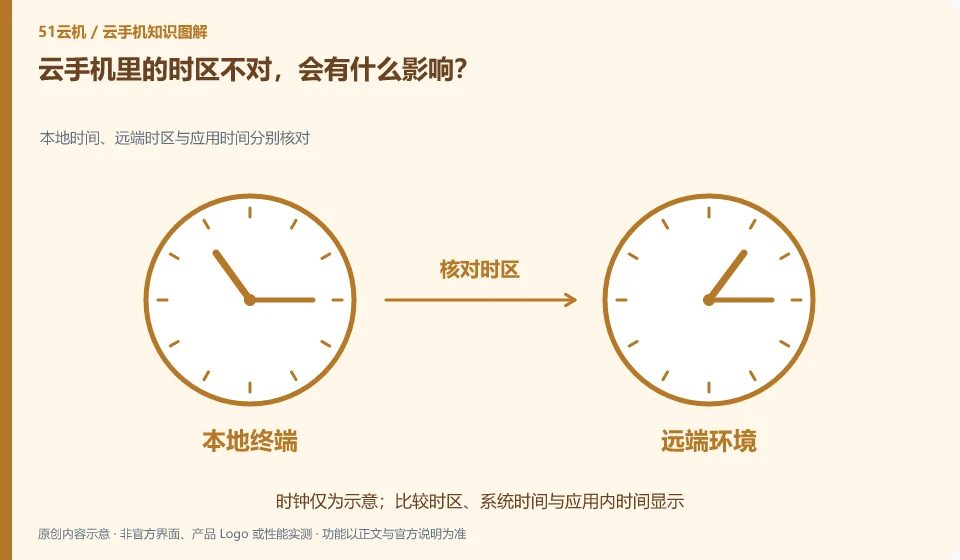
Time displays, reminders, and file times can be misleading. First, distinguish between the displayed time zone and the actual recorded time. Don’t just change one application.
Understand the essentials
Instance regions, system settings, and the application's own time zone may each control different interfaces.
A practical example
Hypothetical example: the task is executed at local night, but the remote calendar shows another time. The agreed time zone should be checked.
What to check or try
- Record the system time zone.
- Check application settings.
- Control with the same test event.
- Attach a date and time zone to the task description.
It is best to indicate the time zone in calendars, files and task records, especially when used across regions. For events that have been saved, changing the system display does not necessarily mean changing the meaning of the event. Verify with a test event first, then adjust the real schedule.
An easy-to-miss detail
Do not solve login or certificate problems by changing the time arbitrarily, check the official instructions first.
Continue reading
Back to Cloud phones: everyday use
Notes and further reading
Wuying Cloud Phone FAQ;Tencent Cloud Phone quick start。
This introductory guide was prepared by 51Yunji from public information with AI-assisted drafting. Examples are hypothetical, not hands-on product tests or promises of results. Follow the current product, version and official instructions for specific features and procedures. Compiled on October 26, 2026.