
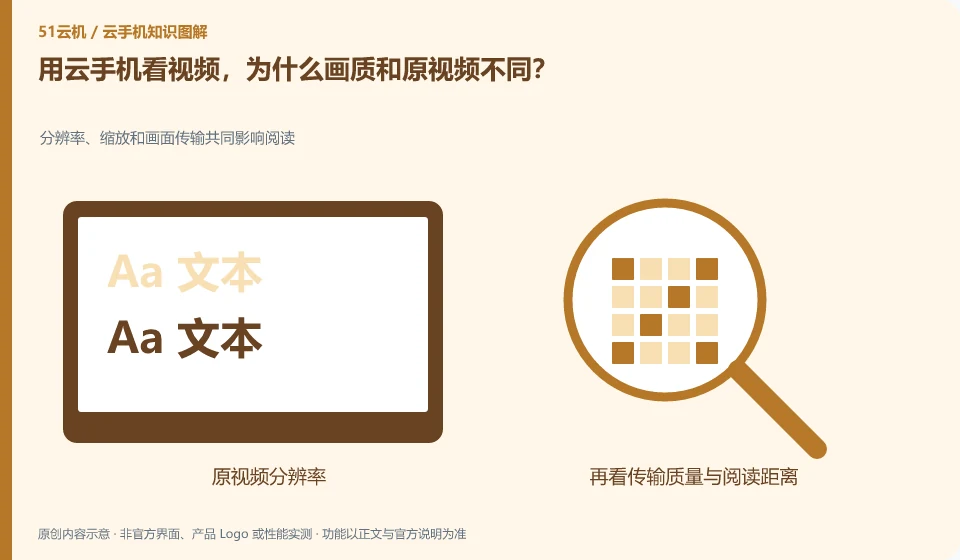
What you see may be processed at two levels: application playback and remote image transmission. The resolution will be affected by settings and network.
Understand the essentials
Improving the image quality of the video source does not guarantee that all details will be retained during remote transmission, and may also increase the burden on the remote system.
A practical example
Hypothetical example: the original video is high-definition, and the client reduces the image quality for a stable connection, and the final video may still be blurry.
What to check or try
- Check app playback and client image quality separately.
- Fixed network comparison.
- Observe the audio and video synchronization.
- Choose the appropriate settings for your application.
If you just want to keep the original media, don't export it via remote screen recording instead of the original file. Only by managing the viewing experience and file delivery quality separately can we avoid mistaking the result of transmission compression for the material itself having deteriorated.
An easy-to-miss detail
Remote screenshots are not considered accurate proof of the quality of the original media files.
Continue reading
- Why don't cloud phone notifications appear on my local phone?
- Cloud phone volume is up, but there is still no local sound
Back to Cloud phones: everyday use
Notes and further reading
Wuying Cloud Phone FAQ;Tencent Cloud Phone quick start。
This introductory guide was prepared by 51Yunji from public information with AI-assisted drafting. Examples are hypothetical, not hands-on product tests or promises of results. Follow the current product, version and official instructions for specific features and procedures. Compiled on October 26, 2026.