51YUNJI / BUY WITH CONTEXT

Cloud phone essentials guides — Page 16

Explore English articles for this topic.

268 articles in English

Page 16 of 23
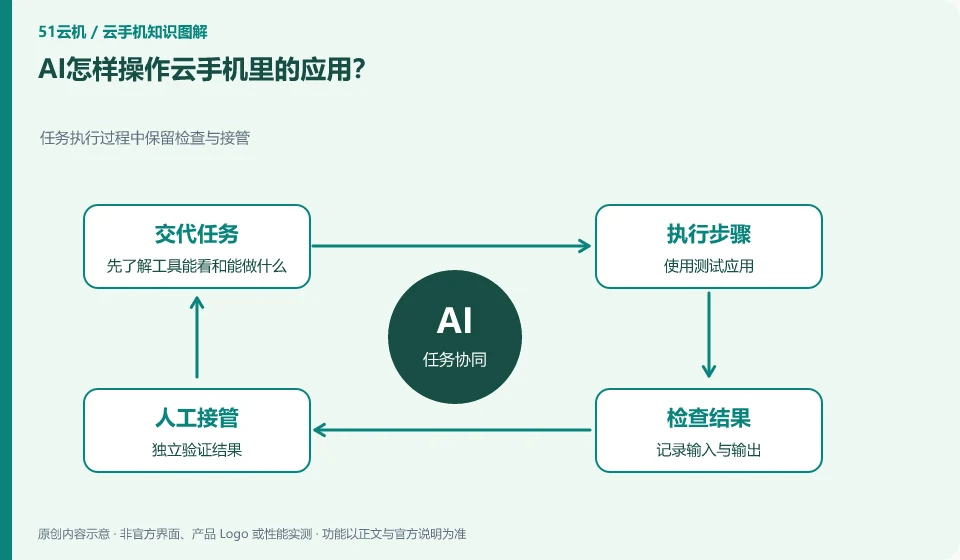
How does AI operate applications in cloud phone? Keep inspections and takeovers during task execution; first understand what the tool can see and do; use test applications; record input and output; independently verify results.
CLOUD PHONES

How does AI operate apps on a cloud phone?

Actions may be sent through screenshot recognition, operation interface, ADB or other supported tools. Which path to use depends on the scenario. This guide uses everyday examples, practical checks and common pitfalls to help you decide what to do next.
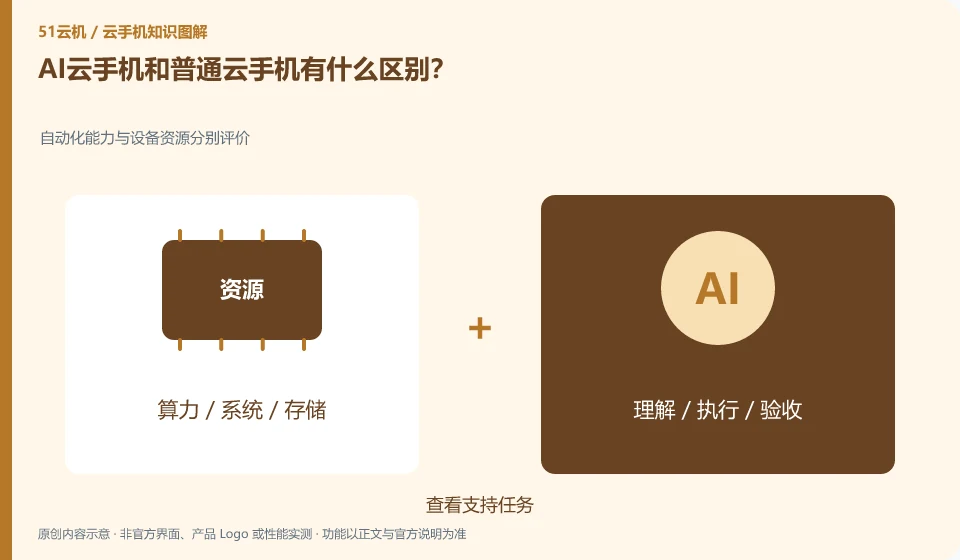
What is the difference between AI cloud phone and ordinary cloud phone? Evaluate automation capabilities and equipment resources separately; view support tasks; confirm permissions and activation conditions; test with synthetic data; check the final results instead of just looking at the actions.
CLOUD PHONES

AI cloud phones and ordinary cloud phones: what is the difference?

Ordinary cloud phones mainly provide the Android operating environment; AI capabilities may allow the system to understand tasks and operate applications, but the specific scope depends on the tools and products. This guide uses everyday examples, practical checks and common pitfalls to help you decide what to do next.
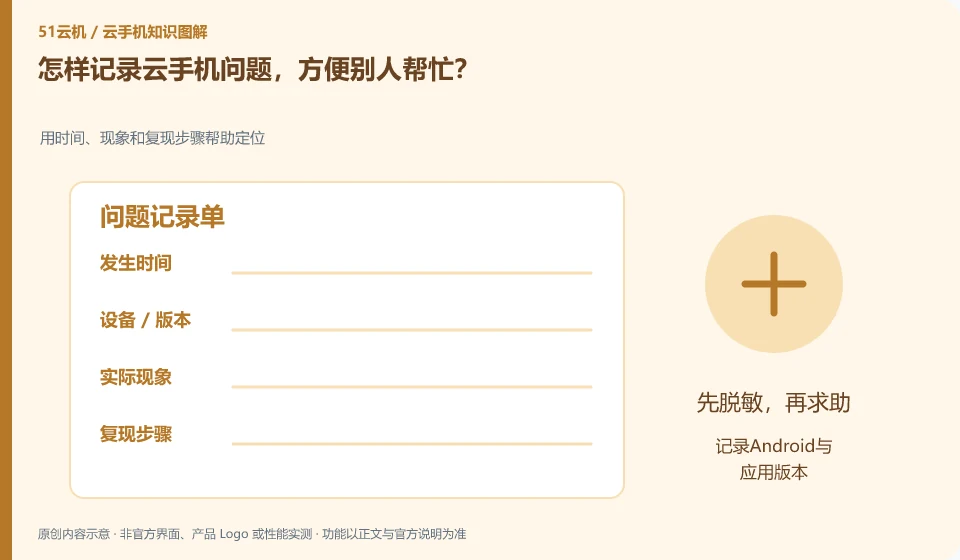
How to record cloud phone problems so that others can help? Use time, phenomenon and recurrence steps to help locate; record Android and application versions; list the shortest steps; attach errors; describe tried methods
CLOUD PHONES

How to record a cloud phone problem so others can help

Write down the instance, version, time, actions and results clearly, and use desensitized screenshots to show errors. It would be best if it could be reproduced on test materials. This guide uses everyday examples, practical checks and common pitfalls to help you decide what to do next.