51YUNJI / BUY WITH CONTEXT

Cloud phone essentials guides — Page 14

Explore English articles for this topic.

268 articles in English

Page 14 of 23
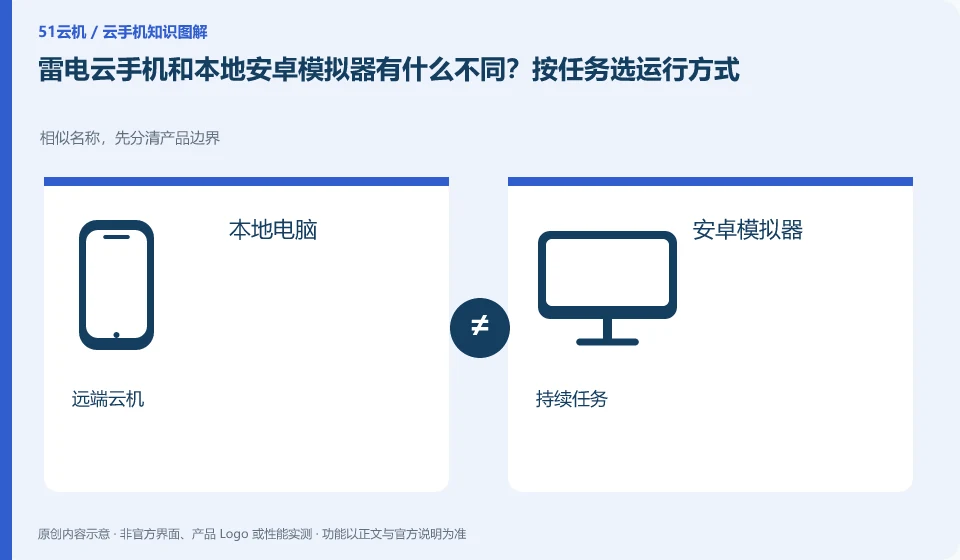
What is the difference between LD Cloud Phone and native Android emulator? Select the operation mode according to the task. Similar names, first distinguish the product boundaries; local computer; Android emulator; remote cloud machine; continuous task
CLOUD PHONES

LD Cloud Phone versus a local Android emulator: choose for your task

LD Cloud Phone: The local emulator mainly uses your computer to run the Android environment, while cloud phone places the running environment remotely. The need to continue running after shutting down the computer is not the same requirement as the need for low-cost offline development. The selection should be based on the running location and dependency conditions.
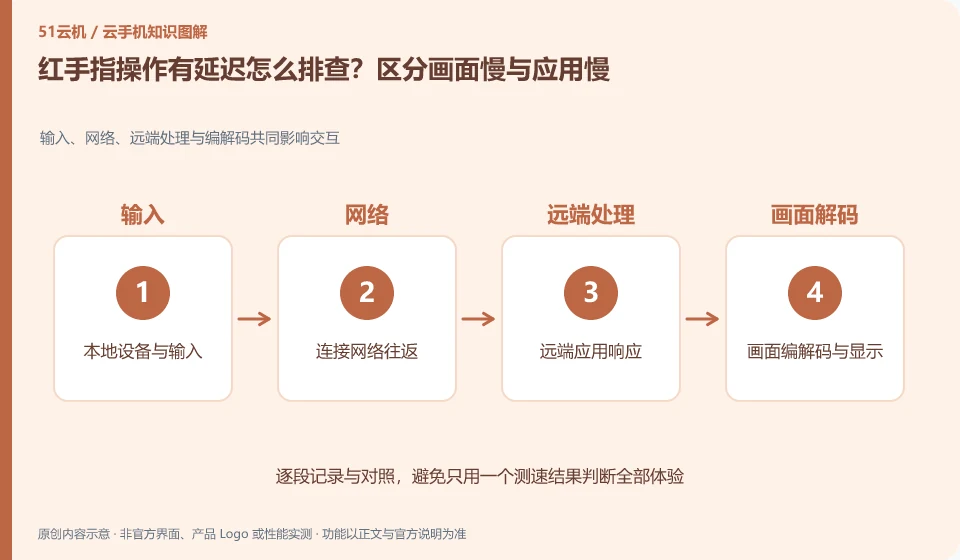
How to troubleshoot delays in Redfinger operations? Distinguish between slow graphics and slow applications. Input, network, remote processing and encoding and decoding jointly affect interaction; local device and input; connection network round trip; remote application response; screen encoding and decoding and display
CLOUD PHONES

Redfinger lag: distinguish a slow screen from a slow application

Redfinger: If you don’t see changes for a long time after clicking, it may be a problem with the screen transmission or local network; if the screen is smooth but the application keeps loading, it may be a performance problem with the application service, cloud network, or cloud machine. Layer first so that every lag will not be attributed to the configuration.

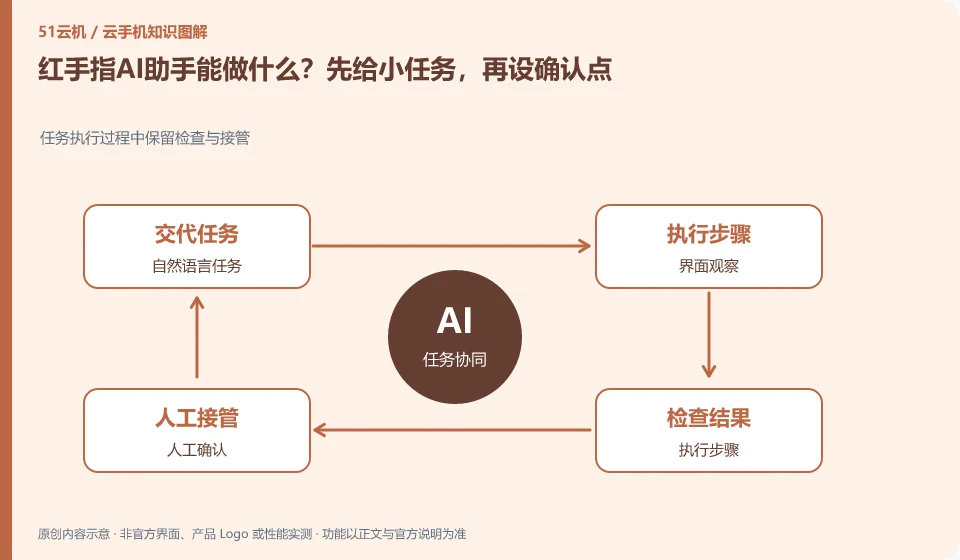
What can RedfingerAI assistant do? Give small tasks first, then set confirmation points. Keep inspection and takeover during task execution; natural language tasks; interface observation; execution steps; manual confirmation
CLOUD PHONES

Trying Redfinger's AI assistant: start small and add checkpoints

Redfinger: AI assistant is suitable for reducing repeated clicks and helping to understand the interface, but being able to understand a sentence does not mean that a long process can be completed correctly every time. For first time use, choose a revocable, low-impact task and observe how it positions the interface and handles failure.

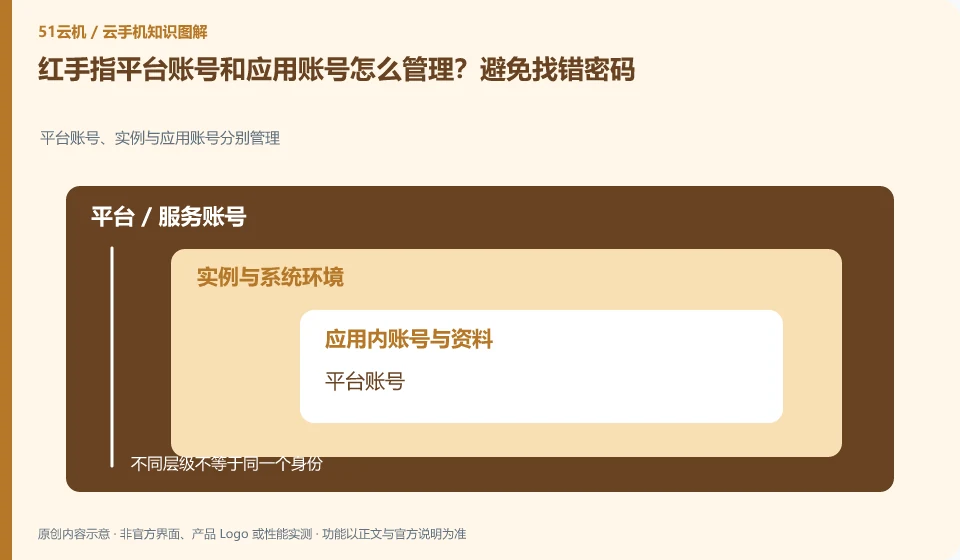
How to manage Redfinger platform account and application account? Avoid finding the wrong password. Platform accounts, instances and application accounts are managed separately; platform accounts; equipment orders; application accounts; retrieval portals
CLOUD PHONES

Managing Redfinger platform accounts separately from app accounts

Redfinger: The cloud phone platform account is used to view devices and orders, and the cloud App account is used to log in to games or businesses. The two may be completely independent. Forgetting the platform password does not mean that the application account has been deleted; logging out of the application does not mean that the cloud phone package has expired.

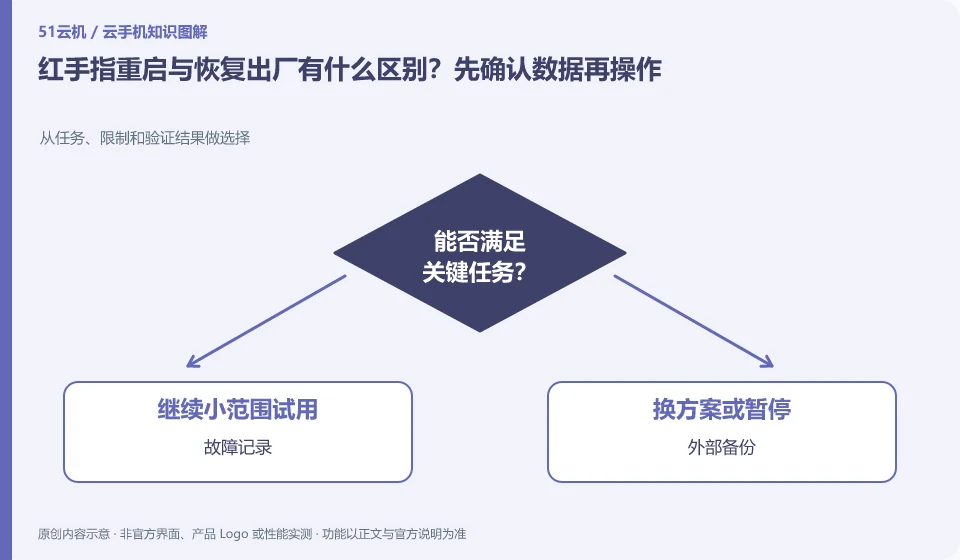
What is the difference between restarting and factory restoring Redfinger? Confirm the data before proceeding. Choose from tasks, limits, and verification results; fault logging; external backup; normal restart; clear environment
CLOUD PHONES

Redfinger restart versus factory reset: check your data first

Redfinger: Restarting usually means restarting the current system, while factory restoring means returning the environment to its original state. The two actions cannot be regarded as the same "repair". When encountering a freeze, you should collect evidence and backup first, and then use operations with a smaller scope of damage.

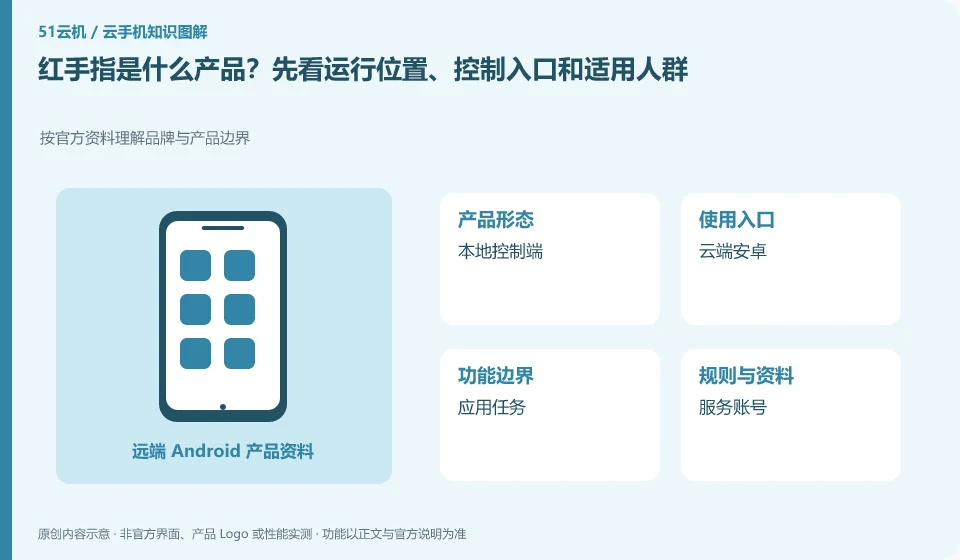
What product is Redfinger? First look at the operating location, control entrance and applicable crowd. Understand brand and product boundaries according to official information; local console; cloud Android; application tasks; service accounts
CLOUD PHONES

What is Redfinger? Where it runs, how to access it and who it serves

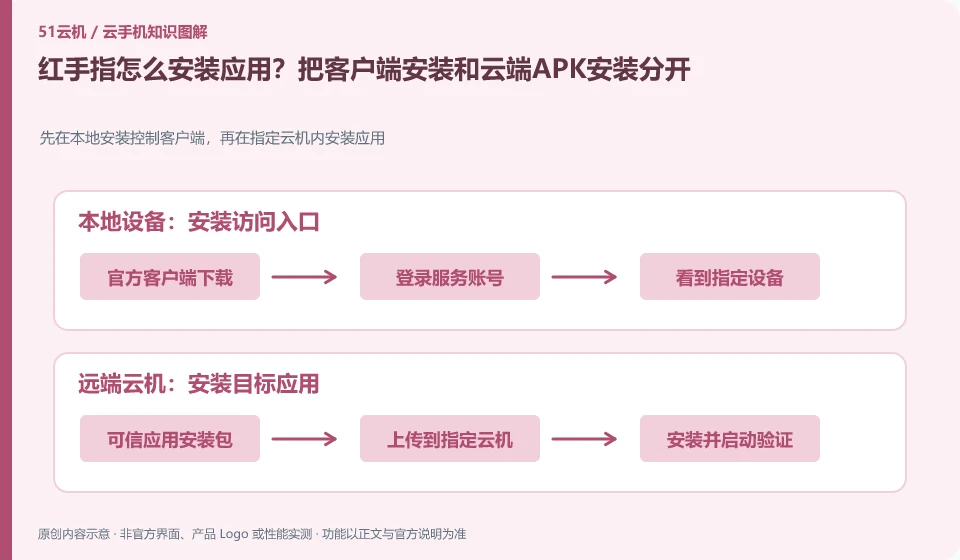
Redfinger: First understand it as a mobile phone environment for remote use, and then determine whether you need a temporary trial, long-term hosting, or team management. The client installed in your hand is mainly responsible for access. Cloud Android applications and local mobile phone applications are not the same installation.

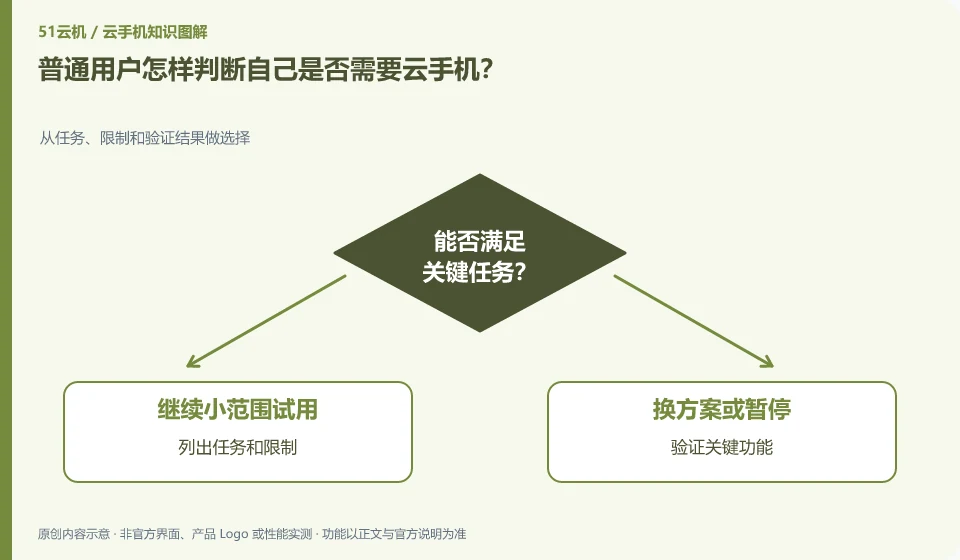
How do ordinary users determine whether they need a cloud phone? Make selections from tasks, constraints, and verification results; list tasks and constraints; verify key features; estimate total costs; confirm data can be exported
CLOUD PHONES

How to decide whether you need a cloud phone

First clarify which Android application you want to run and why the local device is not enough, and then see if the cloud environment can solve it. If there is no clear task, you can do it without increasing the complexity. This guide uses everyday examples, practical checks and common pitfalls to help you decide what to do next.

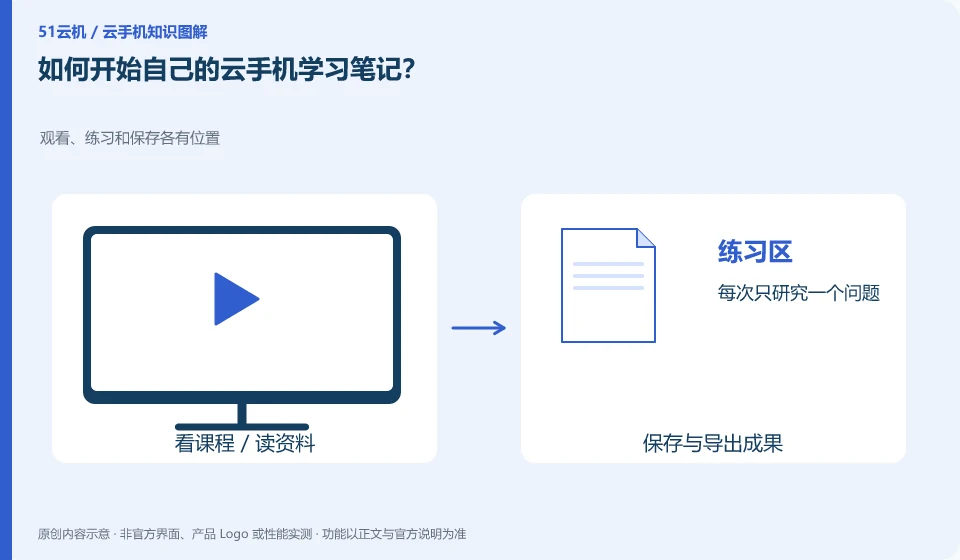
How to start my own cloud phone study notes? Watch, practice, and save have their own place; work on one problem at a time; document system and client; use test data; save source link
CLOUD PHONES

How to start your own cloud phone learning notes

Start with a specific question and record the instructions you've seen, operating conditions, actual results, and any areas you're still unsure about. This guide uses everyday examples, practical checks and common pitfalls to help you decide what to do next.

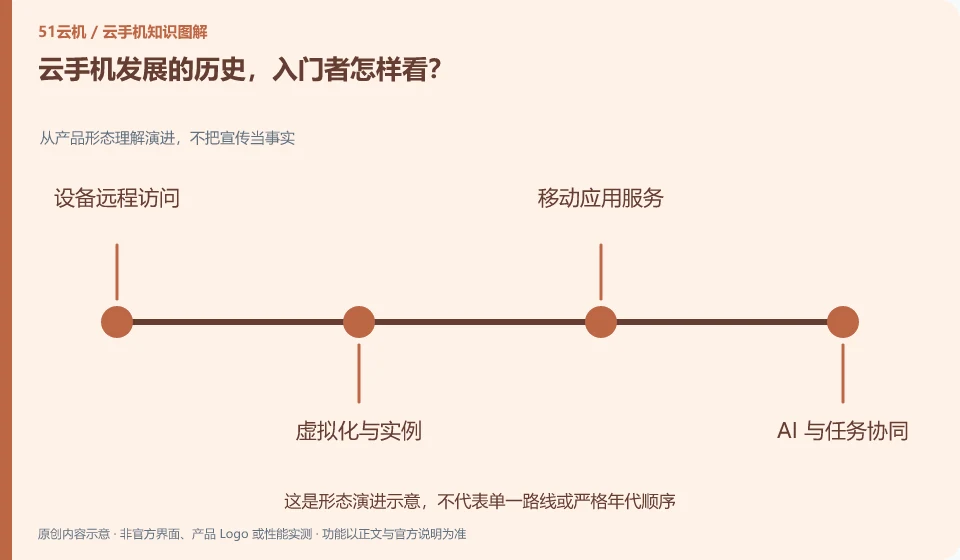
The history of cloud phone development, what do beginners think? Understand evolution from product form, do not take propaganda as fact; remote access; virtualized instances; mobile application services; AI task collaboration
CLOUD PHONES

Cloud phone history: a starting point for beginners

It is clearer to understand "why Android applications are moved to remote locations" than to memorize the vendor name first. The emergence time of different products is not equal to the starting point of the entire technology. This guide uses everyday examples, practical checks and common pitfalls to help you decide what to do next.