
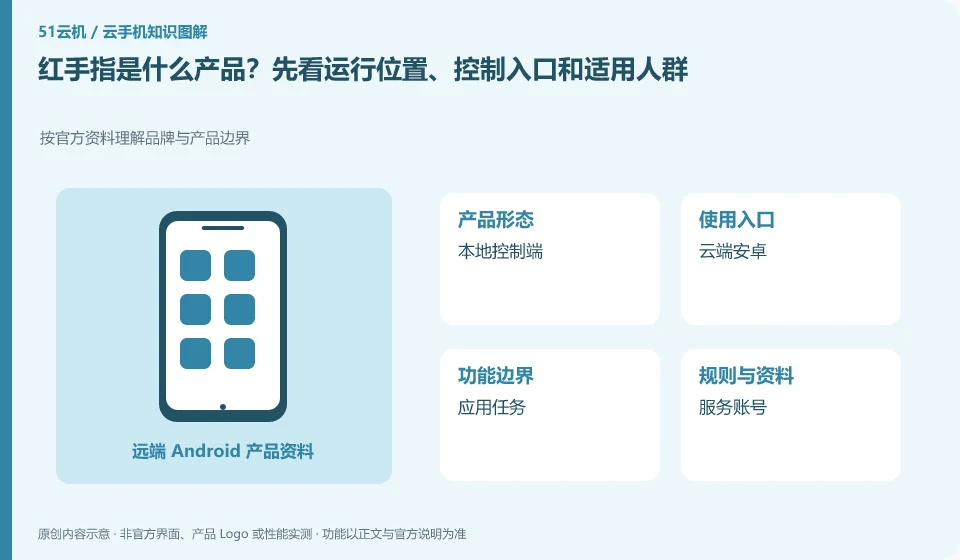
Regarding Redfinger, the key to this issue is: first understand it as a mobile phone environment for remote use, and then determine whether you need a temporary trial, long-term hosting, or team management. The client installed in your hand is mainly responsible for access. Cloud Android applications and local mobile phone applications are not the same installation.
Known information about Redfinger and the key points of this verification
Redfinger provides cloud phone remote control and application hosting services. The official help area explains application upload, restart, factory reset and expiration recycling respectively.
First understand the product from the general purpose of cloud phone, and then check the application scope of the selected system; the Android environment and the iPhone products listed on the official website cannot share the same compatibility conclusion.
The evidence boundary of this article is: different clients and system packages may be suitable for different functions; the performance promotion on the official website should not be regarded as actual measurement results.
How this issue applies to this product
When searching for Redfinger, the first step is not to compare the so-called mobile phone models, but to confirm the product system you need. Redfinger's official website not only has the entrance to ordinary cloud phones, but also displays other product lines; in the Android application scenario, what really needs to be checked is what system the purchased device can create and which environment the application is installed on. You cannot combine all the functions and product names on the web page into an imaginary universal mobile phone.
The official help area organizes information separately by product answers and functional operations, which gives beginners a reading order: first confirm how the account accesses the device, then look at APK installation, and finally look at recovery and expiration processing. If you just want your old phone to access an Android tool, you can verify the tool's input and file export first, without having to purchase multiple devices from the beginning. The performance description on the official website belongs to the vendor introduction, and this article does not give actual test scores based on it.
Compared with physical standby machines, the maintenance of remote environments, retrieval of files, and access conditions all rely on service rules. When understanding Redfinger, writing these dependencies separately from the daily experience of local mobile phones can avoid interpreting the "second mobile phone" analogy as having exactly the same hardware and services.
Understand what this question covers
To understand the product, you can’t just look at the slogan “second mobile phone”. Before purchasing, you need to answer questions such as where the environment runs, who provides account services, where the applications are stored, and who is responsible for the data after expiration. Only when the entrance is clear can subsequent compatibility tests and cost comparisons be meaningful.
Check in this order
- Write down a single task to be completed in your own words, distinguishing between viewing the screen and running in the background.
- Confirm the operating system and service entity on the official product page, do not infer from the download site copy.
- Record the account, device, and application information separately to decide whether a trial is needed.
Sources and scope
- Redfinger cloud phone official website
- Redfinger Product Answers
- Redfinger function operation
- Introduction to RedfingerAI Assistant
Sources checked on October 26, 2026. This article combines AI-assisted research of public information with independent analysis and verification suggestions; we have not conducted a hands-on test of this product. Features and costs depend on the current official documentation and your order.
Continue reading:Cloud phone basics · Cloud phone troubleshooting guide · Brand reference directory。
Related questions to explore
- Installing Redfinger's client versus installing APKs in the cloud phone
- Redfinger restart versus factory reset: check your data first
- Redfinger subscription expiry: plan renewal and file export separately
Back to the brand and product knowledge directory · Browse cloud phone topics