
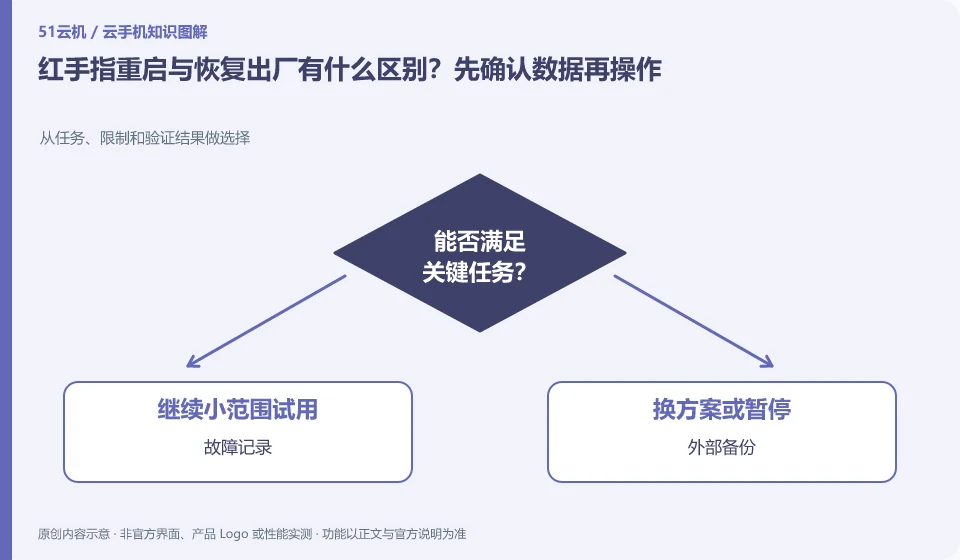
Regarding Redfinger, the key to this problem is: restarting usually means restarting the current system, while restoring the factory means returning the environment to its original state. The two actions cannot be regarded as the same "repair". When encountering a freeze, you should collect evidence and backup first, and then use operations with a smaller scope of damage.
Known information about Redfinger and the key points of this verification
Redfinger provides cloud phone remote control and application hosting services. The official help area explains application upload, restart, factory reset and expiration recycling respectively.
The official help clearly distinguishes between reboot and factory reset; the backup list should cover screenshots, download directories and unsynchronized content within the app.
The evidence boundary of this article is: different clients and system packages may be suitable for different functions; the performance promotion on the official website should not be regarded as actual measurement results.
How this issue applies to this product
In the Redfinger help, restarting and factory restoring are explained separately, and readers should place them at different risk levels. The platform account can still be logged in, which only proves that the service can be accessed, but does not prove that the local files on the cloud machine can still be retrieved after being cleared. For app drafts, screenshots, and unsynchronized documents, first confirm whether they have independent copies before considering restoring them.
If an application is stuck, first keep the fault information on the same device and try to exit or restart the application with less impact. Before restoring to factory settings, check the device number to avoid selecting the wrong device from multiple lists. After clearing, you need to recheck application installation, login, and core tasks; if the original problem belongs to the application server or account status, replacing it with a blank system may not be able to solve it, and factory restoration cannot be regarded as a cost-effective universal repair.
If the original fault can still recur after restarting, the same steps and results should be left to support for judgment. If the problem is not repaired after a reboot, it is not enough to prove that it can only be restored to the factory. Determining the layer to which the fault belongs first is often easier to protect data than expanding the scope of damage step by step, and it can also leave evidence that can be used later.
Understand what this question covers
Third-party apps may save progress on the server, or they may leave drafts, screenshots, and local archives in the cloud phone. Even if the login account is still there, the files may not be restored. Before factory reset, you should confirm the actual storage location of each type of data, rather than just seeing whether the account can be logged in again.
Check in this order
- Export drafts and local files and open them once outside the cloud to confirm they are readable.
- Save the device number and fault screenshot, and try to restart the application or system first.
- If you really need to clear it, check the target device and the confirmation prompt, and re-accept it after completion.
Sources and scope
- Redfinger cloud phone official website
- Redfinger Product Answers
- Redfinger function operation
- Introduction to RedfingerAI Assistant
Sources checked on October 26, 2026. This article combines AI-assisted research of public information with independent analysis and verification suggestions; we have not conducted a hands-on test of this product. Features and costs depend on the current official documentation and your order.
Continue reading:Cloud phone basics · Cloud phone troubleshooting guide · Brand reference directory。
Related questions to explore
- What is Redfinger? Where it runs, how to access it and who it serves
- Installing Redfinger's client versus installing APKs in the cloud phone
- Redfinger subscription expiry: plan renewal and file export separately
Back to the brand and product knowledge directory · Browse cloud phone topics