51YUNJI / BUY WITH CONTEXT

Cloud device knowledge hub — Page 23

Complete English guides to cloud PCs and cloud phones. Find answers by device, brand or task.

531 articles in English

Page 23 of 45
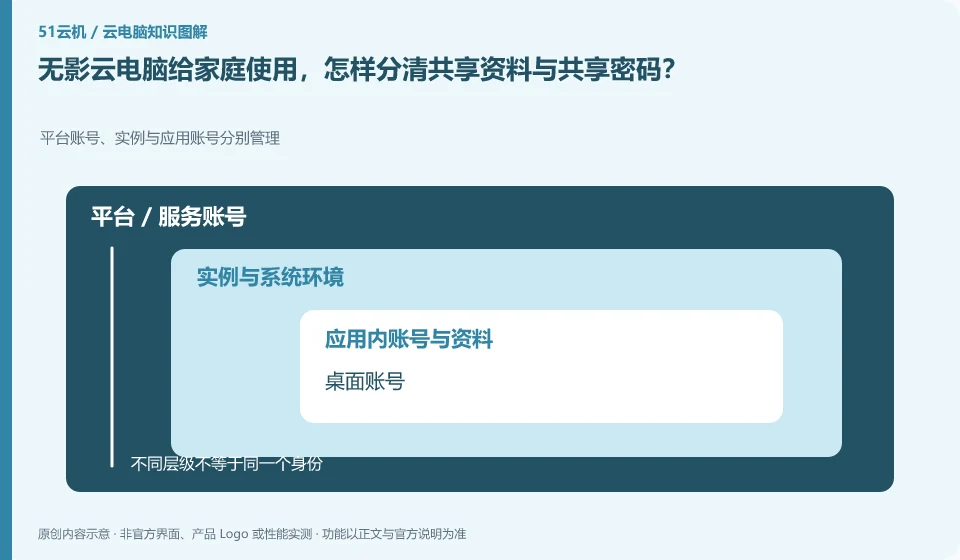
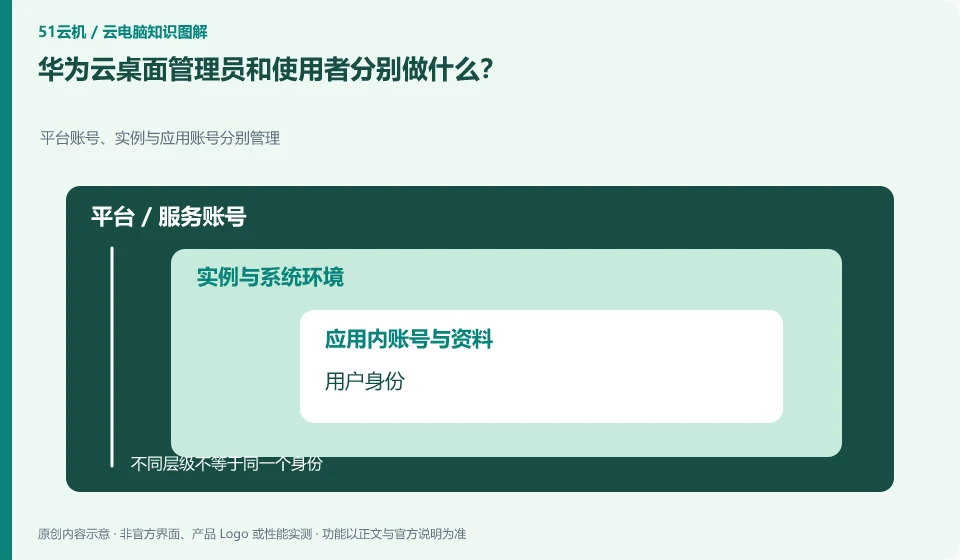
What do Huawei Cloud desktop administrators and users do respectively? Platform accounts, instances and application accounts are managed separately; user identity; organizational affiliation; access authorization; desktop allocation
CLOUD PCS

Huawei Cloud Desktop: what do administrators and users each manage?

Administrators are responsible for resources, people, and policies, and users are responsible for connecting and completing work. Huawei Cloud has an independent administrator guide. Before deployment, responsibilities such as creation and distribution, daily support, and account recycling should be clearly stated to prevent everyone from using the administrator identity.
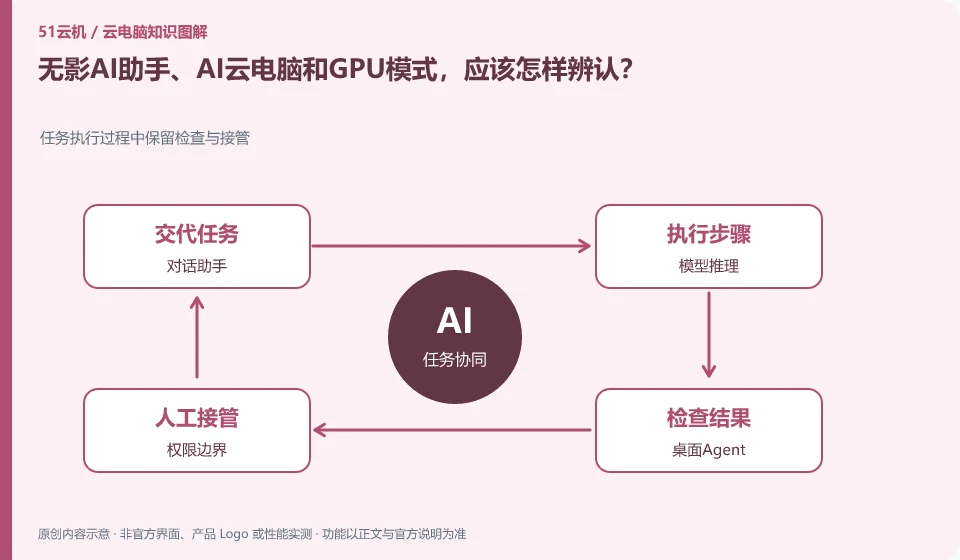
How to identify WuyingAI Assistant, AI cloud PC and GPU modes? Preserve inspection and takeover during task execution; dialogue assistant; model inference; desktop agent; permission boundaries
CLOUD PCS

Wuying AI assistant, AI cloud PC and GPU mode: how to tell them apart

First look at which product version the function belongs to, and then distinguish between conversation assistant, desktop automatic operation and GPU computing. Alibaba Cloud products are continuously updated, and a certain enterprise version AI document cannot be directly used as a description of the capabilities of each package of the personal version.

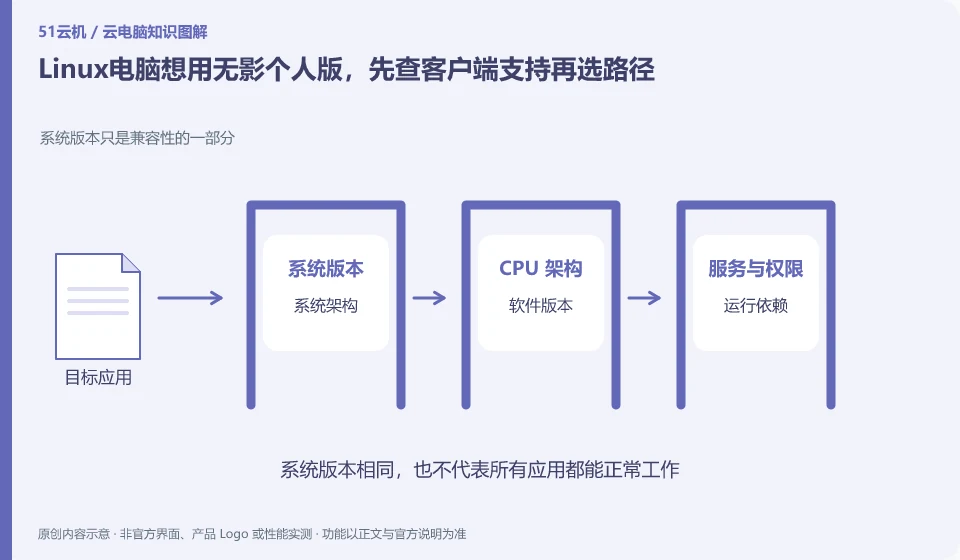
If you want to use Wuying Personal on a Linux computer, first check the client support and then choose a path. System version is only part of compatibility; system architecture; software version; running dependencies; legal authorization
CLOUD PCS

Wuying Personal from Linux: verify supported access methods first

First check the current personal version support matrix. The official document queried this time states that the personal version does not have a Linux installation package, and provides web page connection ideas; this is the version and query time information, and subsequent changes should be subject to the official page.

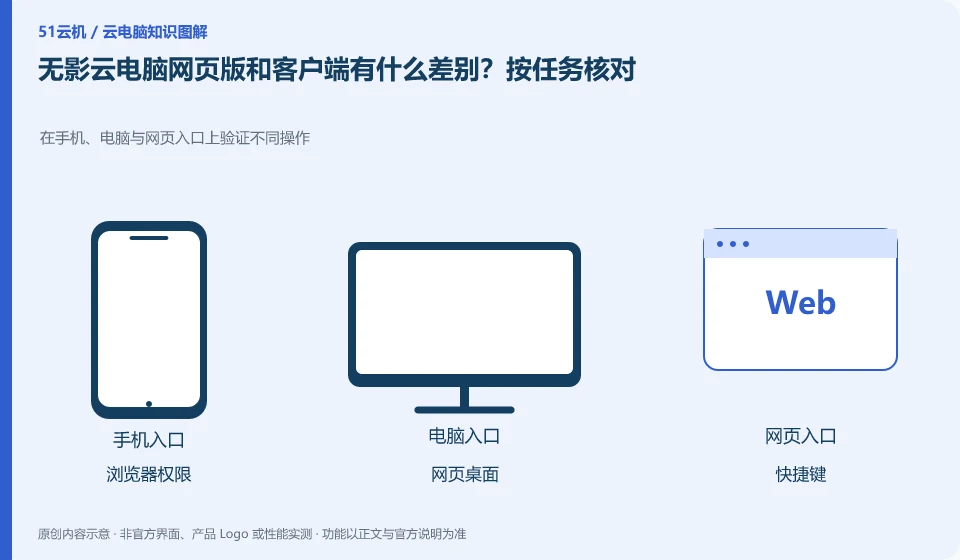
What is the difference between the Wuying Cloud PC web version and the client? Check by task. Verify different operations on mobile phones, computers and web portals; browser permissions; web desktop; shortcut keys; audio and video
CLOUD PCS

Wuying Cloud PC browser access versus client access: check your workflow

The official client documentation clearly distinguishes between the web portal and the locally installed client. The web page is convenient without installation, but peripherals, shortcut keys and file capabilities should be checked one by one according to the current platform, and all clients cannot be assumed to be exactly the same.

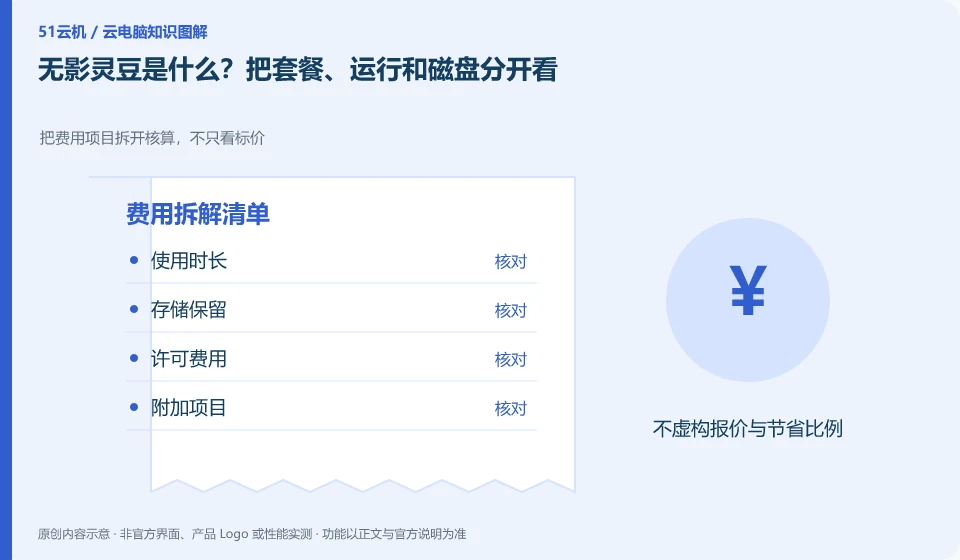
What are WuyingLingdou credits? Look at packages, runs and disks separately. Break down the cost items and calculate them, not just looking at the price; length of use; storage retention; licensing fees; additional items
CLOUD PCS

What are Wuying Lingdou credits? Separate plans, runtime and disk costs

Wuying Personal documentation explains packages and WuyingLingdou credits measurement separately. First understand what the current package provides, how it is consumed during operation, and how the data disk is retained, and then compare your own usage plan; you cannot directly equate Lingdou credits to one hour of fixed configuration.

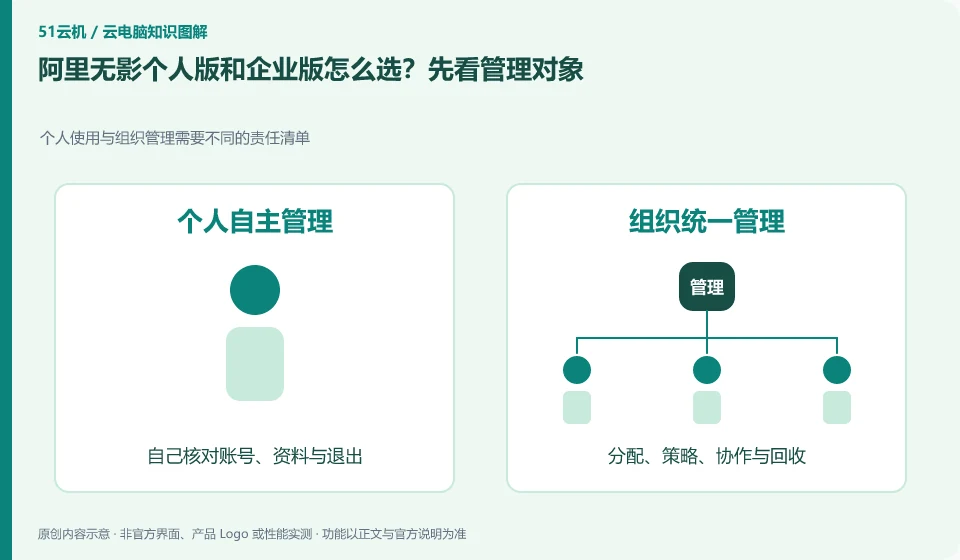
How to choose between Alibaba Wuying personal version and enterprise version? Let’s look at the management objects first. Personal use and organizational management require different lists of responsibilities; full name; personal use; organizational management; applicable areas
CLOUD PCS

Alibaba Wuying personal or enterprise edition: compare management needs

For daily use by individuals and families, study the personal version first, and for unified management of employees and organizational strategies, study the enterprise version first. Alibaba’s official help clarifies that the two have different positioning, and the corresponding documents and account entries should be used when comparing.

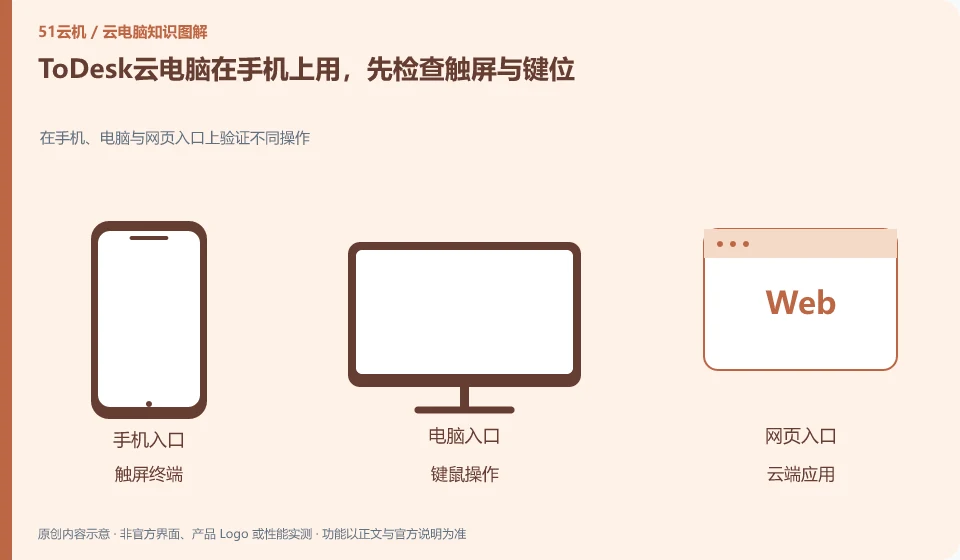
To use ToDesk cloud PC on a mobile phone, first check the touch screen and key positions. Verify different operations on mobile phones, computers and web portals; touch screen terminals; keyboard and mouse operations; cloud applications; network switching and reconnection
CLOUD PCS

ToDesk Cloud PC on a phone: test touch controls and key mapping

The mobile phone is an access terminal, and being able to display the complete desktop does not mean that all operations are suitable for touch screens. First verify the right button, key combination, mouse perspective or handle, and then determine whether your task requires an external keyboard, mouse and large screen.