
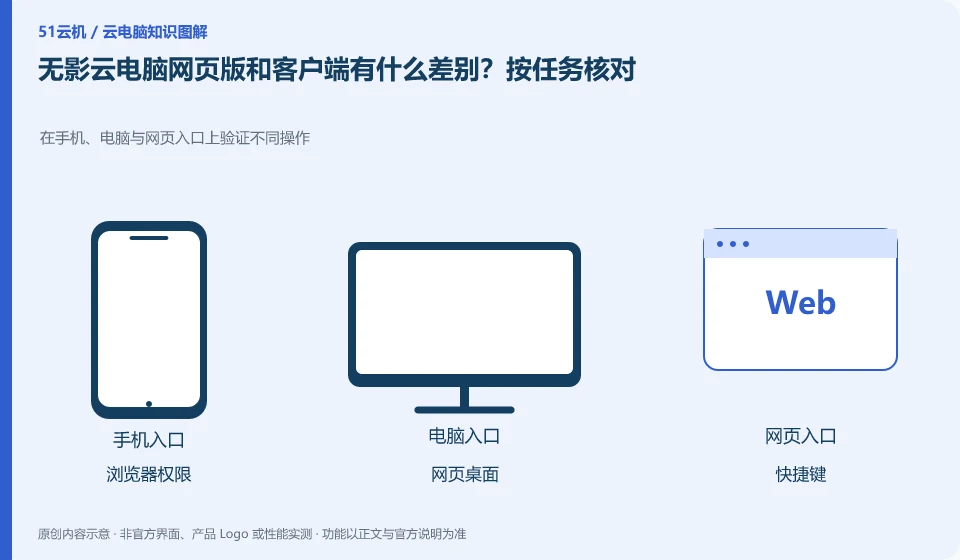
The official client documentation clearly distinguishes between the web portal and the locally installed client. The web page is convenient without installation, but peripherals, shortcut keys and file capabilities should be checked one by one according to the current platform, and all clients cannot be assumed to be exactly the same.
Who this is for:General readers and small teams who are working on Alibaba Wuying Cloud PC and need to solve the specific problems in the title. Data verification date: 2026-10-26.
First, identify the product line
The Alibaba Cloud Help Center separates Wuying Personal and Enterprise Edition: the Personal Edition focuses on daily use by individuals and families, while the Enterprise Edition focuses on the security and unified operation and maintenance of organizations. The personal version document also explains the package, client and web access separately, so you must check the version first when looking for a tutorial.
Not all capabilities of browser connections are created equal
If you temporarily borrow a computer to view information, you can first verify web login, Chinese input and download; if you need USB, conference or long-term editing, please check the corresponding client documentation. Log out of cloud and web accounts before leaving public devices, check the download directory, and do not save work passwords.
The web portal is suitable for temporary access, but its keyboard shortcuts, audio and video permissions, file transfer and USB channels are subject to the constraints of the browser and product implementation. Being able to see the desktop in the web page does not mean that every capability in the client exists. When checking the help documentation, also note the browser name, version, operating system, and whether the portal belongs to the personal or organizational version.
First test the six types of actions: login, Chinese input, copy and paste, full screen, sound and file upload. The browser may intercept some shortcut keys, or the meeting may be silent because the site permissions do not allow open microphone. If you encounter problems, you should check site permissions and official recommended clients, and do not turn off global security settings at will. Sign out of accounts and sessions before leaving a public computer, clean up downloaded work files, and avoid saving passwords.
Check each requirement for your task
- Find the current web portal and recommended browsers from official documentation.
- Validate input, full screen, audio, clipboard and file channels on a case-by-case basis.
- Verify save results before closing the session, exit on public devices and clean up downloads.
Peripheral compatibility requires verification of complete business actions
First write down the peripheral model, connection method, driver version and business action, and then check the corresponding client documentation. Plug in one device at a time when testing to avoid multiple microphones or cameras competing for the default input. For financial, medical or production equipment, obtain approval from the unit and arrange alternative working methods; it is not recommended to turn off security policies or install redirect plug-ins from unknown sources in order to allow the equipment to work.
Where the conclusion applies and what to do next
The accounts, purchase methods, strategies and billing units of the personal, enterprise and commercial versions may be different. It is not appropriate to use screenshots of one version to guide another version.
This article is based on public information. We have not purchased or tested the product. The scenarios describe ways to verify suitability, not customer case studies. Features and terms depend on the current official documentation for the relevant version.
Official sources and further reading
- Frequently Asked Questions about Wuying Personal Purchase: Official explanation of personal and enterprise version positioning and purchase FAQs.
- Log in and configure Wuying Personal client: List the personal version client platform and Web client instructions. Platform support will change with the version.
- Wuying Personalbilling Instructions: Describes the package, WuyingLingdou credits and resource measurement method, and does not quote the activity price in a fixed way.
Read more:Cloud PC knowledge hub · Find an article for your question · Alibaba Wuying Cloud PC product line identification
Related questions to explore
- Alibaba Wuying personal or enterprise edition: compare management needs
- What are Wuying Lingdou credits? Separate plans, runtime and disk costs
- Wuying Personal from Linux: verify supported access methods first
Back to the brand and product knowledge directory · Browse cloud PC topics