51YUNJI / BUY WITH CONTEXT

Cloud device knowledge hub — Page 24

Complete English guides to cloud PCs and cloud phones. Find answers by device, brand or task.

531 articles in English

Page 24 of 45
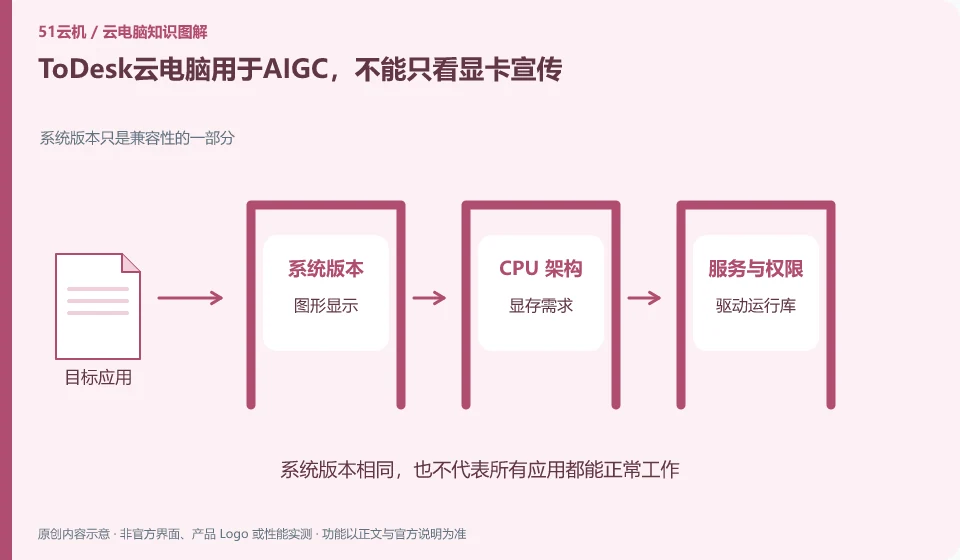
ToDesk cloud PC is used for AIGC, you can't just look at the graphics card promotion. The system version is only part of the compatibility; graphic display; VRAM requirements; driver runtime; sample calculations
CLOUD PCS

ToDesk Cloud PC for generative AI: look beyond GPU marketing

The availability of AIGC depends on the specific software, VRAM, driver, data and package terms. ToDesk provides an independent cloud PC entrance, but the display and peripheral promotion of the remote control performance version cannot automatically prove that the cloud PC has the same computing conditions.
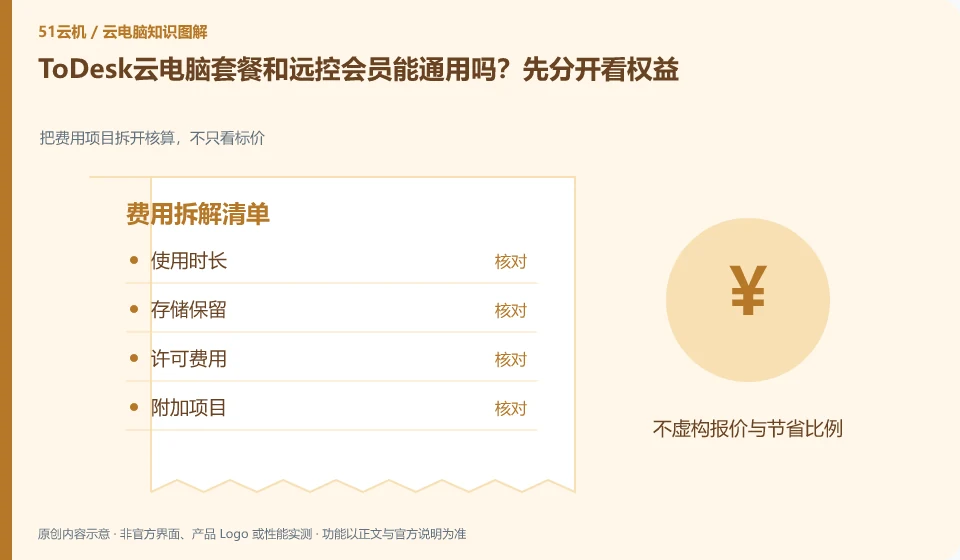
Can ToDesk cloud PC package and remote control membership be used together? Let’s look at the rights separately first. Break down the cost items and calculate them, not just looking at the price; length of use; storage retention; licensing fees; additional items
CLOUD PCS

Are ToDesk Cloud PC plans and remote-control memberships interchangeable?

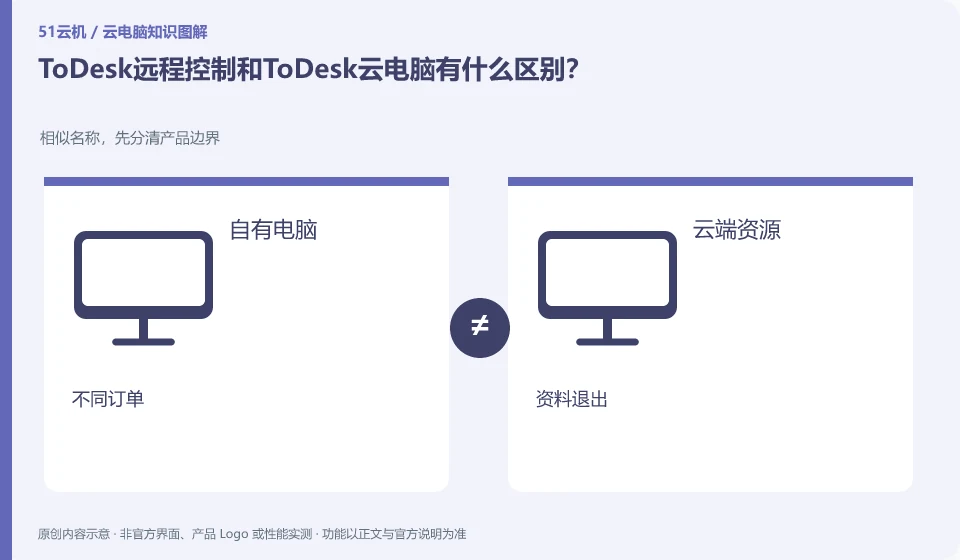
It cannot be universal by default. The download and help center lists remote control and cloud PC as different product entrances. Before purchasing, you should check the charging objects, device range and available time in the current contract respectively. Remote control members cannot automatically prove that they have rented a cloud computer.

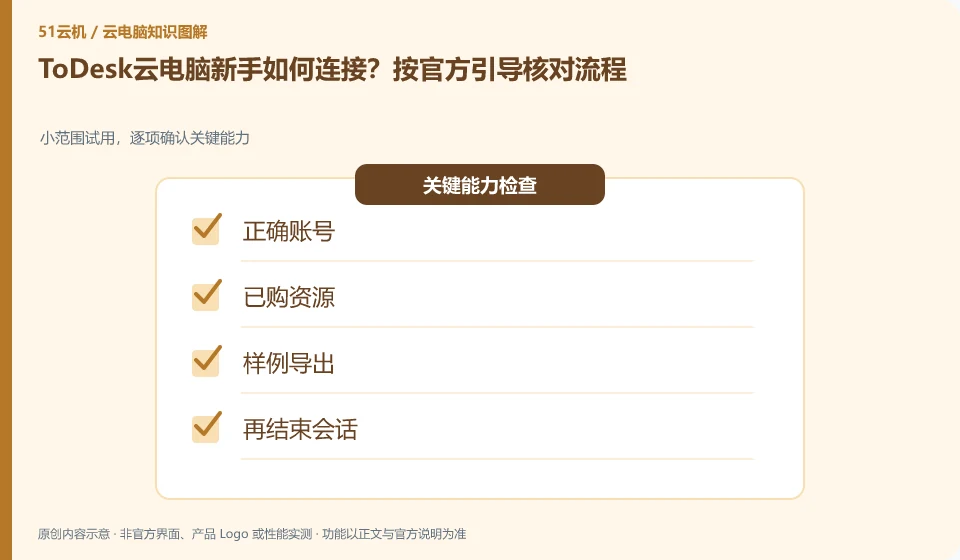
How do newbies connect to ToDesk cloud PC? Check the process according to official guidance. Small-scale trial, confirm key capabilities item by item; correct account; purchased resources; export samples; and then end the session
CLOUD PCS

Getting connected to ToDesk Cloud PC: follow the official setup flow

The official guide includes creating a new cloud desktop, selecting a package, and connecting purchased resources in "My Computer". The actual buttons will change with the client. When using it for the first time, you should check the cloud PC client first and do not copy the remote control device code input process.

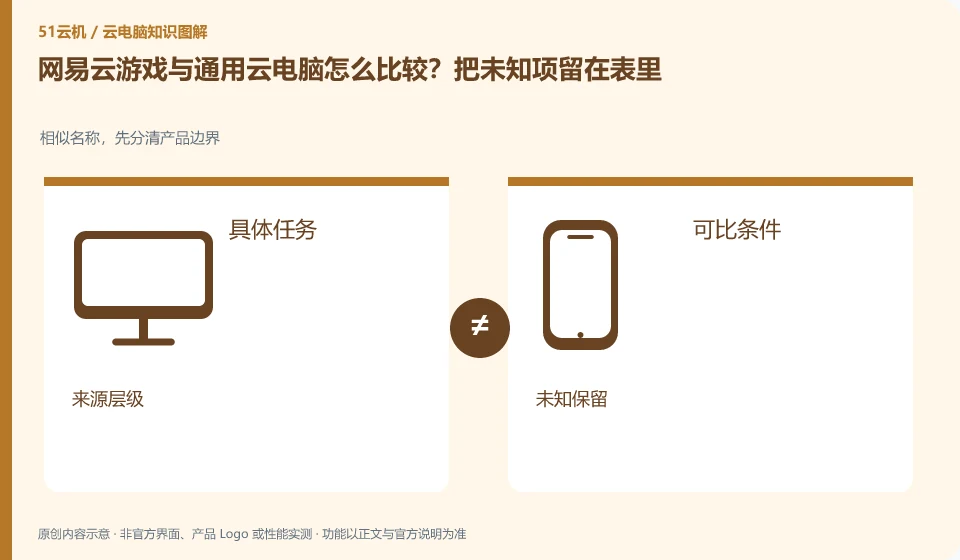
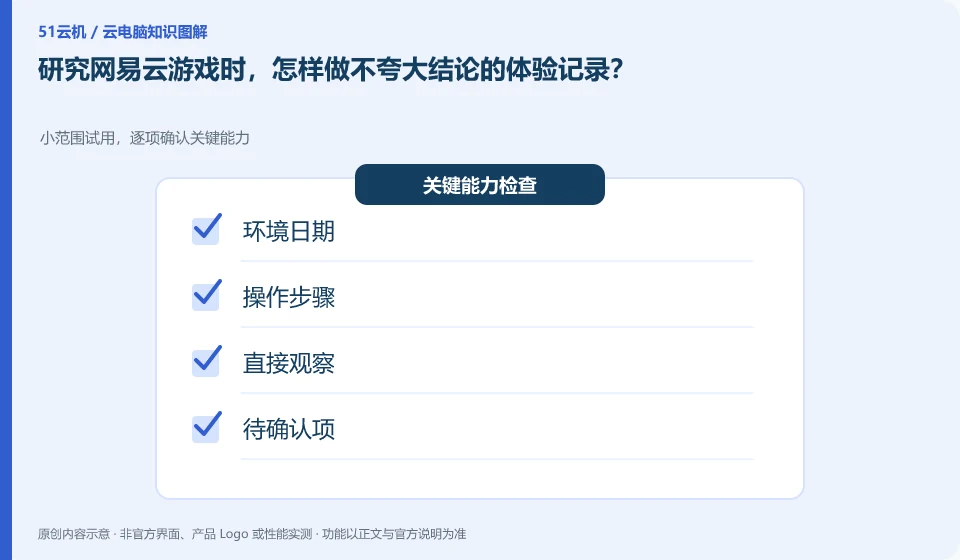
When researching NetEase Cloud Gaming, how to record experiences without exaggerating the conclusions? Small-scale trial, confirm key capabilities item by item; environmental date; operating steps; direct observation; items to be confirmed
CLOUD PCS

Keeping accurate NetEase Cloud Gaming experience notes

Separate records of observed facts from unverified abilities, and only draw conclusions about tasks that have been actually tested. This article is a compilation of public information and verification methods. It has not been hands-on tested, nor has it been judged that the service has stopped based on crawling failures.

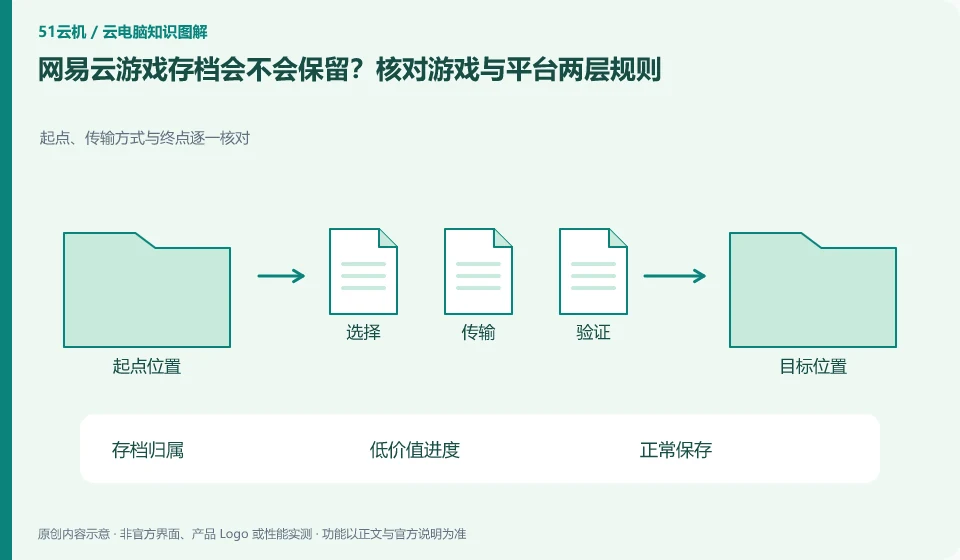
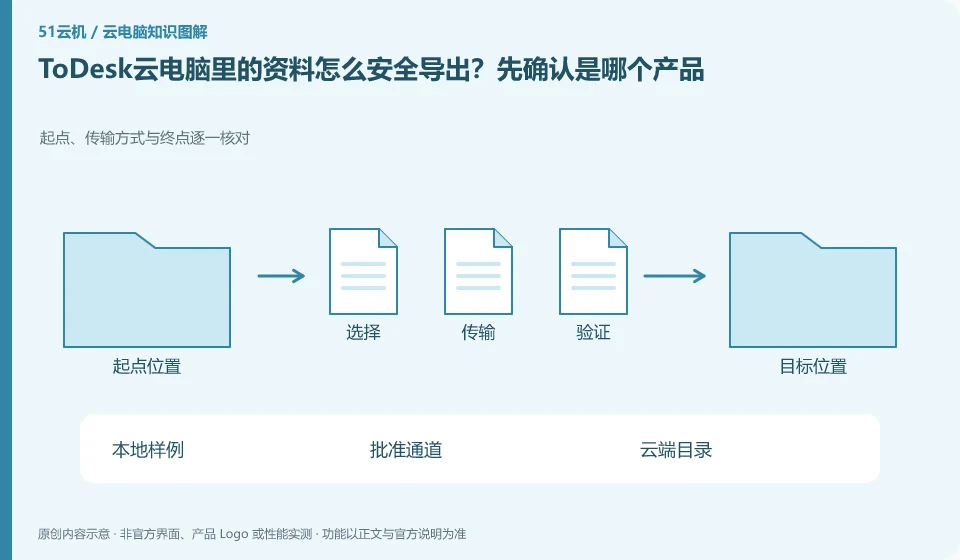
Will NetEase Cloud Gaming archives be retained? Check the rules at both the game and platform levels. Check the starting point, transmission method and end point one by one; archive ownership; low-value progress; normal saving; re-entry check
CLOUD PCS

Will NetEase Cloud Gaming retain saves? Check game and platform rules

You should check both the game's official archive mechanism and the platform's session rules at the same time; only by knowing both levels clearly can you determine how to retrieve the progress. There is currently a lack of official platform text that can be directly read, and this article does not promise specific retention days or exit behavior.

Are NetEase Cloud Gaming membership and game purchase the same thing? From the perspective of authorized objects. Game resources, operation input and streaming experience are confirmed separately; target game; existing license; platform rights; order conditions
CLOUD PCS

Does a NetEase Cloud Gaming membership include game ownership?

Platform membership, streaming time and game body authorization are different concepts, and you need to check the formal agreement separately. This article does not provide a real-time equity table because the official entrance text cannot be read this time, and the current package and specific game range cannot be confirmed.