
The official guide includes creating a new cloud desktop, selecting a package, and connecting purchased resources in "My Computer". The actual buttons will change with the client. When using it for the first time, you should check the cloud PC client first and do not copy the remote control device code input process.
Who this is for:For general readers and small teams who are working on ToDesk cloud PC, need to solve the specific problem in the title. Data verification date: 2026-10-26.
First, identify the product line
ToDesk's official help center has novice guidance on cloud PC purchase, connection, and package viewing. The download center also lists remote control and cloud PC as different entrances. The former connects to existing devices, and the latter provides a cloud computer that can be connected after purchase; the billing and data locations of the two products must be judged separately.
Check resources and data exit paths before connecting.
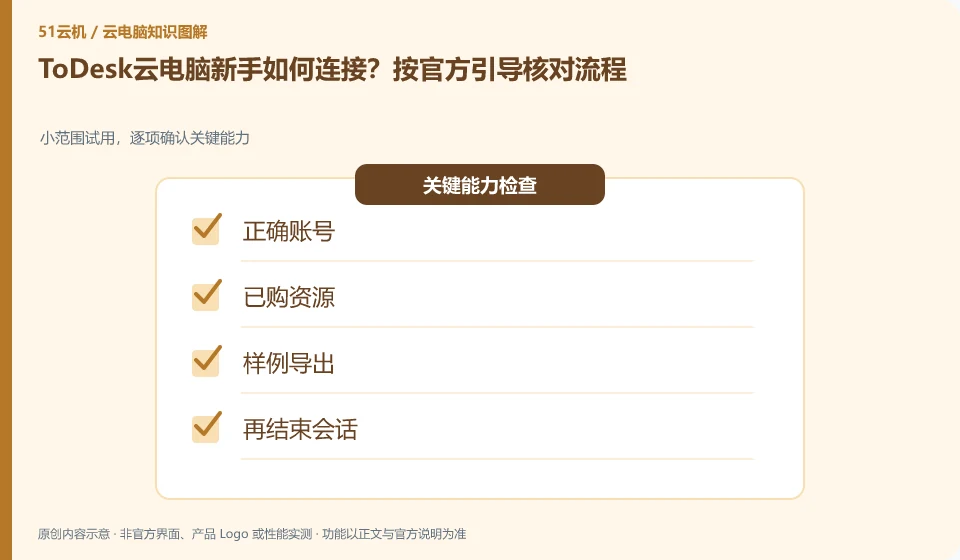
Before connecting, confirm whether the current account owns the cloud desktop, and check the expiration time and opening conditions. After entering, save a small document and exit and reconnect; if the resource list is empty, check the login account and purchase record, and then provide desensitization order information to official support.
First follow the official cloud PC guide to confirm the current client, purchase account and purchased resources, instead of looking for cloud desktop in the remote control device code box. After checking the package expiration and current activation conditions, connect the corresponding resources. If the resource list is empty, give priority to checking whether the account and order match, and do not cover up the inconsistency of the purchasing subject by repeatedly reinstalling the client.
When entering for the first time, only prepare a disposable sample and do not upload unique work information. First find the export channel that is currently officially supported, bring the sample back to your local computer and open it, and then study exit and reconnection. ToDesk FAQ prompts that exiting will recycle resources. Therefore, the first task acceptance cannot set "Files will still be there after exit" as the default result. It must be judged according to the official storage and end rules of the package.
Check each requirement for your task
- Check the official cloud PC client, purchase account and resource expiration status.
- Validate input and currently supported file exports with discardable samples after connection.
- After the local verification is successful, exit according to the official rules, and the reconnection results will be explained according to the resource rules.
What is recorded first after successful connection?
Record the selected resources, client version, start time and export method so that you can accurately describe any subsequent failures. If the interface is different from the official example, keep the desensitized screenshot and ask for the current path; do not provide SMS verification codes to unofficial personnel. The successful display of the desktop only completes the access, and the result is that the first task can be completed only after the temporary resource can be safely left.
Where the conclusion applies and what to do next
ToDesk official FAQ 137 prompts that cloud PC resources will be recycled after exiting and should be backed up in time; if the actual package has additional storage arrangements, the current rules must still prevail. Remote control free rights cannot be automatically applied to the cloud PC package.
This article is based on public information. We have not purchased or tested the product. The scenarios describe ways to verify suitability, not customer case studies. Features and terms depend on the current official documentation for the relevant version.
Official sources and further reading
- ToDesk cloud PC Newbie Guide: The official document explains how to create a new cloud desktop, select a package, connect to the purchased cloud PC and check the expiration time.
- ToDesk cloud PC official download page: cloud PC and personal and enterprise remote control are separated in the download center; the entrance can distinguish product lines.
- ToDesk official website: Remote control product information; used to identify the boundary between remote control and cloud PC, without borrowing rights across products.
- ToDesk cloud PC official FAQ 137: The main agent verify's official FAQ clearly prompts cloud PC resource recovery and timely backup after exiting; this agent's independent crawling times out, and the rules are reviewed according to the current specific package.
Read more:Cloud PC knowledge hub · Find an article for your question · ToDesk cloud PC product line identification
Related questions to explore
- ToDesk remote control versus ToDesk Cloud PC: what is the difference?
- Are ToDesk Cloud PC plans and remote-control memberships interchangeable?
- Does ToDesk Cloud PC keep running after disconnecting? Check exit rules
Back to the brand and product knowledge directory · Browse cloud PC topics