51YUNJI / BUY WITH CONTEXT

Cloud phone apps and data: a reading route guides

Explore English articles for this topic.

20 articles in English

Page 1 of 2
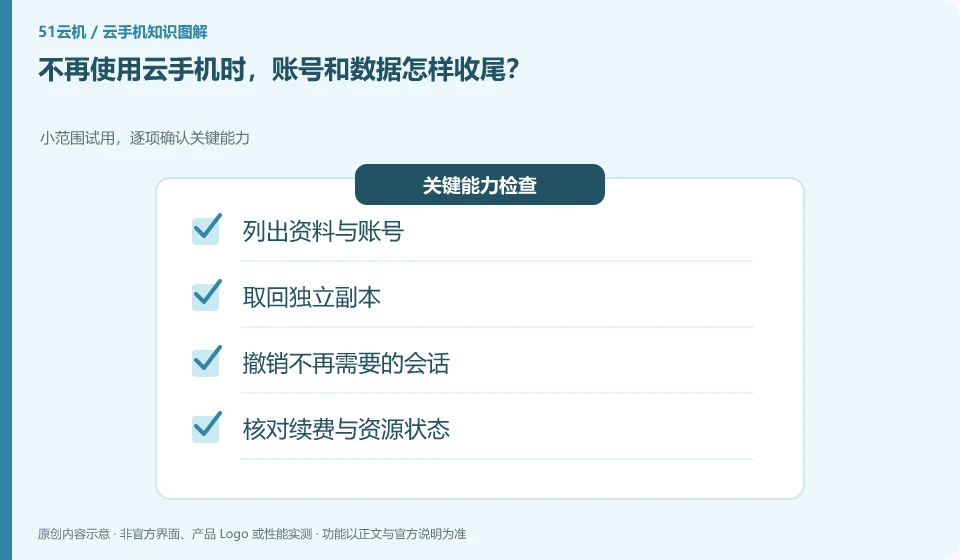
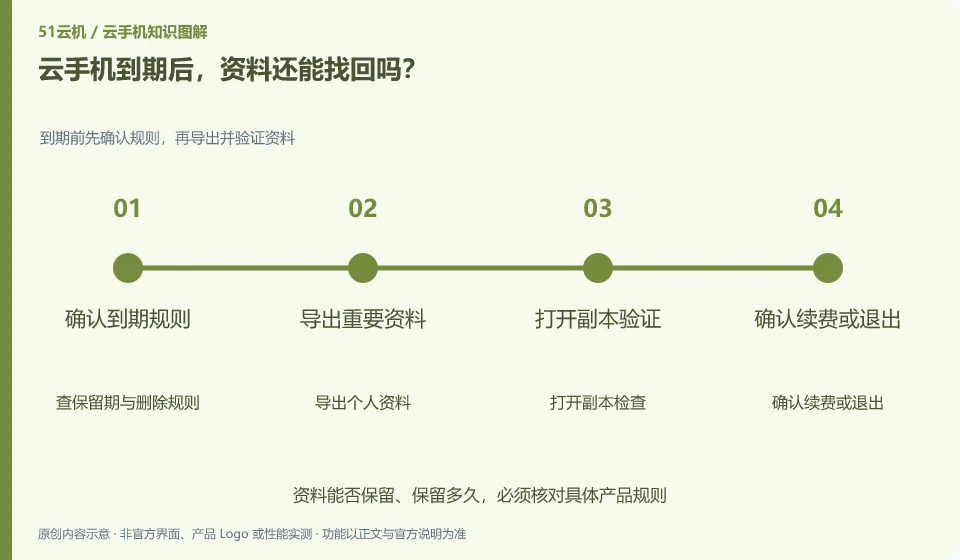
How do I end up with my account and data when I no longer use Cloud Phone? Small-scale trial, confirm key capabilities item by item; list information and accounts; retrieve independent copies; cancel sessions no longer needed; check renewal and resource status
CLOUD PHONES

Leaving a cloud phone service: cleaning up accounts and data

First export and verify the data, exit the application and synchronize the account, and then process the instance, subscription and associated resources. The order is important. This guide uses everyday examples, practical checks and common pitfalls to help you decide what to do next.
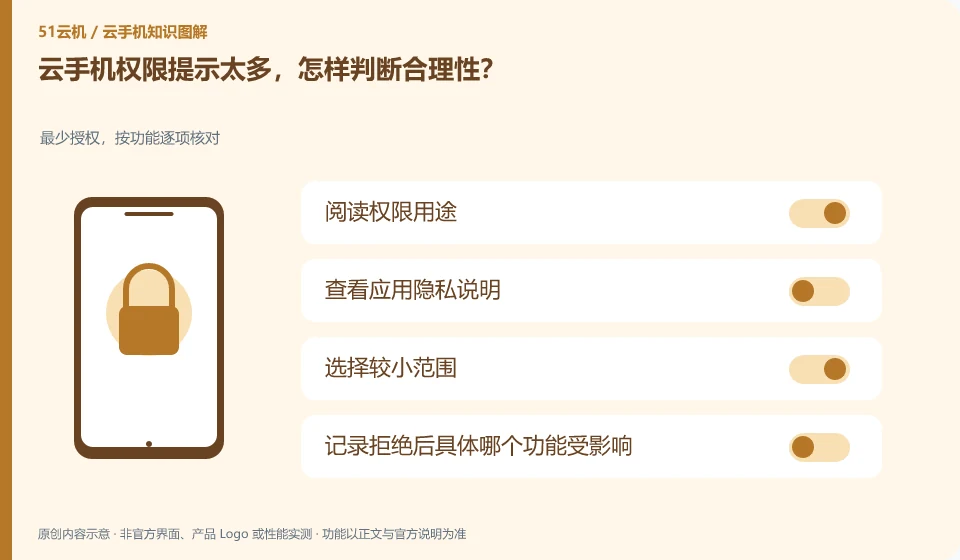
There are too many permission prompts on cloud phone. How to judge the validity? Minimum authorization, check item by function; read the purpose of permission; view the application privacy description; select a smaller scope; record which function is affected after rejection.
CLOUD PHONES

Too many cloud phone permission requests: how to assess them

Match permissions with current actions: recording requires a microphone, and selecting pictures may require file selection, but authorization should not be arbitrary based on the button name. This guide uses everyday examples, practical checks and common pitfalls to help you decide what to do next.
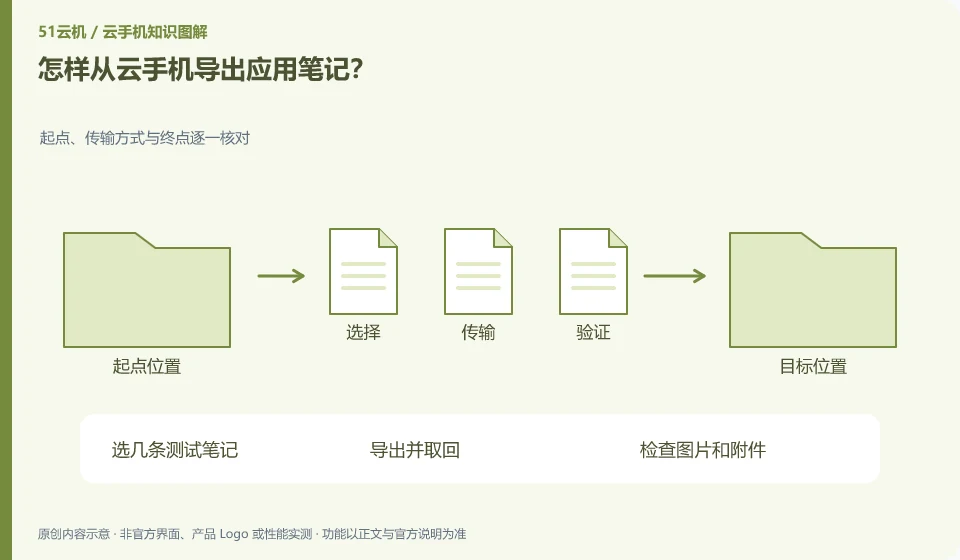
How to export application notes from cloud phone? Check the starting point, transmission method and end point one by one; select several test notes; export and retrieve; check pictures and attachments; confirm sorting and encoding
CLOUD PHONES

How to export notes from a cloud phone app

Prioritize using the app's own export or sync functions, and then confirm that the output format can be read elsewhere. Screenshots are only suitable for a small amount of auxiliary retention. This guide uses everyday examples, practical checks and common pitfalls to help you decide what to do next.
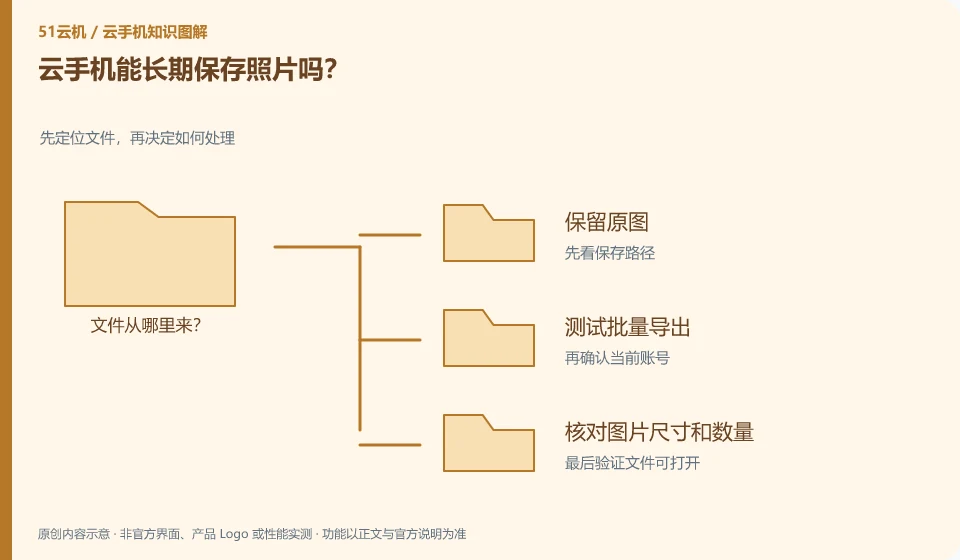
Can cloud phone save photos for a long time? Locate files first, then decide what to do with them; keep the original images; test batch export; check image size and quantity; arrange independent backups and check them regularly.
CLOUD PHONES

Is a cloud phone suitable for long-term photo storage?

It can be used as a location in the usage environment, but whether it is suitable for long-term storage depends on the capacity, expiration, export and backup rules. This guide uses everyday examples, practical checks and common pitfalls to help you decide what to do next.
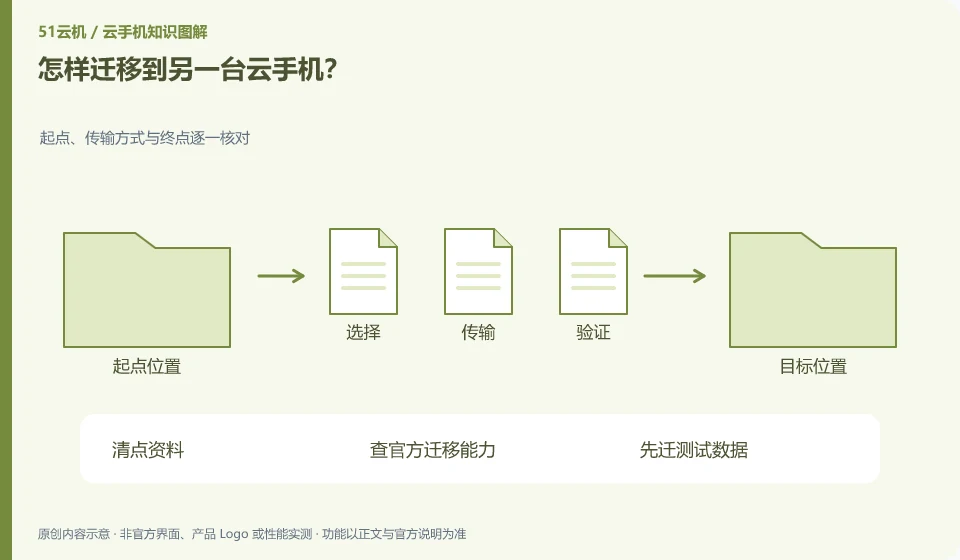
How to migrate to another cloud phone? Check the starting point, transmission method and end point one by one; count the data; check the official migration capability; migrate the test data first; verify the new environment one by one before processing the old environment.
CLOUD PHONES

How to move to another cloud phone instance

First, distinguish between application account synchronization, file transfer and overall environment migration. Not all platforms support full image migration or cross-region relocation. This guide uses everyday examples, practical checks and common pitfalls to help you decide what to do next.
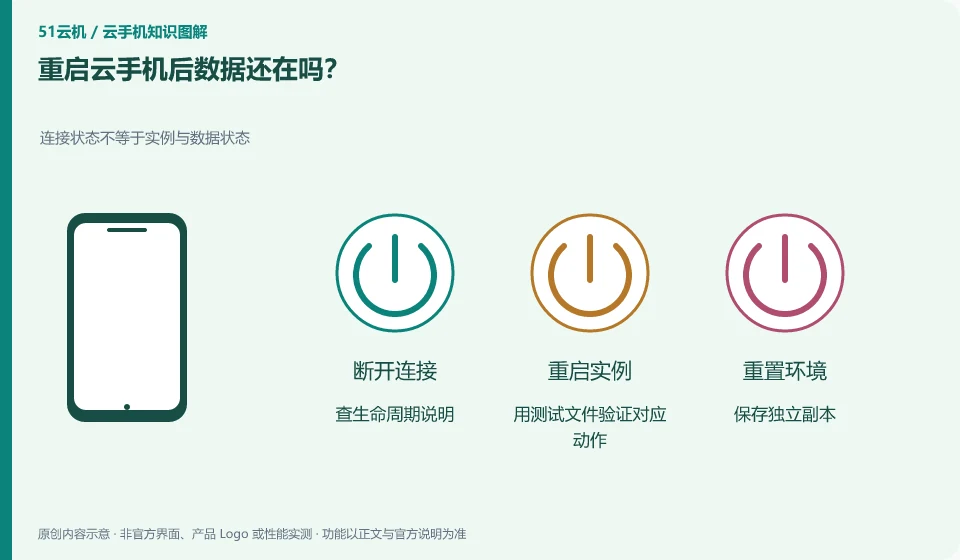
Is the data still there after restarting cloud phone? The connection status is not equal to the instance and data status; check the life cycle description; use test files to verify the corresponding actions; save an independent copy; check the prompts again before important operations.
CLOUD PHONES

Does data remain after restarting a cloud phone?

Depends on the instance and persistence rules applied. Restarting, stopping, resetting and rebuilding may have different results. This guide uses everyday examples, practical checks and common pitfalls to help you decide what to do next.
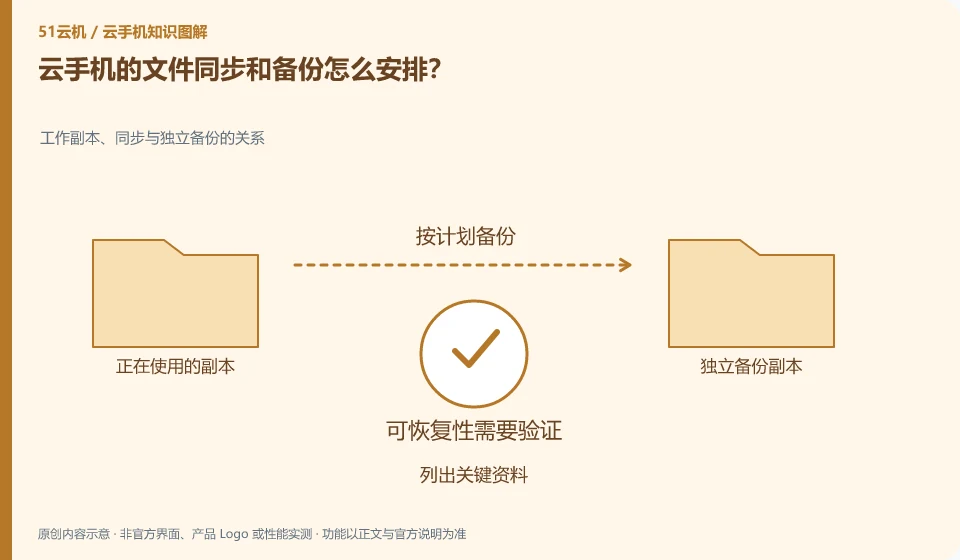
How to arrange file synchronization and backup on cloud phone? The relationship between working copy, synchronization and independent backup; list key data; confirm the save location; select a supported backup method; practice retrieval with test files.
CLOUD PHONES

Planning cloud phone file synchronization and backups

First clarify which data is in the application account and which is only in the Android instance, and then arrange synchronization and independent copies respectively. This guide uses everyday examples, practical checks and common pitfalls to help you decide what to do next.
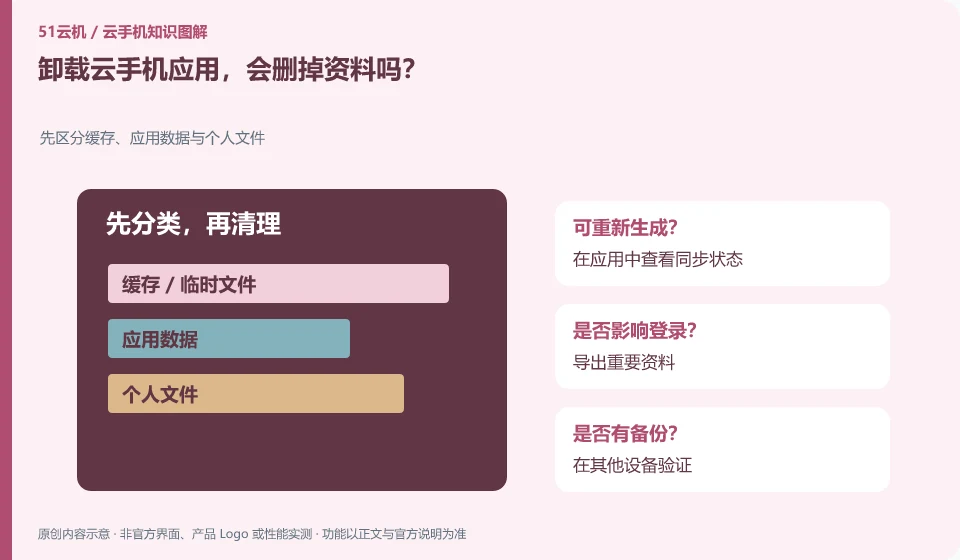
Will uninstalling the Cloud Phone app delete data? First distinguish cache, application data and personal files; check the synchronization status in the application; export important data; verify on other devices; and then handle the installation as needed.
CLOUD PHONES

Will uninstalling a cloud phone app delete your data?

It may affect the data saved by the application in the instance; whether there is another copy in the cloud account depends on the application's own synchronization rules. This guide uses everyday examples, practical checks and common pitfalls to help you decide what to do next.
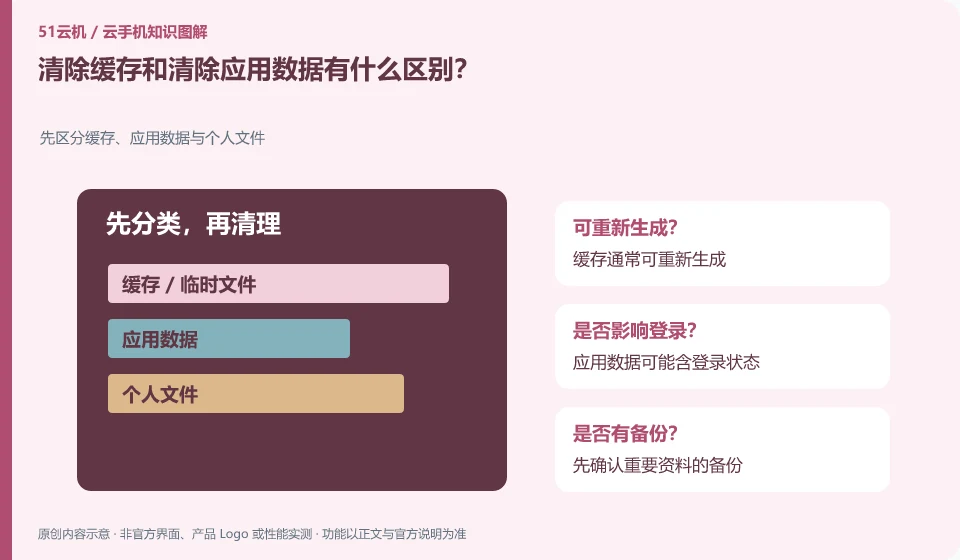
What is the difference between clearing cache and clearing app data? First distinguish between cache, application data and personal files; the cache can usually be regenerated; application data may contain login status; confirm the backup of important data first
CLOUD PHONES

Clearing cache versus clearing app data: what is the difference?

Caches are typically temporary content that can be regenerated; clearing data may remove login status, settings, and locally saved information. The details are subject to application behavior. This guide uses everyday examples, practical checks and common pitfalls to help you decide what to do next.
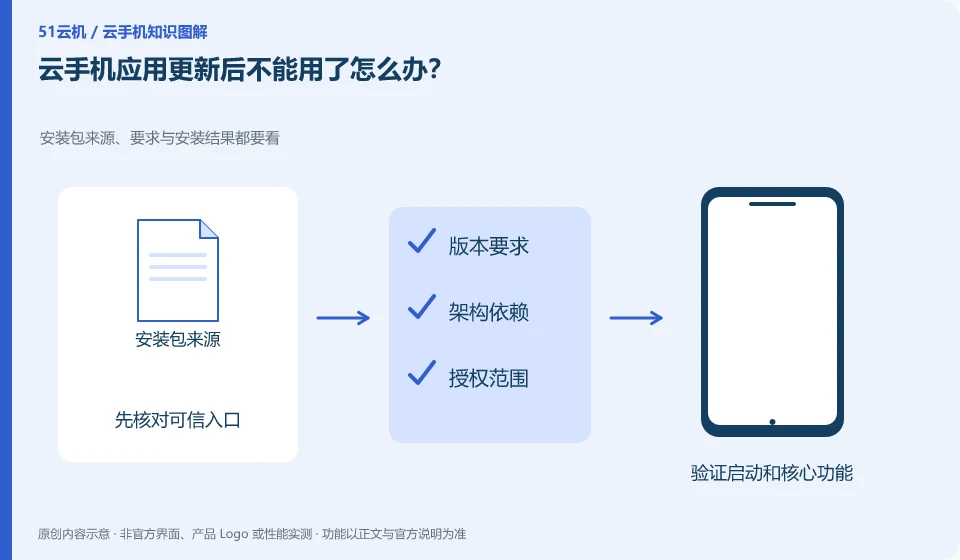
What should I do if the cloud phone application cannot be used after updating? Check the source, requirements and installation results of the installation package; save exportable data; view update instructions; record the environment version; and provide reproduction to application and platform support.
CLOUD PHONES

What to do when a cloud phone app stops working after an update

First record the versions and errors before and after the update, check official compatibility changes, and then use the test environment to reproduce. Do not overwrite all original data first. This guide uses everyday examples, practical checks and common pitfalls to help you decide what to do next.