51YUNJI / BUY WITH CONTEXT

Cloud phone apps and data: a reading route guides — Page 2

Explore English articles for this topic.

20 articles in English

Page 2 of 2
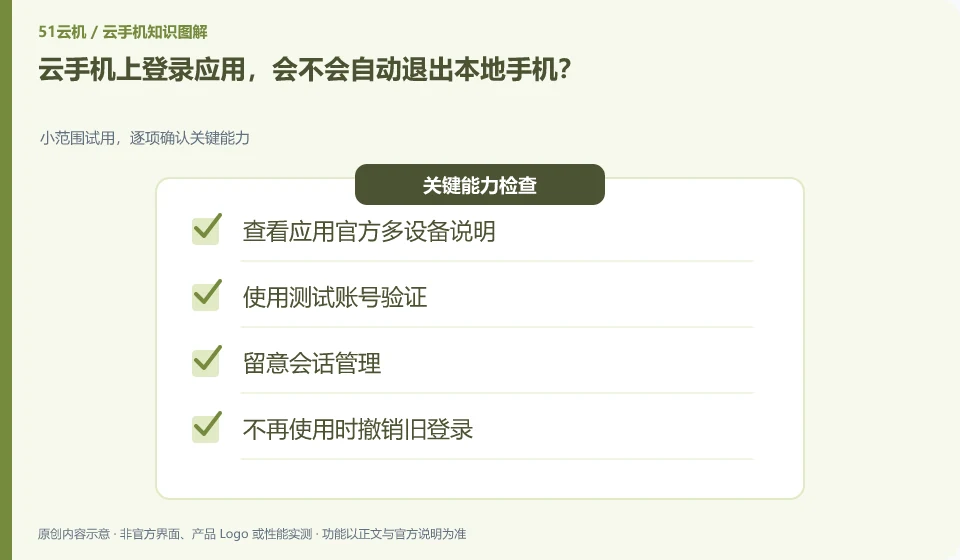
The application requires SMS verification, can cloud phone collect it on my behalf? Manage platform accounts, instances and application accounts separately; read the product communication instructions first; confirm the verification methods supported by the application; retain the account recovery method; do not enter verification codes on unfamiliar pages.
CLOUD PHONES

Can a cloud phone receive an app's SMS verification code?

It can't be OK by default. You need to check whether cloud phone provides communication services. Many cloud Android environments do not have available numbers themselves. This guide uses everyday examples, practical checks and common pitfalls to help you decide what to do next.
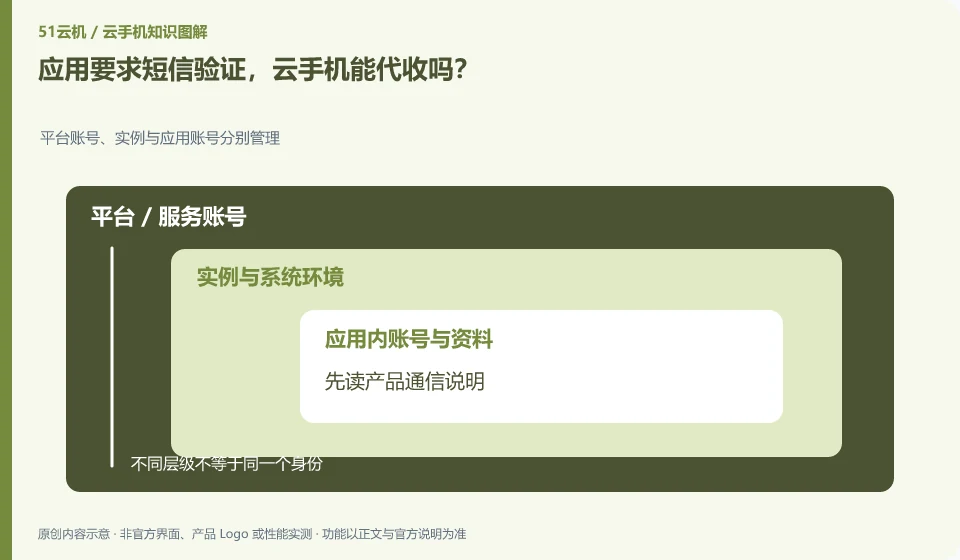
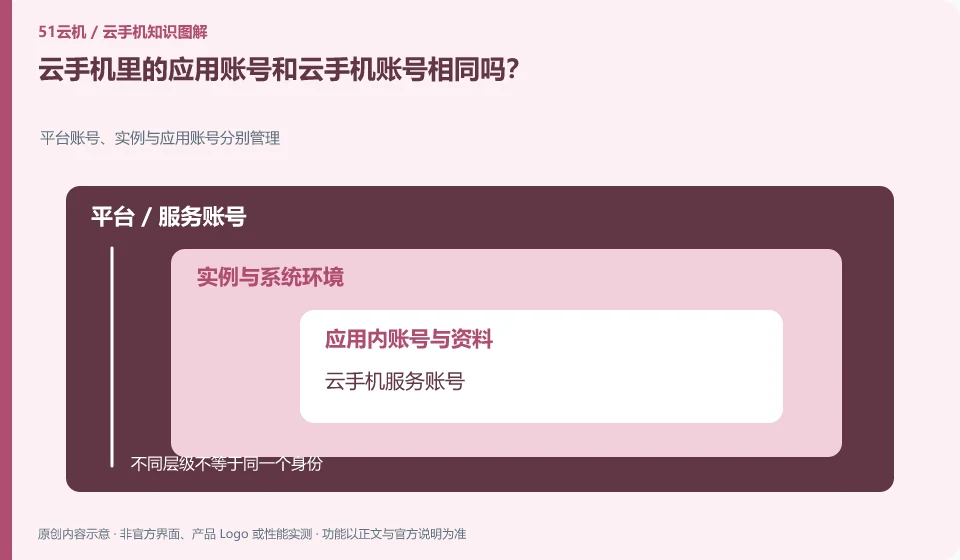
Are the application account in cloud phone the same as the cloud phone account? Platform accounts, instances and application accounts are managed separately; cloud phone service accounts; remote Android environments; in-application accounts are managed separately
CLOUD PHONES

Are a cloud phone account and an app account the same?

Usually they should be understood separately: one is used to enter the cloud service, and the other is used to log in to the specific application. Their passwords, recovery and exit may be independent. This guide uses everyday examples, practical checks and common pitfalls to help you decide what to do next.
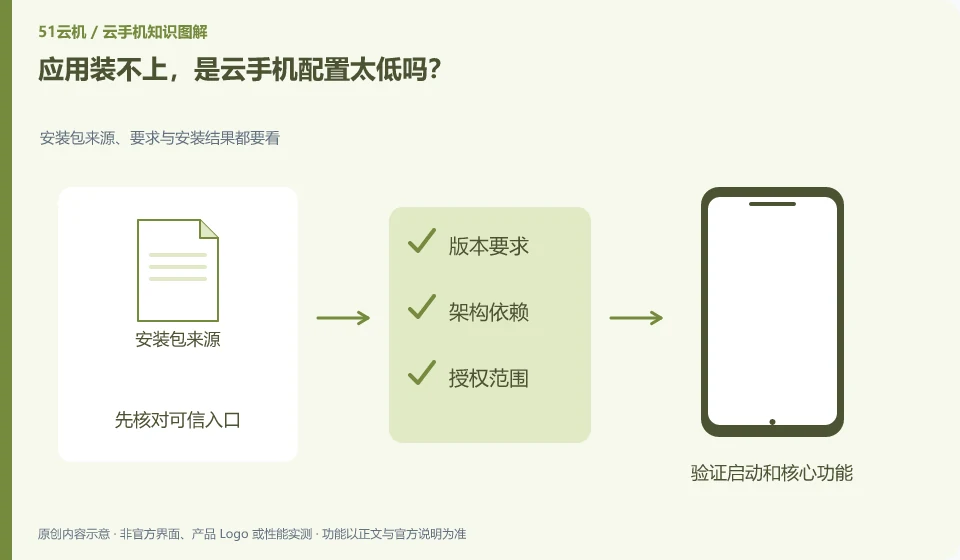
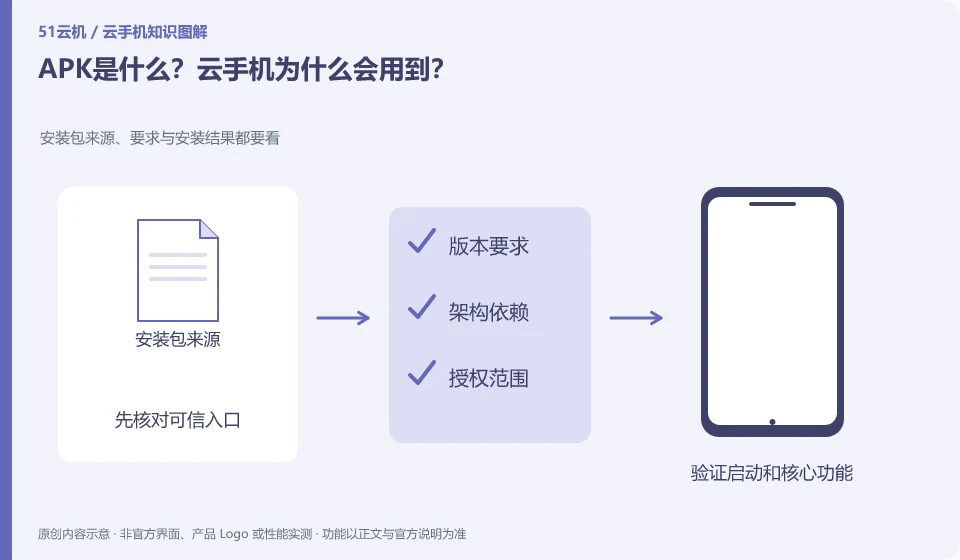
What is an APK? Why is cloud phone used? Check the source, requirements and installation results of the installation package; confirm the official source of the package; check that the file is complete and applicable to the system; install according to the method supported by the platform; record specific errors.
CLOUD PHONES

What is an APK, and why might a cloud phone need one?

APK is a form of Android application installation package. Receiving an installation package does not mean that it is safe, suitable or authorized for distribution. This guide uses everyday examples, practical checks and common pitfalls to help you decide what to do next.
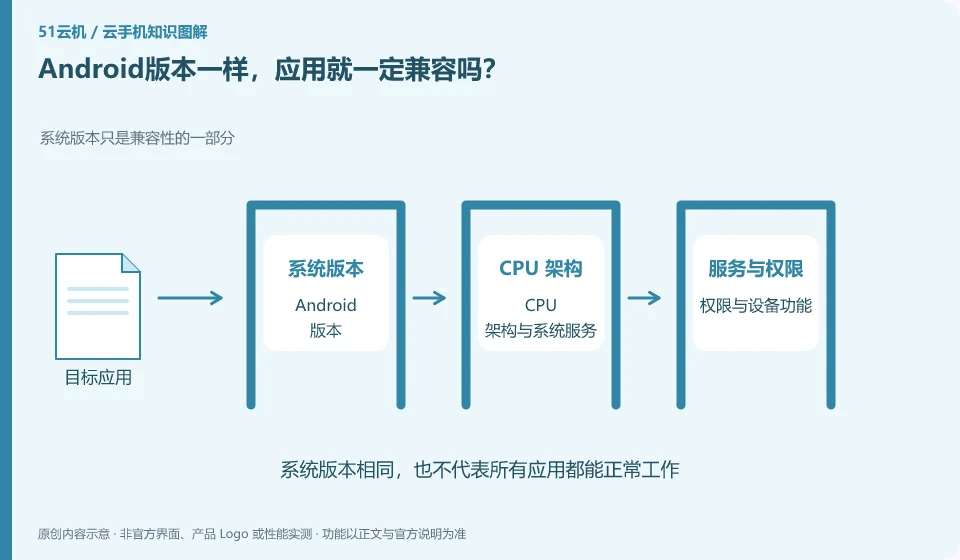
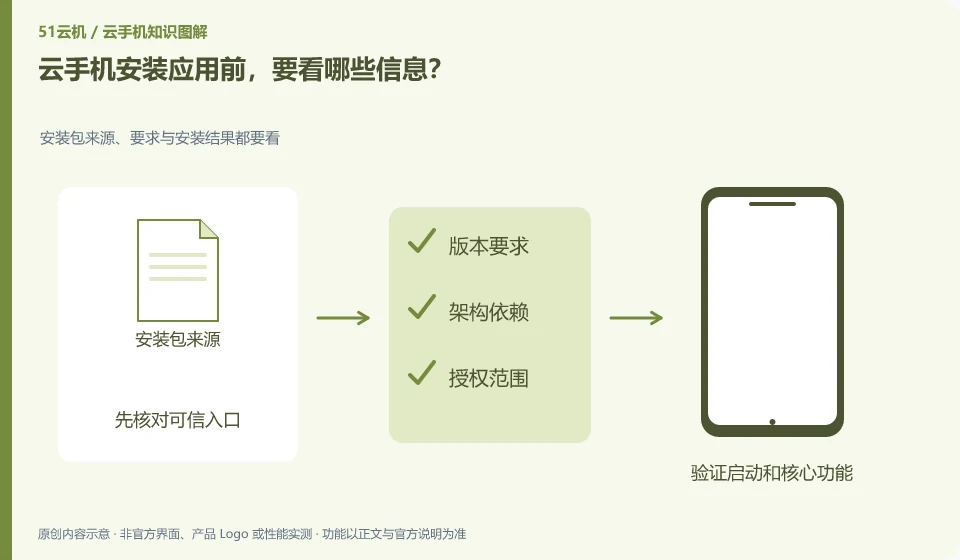
What information should I read before installing an application on cloud phone? Check the source, requirements and installation results of the installation package; give priority to official distribution channels; check system requirements; check necessary permissions; use a test account to go through the core functions.
CLOUD PHONES

What to check before installing a cloud phone app

First look at the source, Android version, architecture requirements, permissions and account requirements. Applications with the same name may also have different regions or versions. This guide uses everyday examples, practical checks and common pitfalls to help you decide what to do next.