
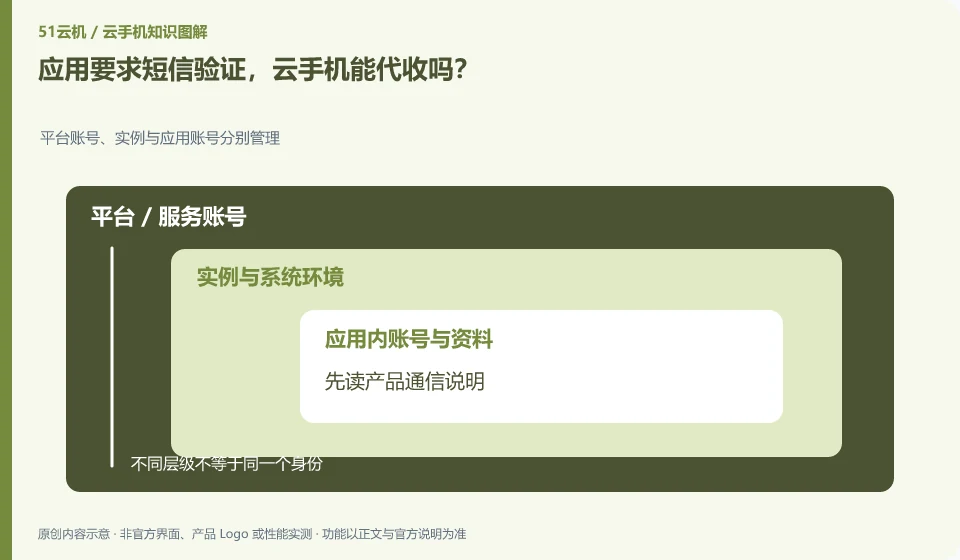
It can't be OK by default. You need to check whether cloud phone provides communication services. Many cloud Android environments do not have available numbers themselves.
Understand the essentials
The verification channel of the application is different from the Android interface. The presence of the SMS icon does not prove that the verification code can be received.
A practical example
Hypothetical example: When your personal number is required to log in, you should use the channels you control and have the authority to use.
What to check or try
- Read the product communications instructions first.
- Confirm the authentication methods your app supports.
- Keep account recovery methods.
- Do not enter verification codes on unfamiliar pages.
If the verification comes from a local personal number, Cloud Phone is just waiting for the verification code to be entered, not the number provider. When using it, confirm that the page is indeed the target application. Any request for help by handing over a verification code to a stranger should not be part of the normal login process.
An easy-to-miss detail
Do not use unknown number services to handle important accounts, and do not give verification codes to others.
Continue reading
- Are a cloud phone account and an app account the same?
- Will logging in on a cloud phone sign you out of your local phone?
Back to Cloud phones: apps and data
Notes and further reading
Wuying Cloud Phone FAQ;Tencent Cloud Phone quick start。
This introductory guide was prepared by 51Yunji from public information with AI-assisted drafting. Examples are hypothetical, not hands-on product tests or promises of results. Follow the current product, version and official instructions for specific features and procedures. Compiled on October 26, 2026.