
First export and verify the data, exit the application and synchronize the account, and then process the instance, subscription and associated resources. The order is important.
Understand the essentials
Deleting the client does not mean exiting the remote application, nor does it necessarily stop charging.
A practical example
Hypothetical example: After uninstalling the software locally, the remote account is still logged in. Later, when you want to retrieve the data, it has expired, which will be very passive.
What to check or try
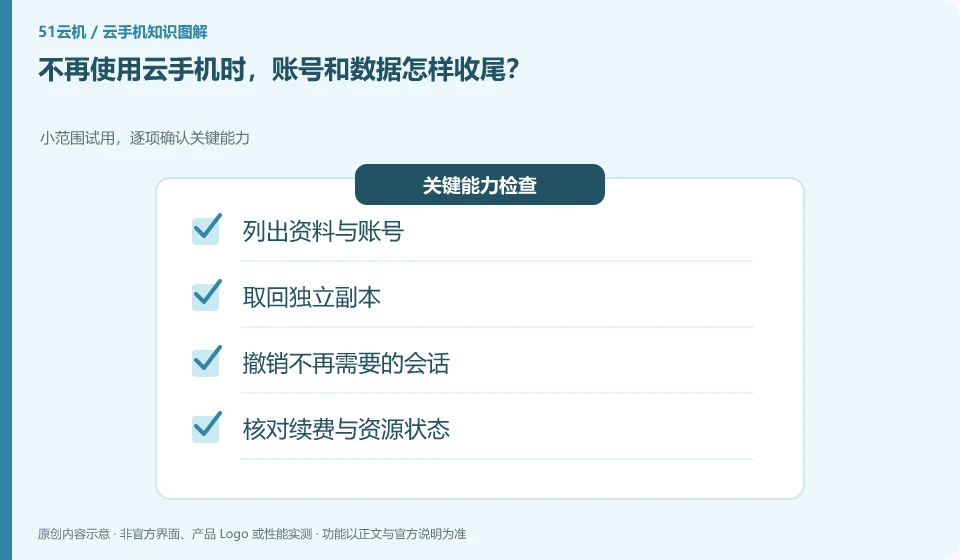
- List information and accounts.
- Retrieve a standalone copy.
- Revoke sessions that are no longer needed.
- Check renewal and resource status.
- Keep records.
After finishing, review the results from a local independent location, and then check the service page to see whether resources are still reserved or renewed. Necessary records should be kept outside the original instance. Just because an environment is no longer in use does not mean that the accounts, data and fees will automatically end together.
An easy-to-miss detail
Confirm the target instance before releasing or resetting it, and do not process data in the environment shared by others.
Continue reading
- Too many cloud phone permission requests: how to assess them
- What to check before installing a cloud phone app
Back to Cloud phones: apps and data
Notes and further reading
Google Play Integrity setup;Android app storage overview。
This introductory guide was prepared by 51Yunji from public information with AI-assisted drafting. Examples are hypothetical, not hands-on product tests or promises of results. Follow the current product, version and official instructions for specific features and procedures. Compiled on October 26, 2026.